55
Falcon User Manual - Remittance Processing - OPEX Corporation
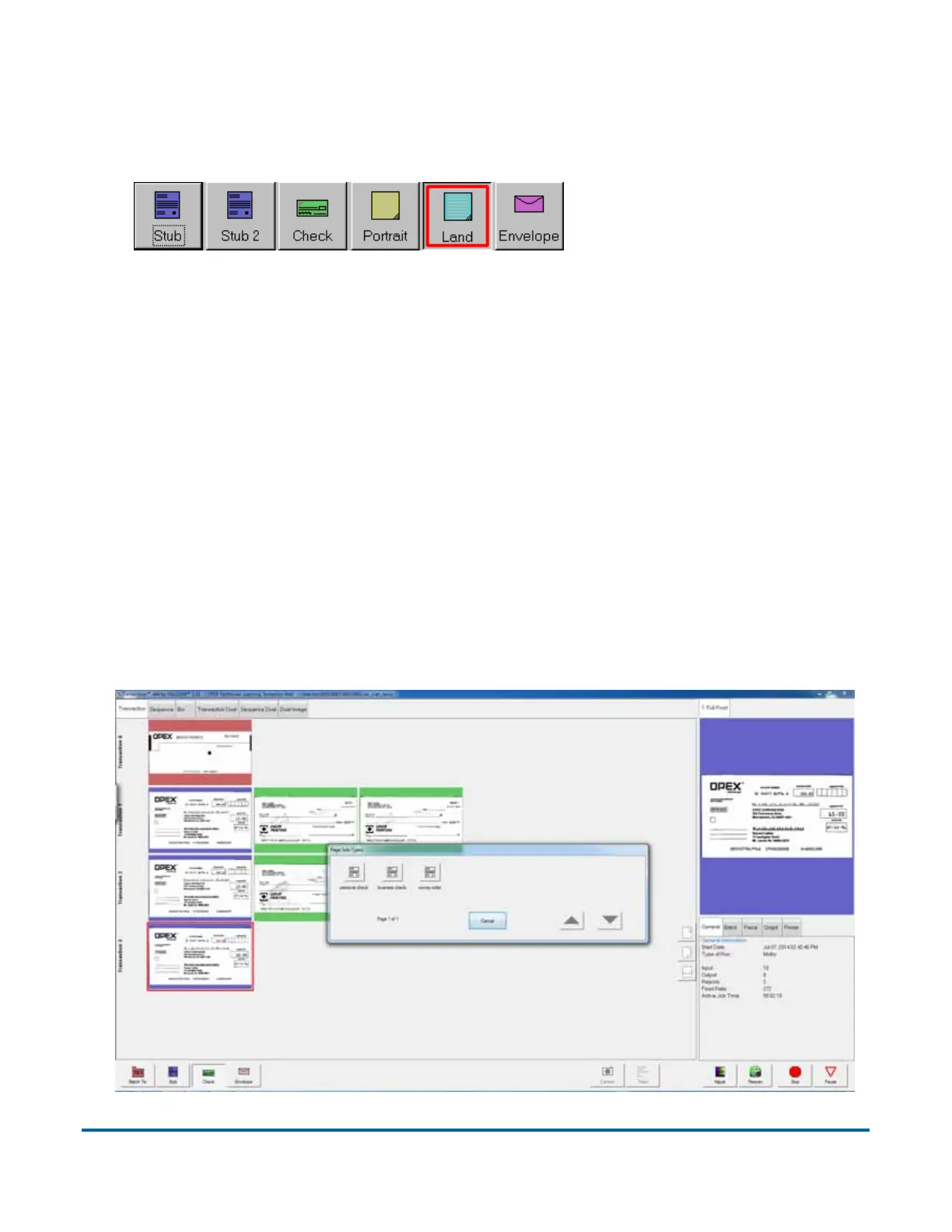
button twice and “lock” the page type button down. Once the button is “locked,”
all the subsequent pieces will be classified as this page type until the end of the
transaction or when the lock is released.
Note: This feature does not work with Virtual pages. For more on Virtual
Page Types, see “CertainScan Manual - Advanced Features”.
Assigning page sub-types
If one or more of the page types in your job contains sub-types, you must
assign the item a sub-type before scanning it into the system. Page Sub-Types
must be enabled in the General Page Type Parameters in order for this feature
to appear.
To assign a page sub-type:
1 While running a job, press the appropriate page type button. For example, if
you are scanning a business check into the system, press the Check page
type button.
2 Select from the available page sub-types.
A red box around a page
type button indicates
that the lock is in place.



 To Next Page