81
Falcon User Manual - Remittance Processing - OPEX Corporation
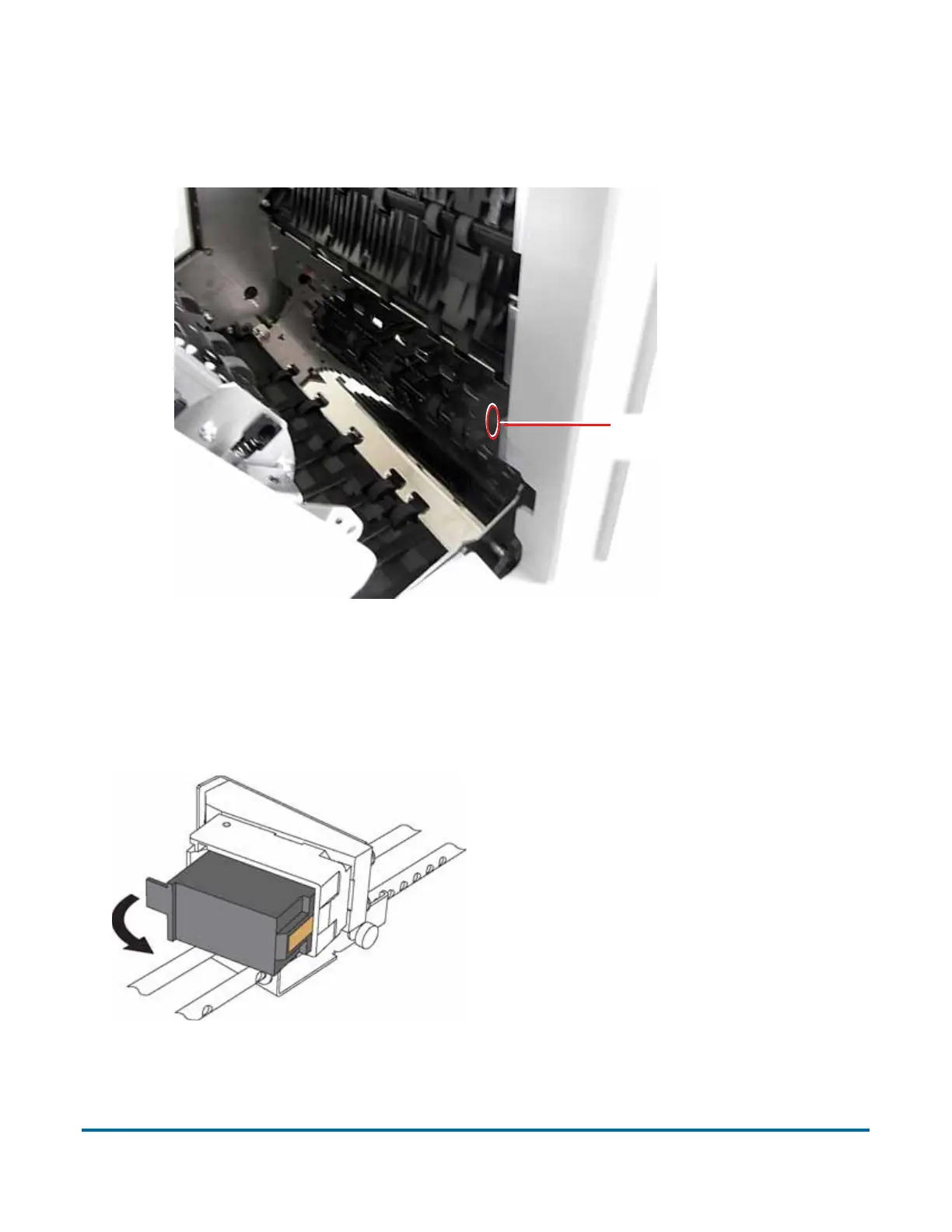
3 To access the back printer:
a. Press the hinged paper guide to release the latch. The optimal location
for pressing the guide is between the two small screws.
b. Swing open the paper guide to expose the printer assembly.
To remove/replace a printer cartridge:
1 Pull the tab on the rear of the printer cartridge and rotate outward, as shown
in the figure below.
2 Insert the new cartridge by tipping the front end of the cartridge in first, and
then pushing in the rear of the cartridge until it “clicks” into place.
Press the hinged
paper guide here



 To Next Page