28
Falcon User Manual - Remittance Processing - OPEX Corporation
Runscreen Thumbnail and Preview Image Icons
While scanning items in CertainScan, the host software displays thumbnail
images for configured snippets in the main left panel and preview images in a
smaller panel in the upper right corner of the runscreen. When images are
readily available in the host software’s cache or when the system is not busy,
images will display as expected. Under some conditions, when images are not
immediately available, the host software will display one of the icons shown in
Table 2 where the image would have been.
Note: When a batch is opened in CertainScan Edit or CertainScan, a subset of
the same icons will appear. Whether or not it should appear is indicated in
the last column. Refer to the “CertainScan Edit” manual for more details
on using CertainScan Edit.
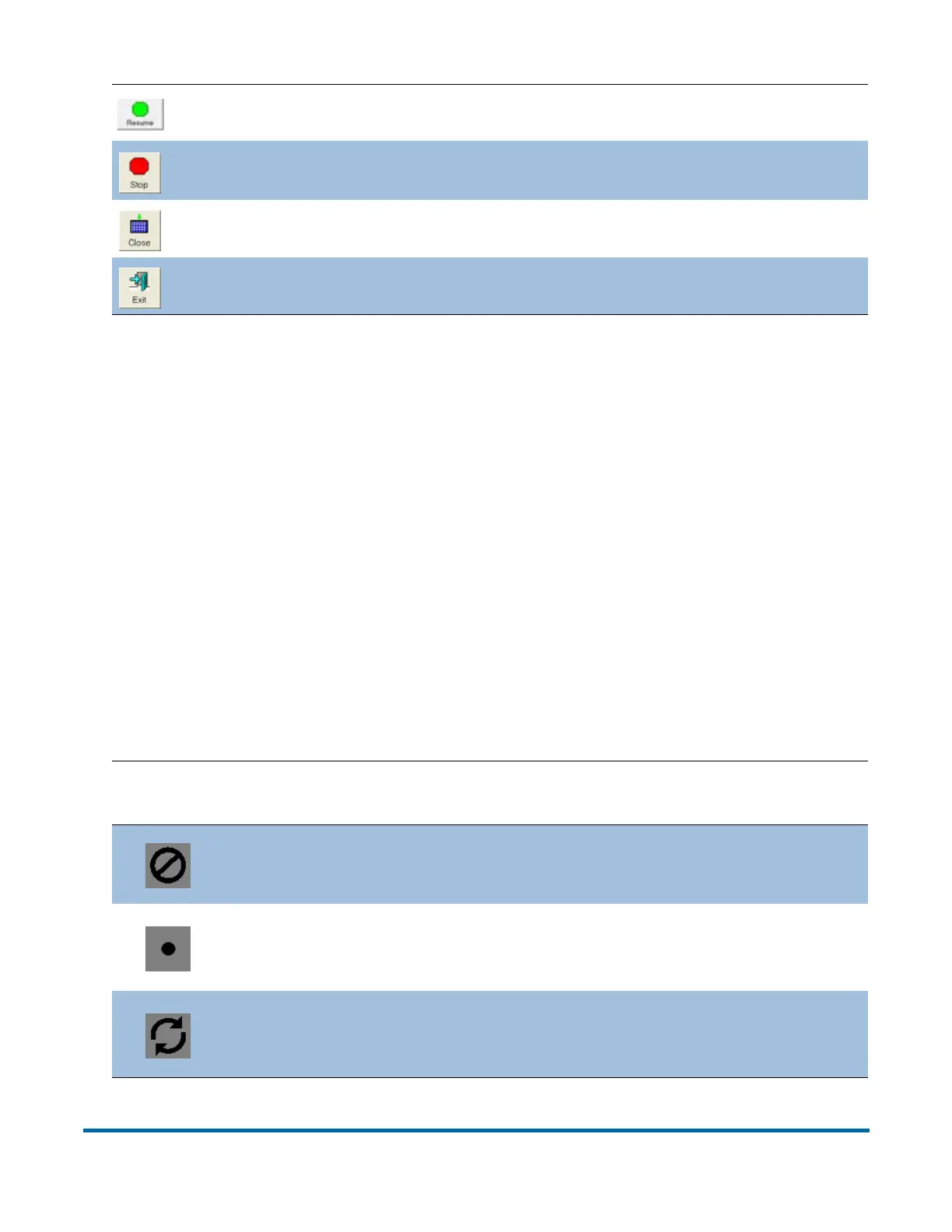
Press to Resume scanning. Once pressed, the Pause button appears.
Stop the machine. This does not end the current batch or set.
Close the current batch. The Close Batch confirmation prompt appears.
Exit the current job and close the Run screen.
Table 2: Runscreen Thumbnail and Preview Image Icons
Icon Description
Appears in
CertainScan Edit?
Image Blank Snippet is known to be
blank according to batch’s image data.
Yes
No Snippet Metadata Snippet
information was not saved in the batch.
This is configured in the page type.
Yes
Processing Underway Snippet image
is not yet available. Most likely, it is still
being processed for the scan.
Should not appear



 To Next Page