36
Falcon User Manual - Remittance Processing - OPEX Corporation
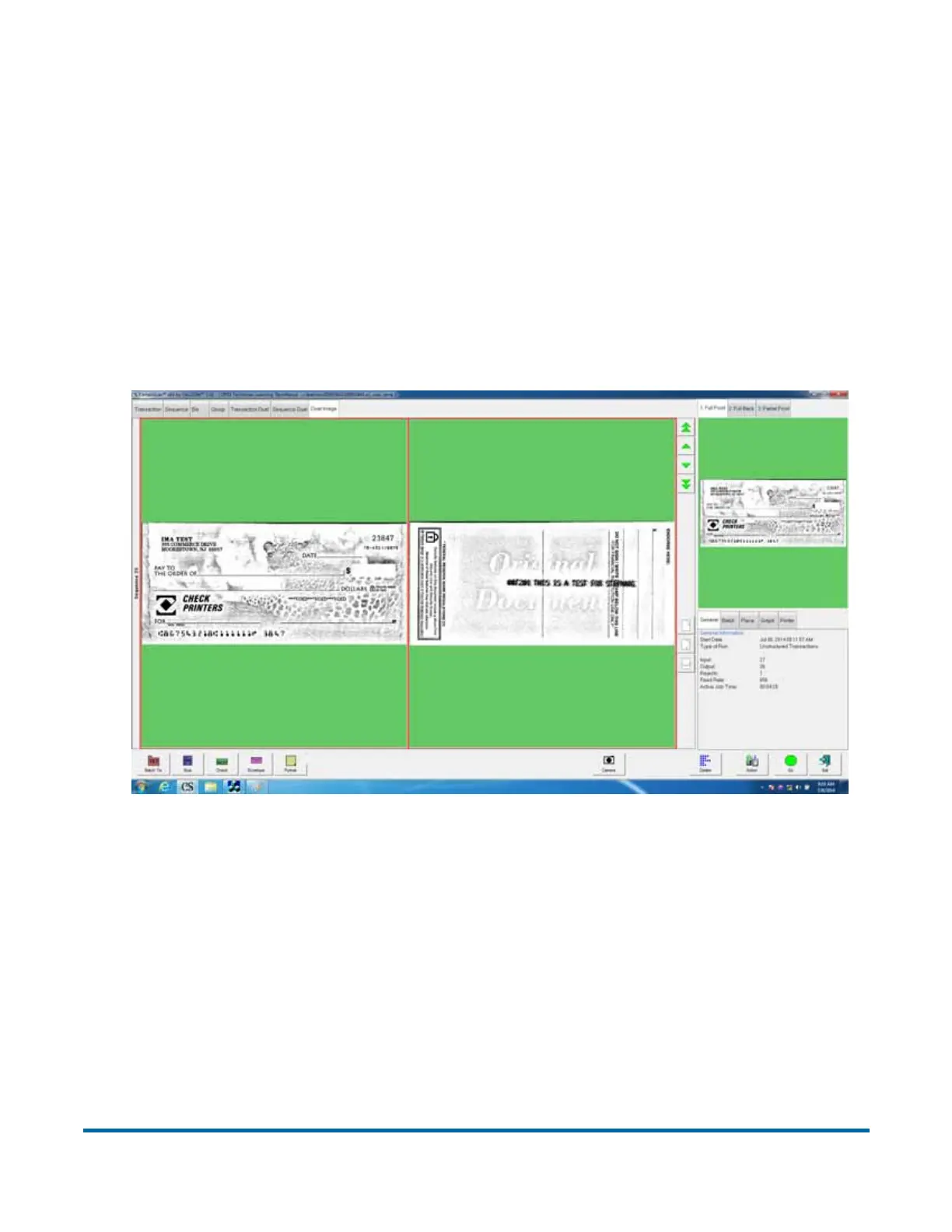
Dual Image view
This is a split-screen mode in which you can view two images of a single piece
at a time. The images displayed are those that you configure in Job Setup for
the Page Type. You can then select two images corresponding to the “Image
for Thumbnail” and “Secondary Image for Thumbnail” parameters in General
Page Type Parameters. If no secondary thumbnail is selected, only the first
thumbnail is displayed and the region where the second thumbnail would
appear is left blank.
In the following example, both front and back images of a check are displayed.



 To Next Page