42
Falcon User Manual - Remittance Processing - OPEX Corporation
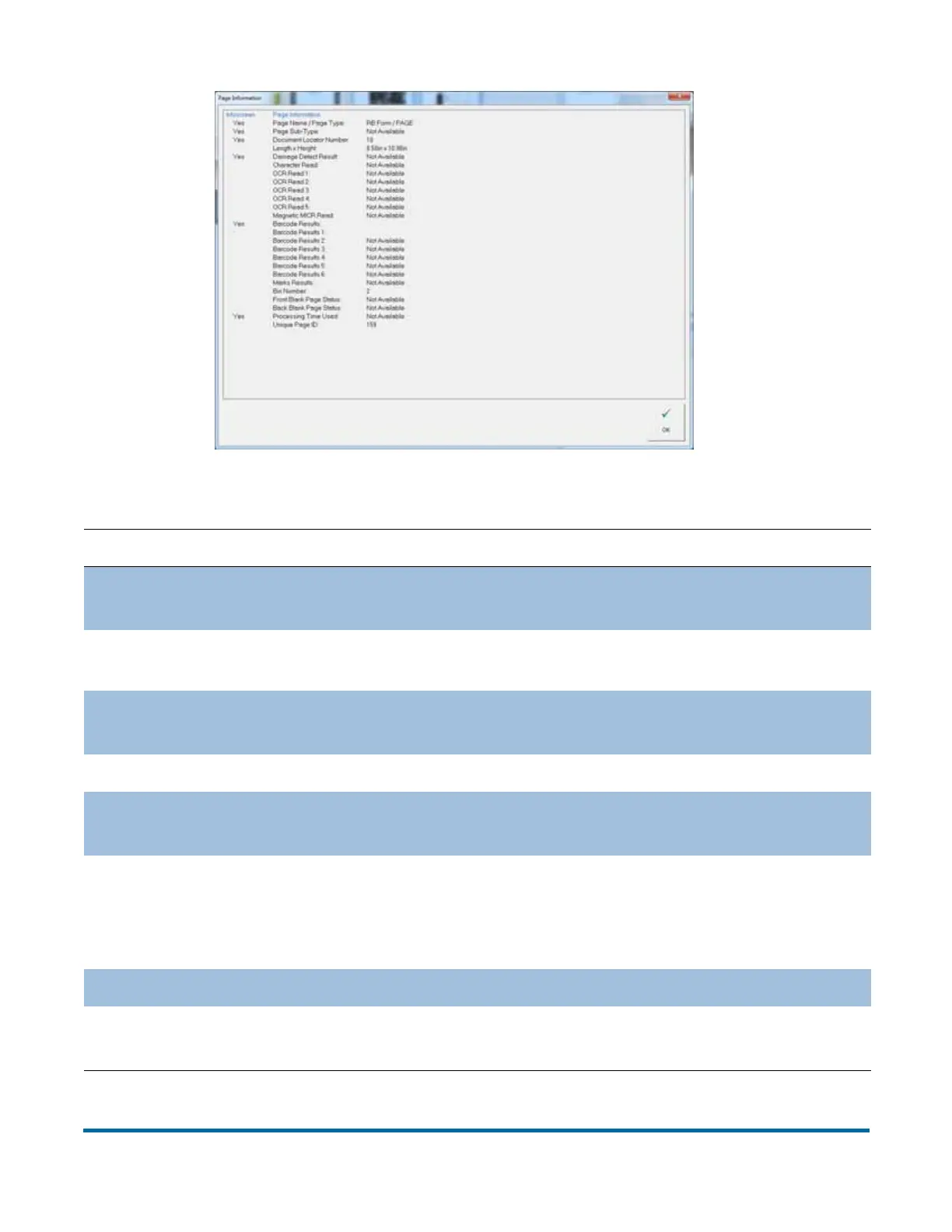
Table 5: Page Information - detailed view
Parameter Description
Page Name / Page
Type
Corresponds to pagetypes configuration for job; Selected
in Job Setup
Page Sub-Type
Corresponds to pagetypes configuration for job; Page type
sub-category (if available for current page type)
Document
Location Number
a unique number assigned to every piece of a batch.
Length x Height Determined for each piece scanned
Damage Detect
Result
Indicator for whether damage was found on the piece
Character Read
Combined results of magnetic and optical MICR reads;
Generic display of OCR1 or MICR character reads on a
given piece to keep jobs consistent. If more info is desired,
bring up the info panel for all the OCR and MICR details.
OCR Read 1 - 5 Results of OCR regions 1-5, as per pagetype configuration
Magnetic MICR
Read
Results of MICR region, as per pagetype configuration



 To Next Page