21
REDSCAN Manager Trouble Shooting
Can not Install REDSCAN Manager
- Install to recommended PC below.
[Recommended PC Specifications]
- If REDSCAN Manager is running, close the REDSCAN Manager.
- If another installer is running, wait for the install to complete.
Can not connect to REDSCAN
- RLS-2020 series has 2 LAN ports, main Ethernet port and Maintenance port. Check which port is
used. Refer below page for default settings of main and maintenance ports.
[PC Settings for REDSCAN Manager]
- Check network settings of the PC and REDSCAN. Are they correct? Try ping from the PC to
REDSCAN. (Example: Open command prompt and enter [ping 192.168.0.126].)
- Is Windows firewall opened for REDSCAN Manager?
[PC Settings for REDSCAN Manager]
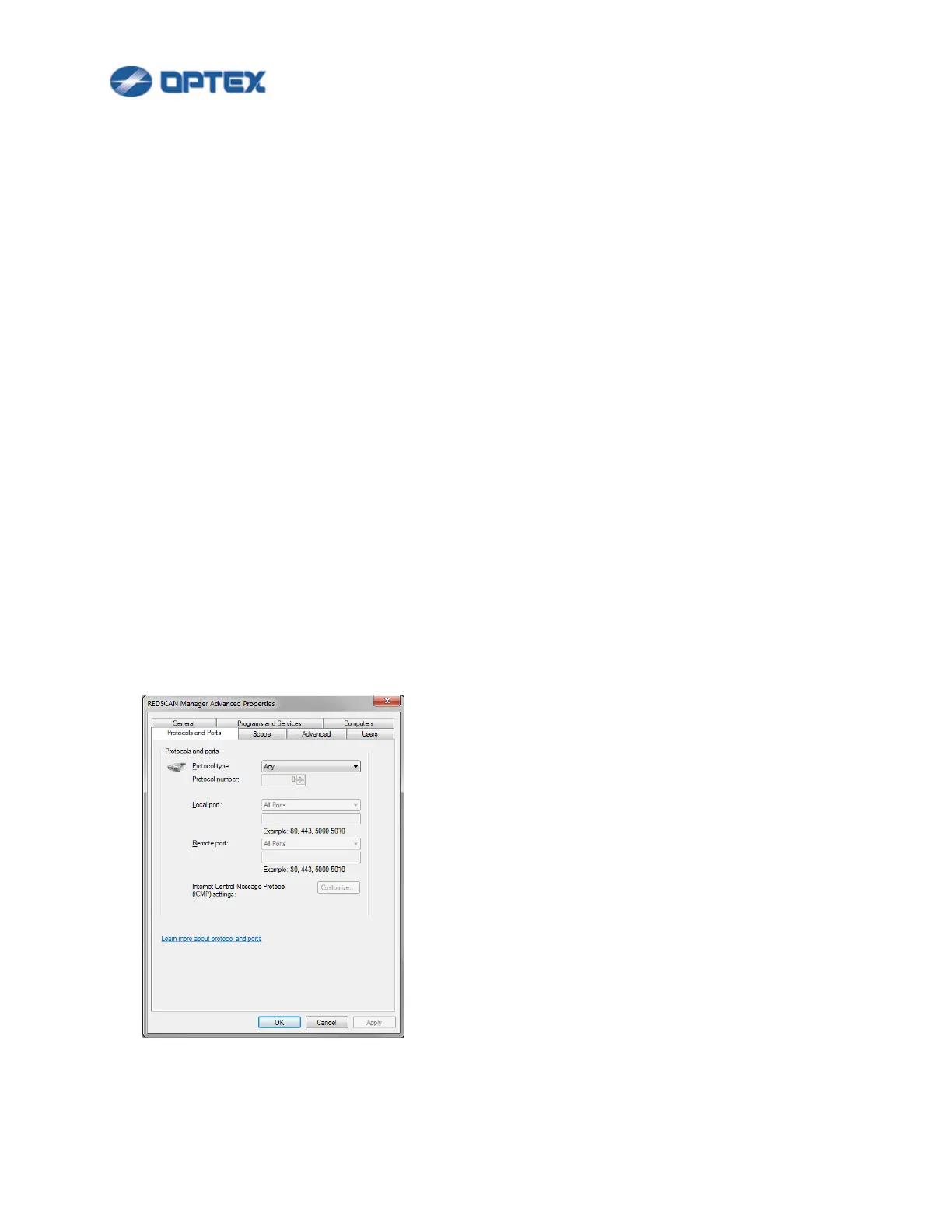
- Check Windows firewall settings.
Control Panel --- Windows Firewall --- Advanced settings --- Inbound Rules. Select REDSCAN
Manager Advanced, right click it, and select Properties. Select Protocols and Ports tab. If Protocol
type is not Any, select Any.



 To Next Page
 Loading...









