34
[Area Set]
Area Set enables to learn background of the area. The background information is base for decreasing false
alarm.
[RLS-2020]
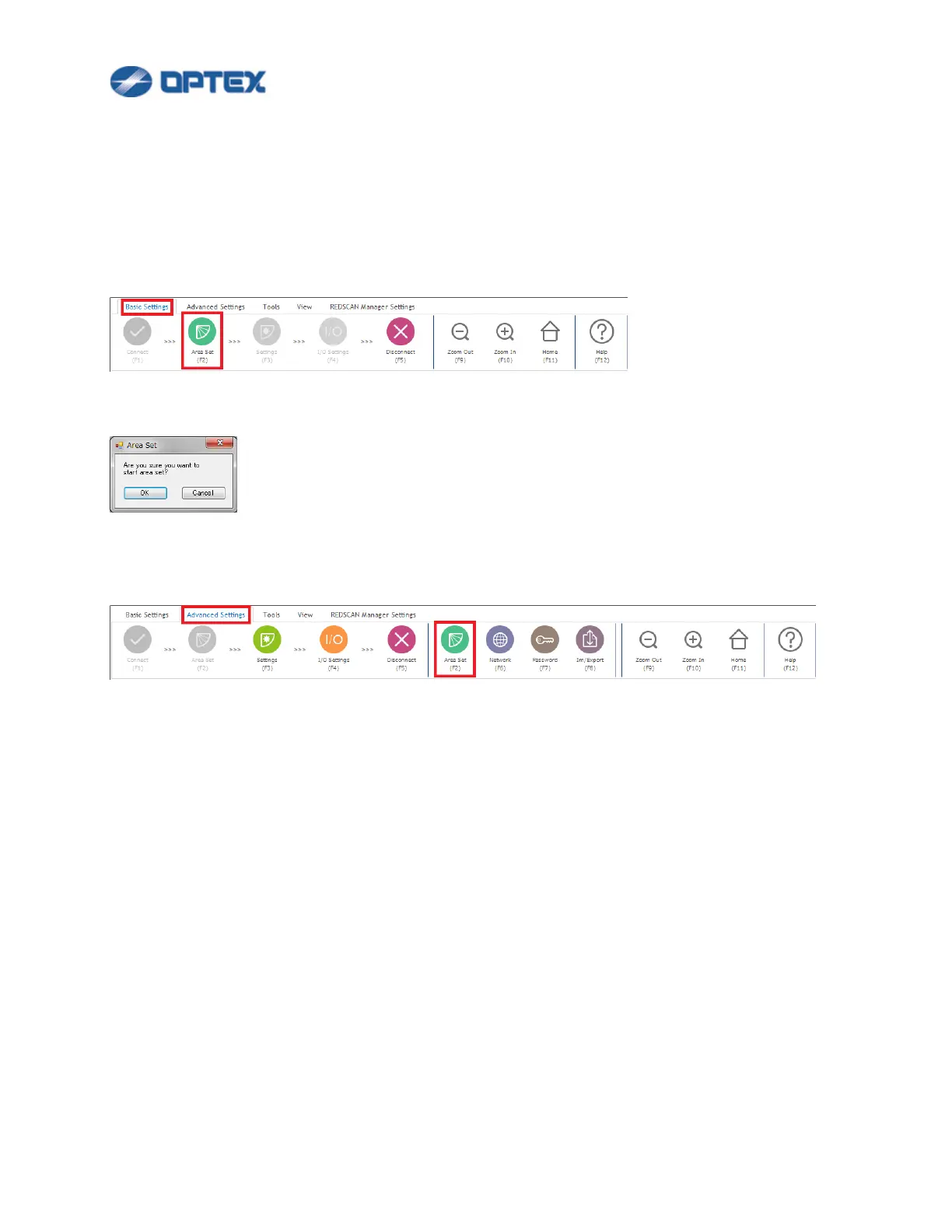
1. If Area Set is not done yet, the 2nd button is active. Click the Area Set button.
2. Dialog box will appear. Click OK. Area Set will be completed in 15 seconds.
3. Once Area Set is done, the 2nd button is disabled. To do Area Set again, select Advanced Settings and
click the 6th button.


 To Next Page
 Loading...










