27
[Login]
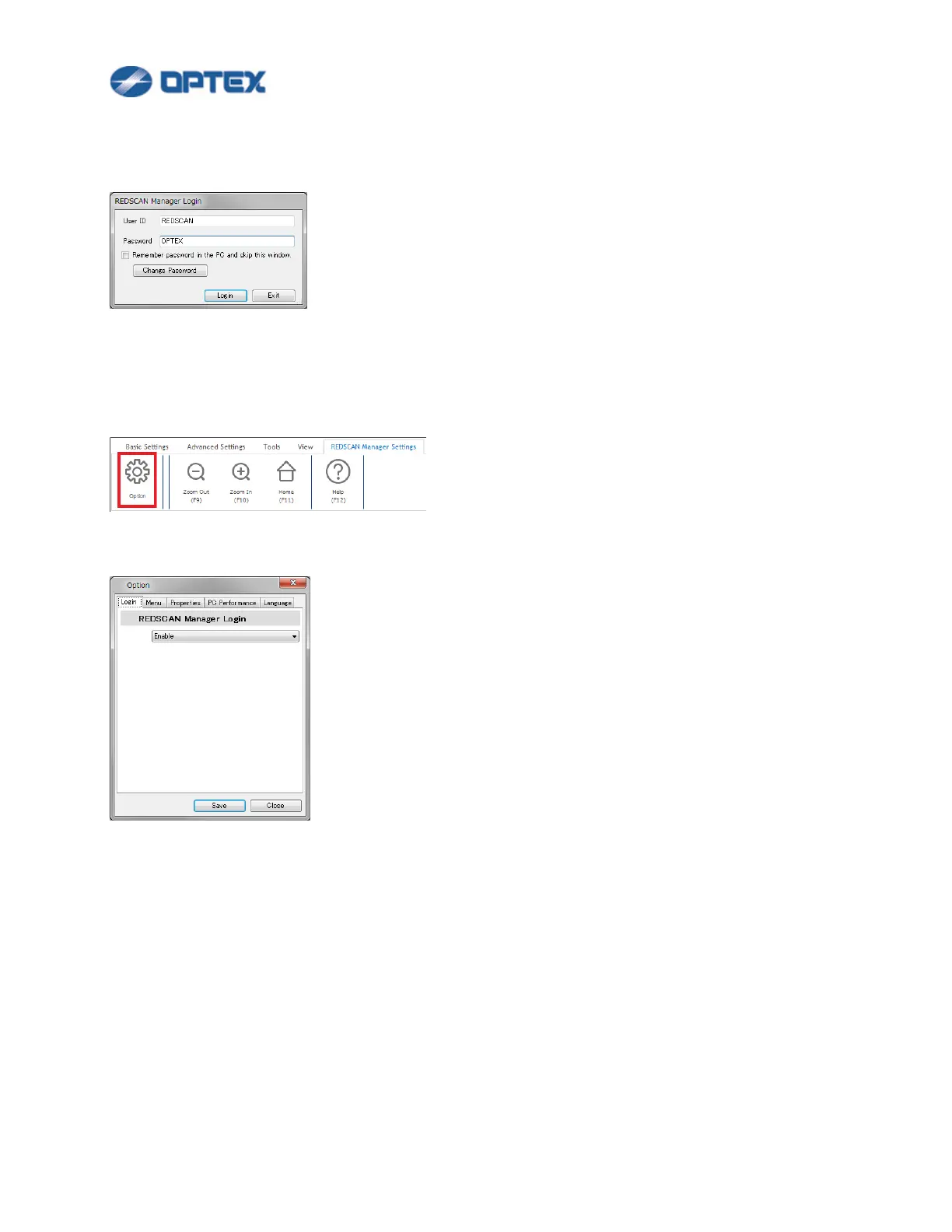
Start REDSCAN Manager. Enter User ID and Password. Default settings are REDSCAN and OPTEX.
To change Login password, click Change Password button.
If you want to skip the Login from next time, check the checkbox. The PC remembers the password.
If you want to activate the Login again, select REDSCAN Manager Settings menu and click Option button.
Select Enable in Login tab.


 To Next Page
 Loading...










