80
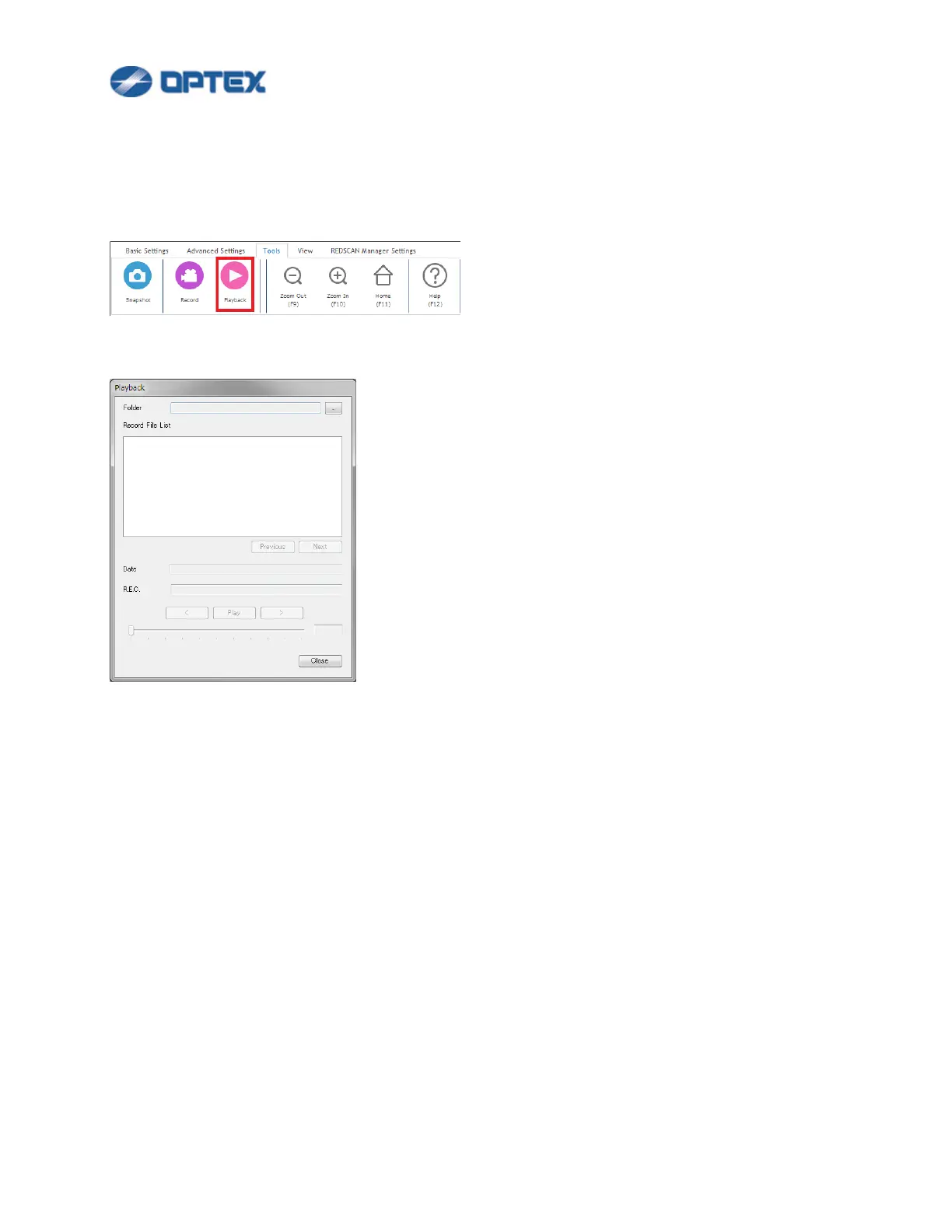
[Playback]
This function enables to playback recorded file.
1. Click Tools menu.
Note: Playback is not available when REDSCAN is connected. Disconnect REDSCAN before playback.
2. Click Playback button.
⚫ Folder: Select folder of recorded files.
⚫ File List: Recorded files in the folder are displayed.
⚫ Date: Recorded day and time of select file are displayed.
⚫ R.E.C.: R.E.C. of selected file is displayed.
3. Playback the recorded file.
⚫ Left Arrow: Go to previous video frame.
⚫ Play button: Playback the file.
⚫ Stop button: Stop the playback.
⚫ Right Arrow: Go to next video frame.



 To Next Page
 Loading...









