40
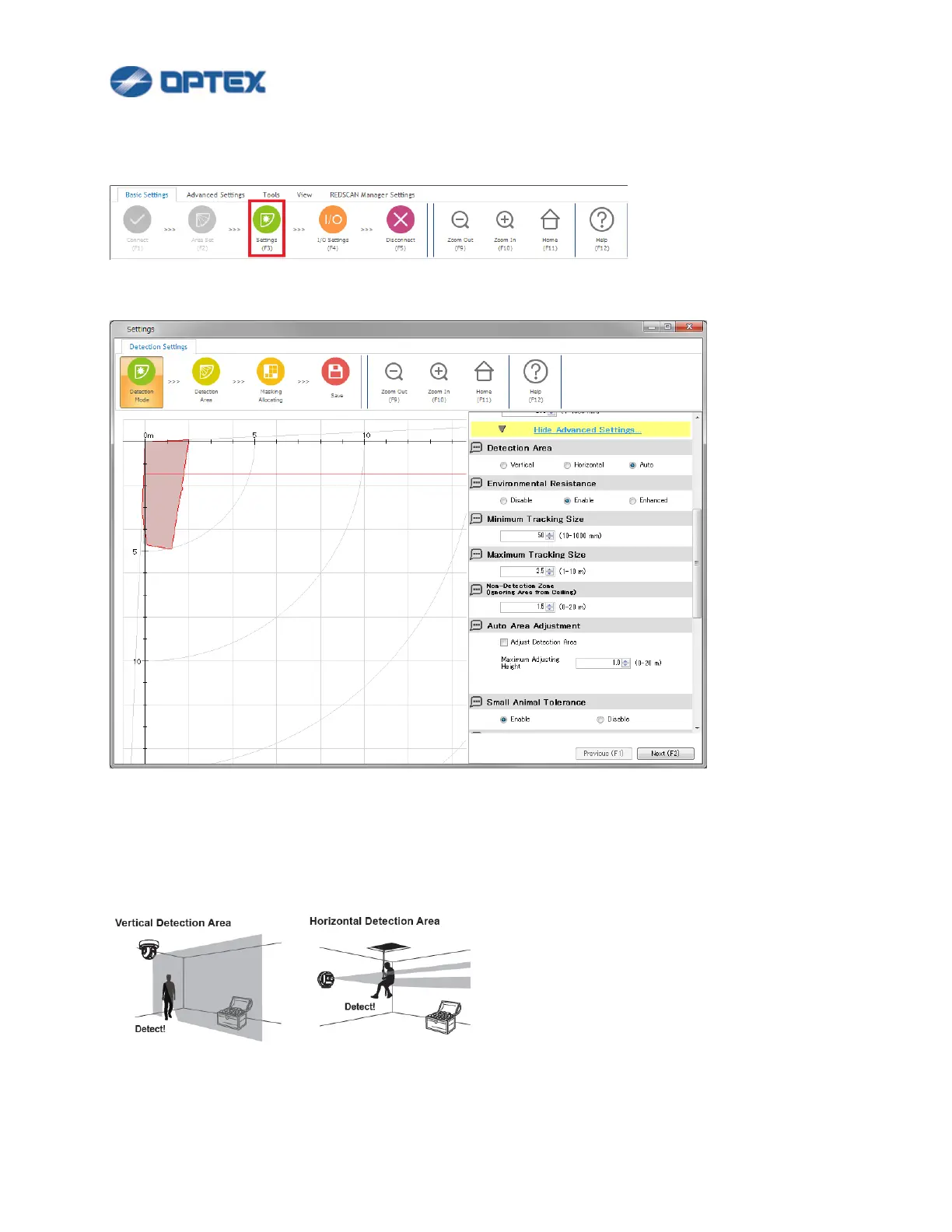
[Detection Mode: Advanced Settings] (RLS-2020 series)
1. Click Setting button (the 3rd button).
2. Dialog box will appear. Click Show Advanced Settings. Select preferable settings.
[Detection Area]
⚫ Vertical: Creating a detection area perpendicular to the ground, such as wall protection.
⚫ Horizontal: Creating a detection area in parallel with the ground, such as ceiling protection.
⚫ Auto: The direction is detected automatically when Area set is done.



 To Next Page