29
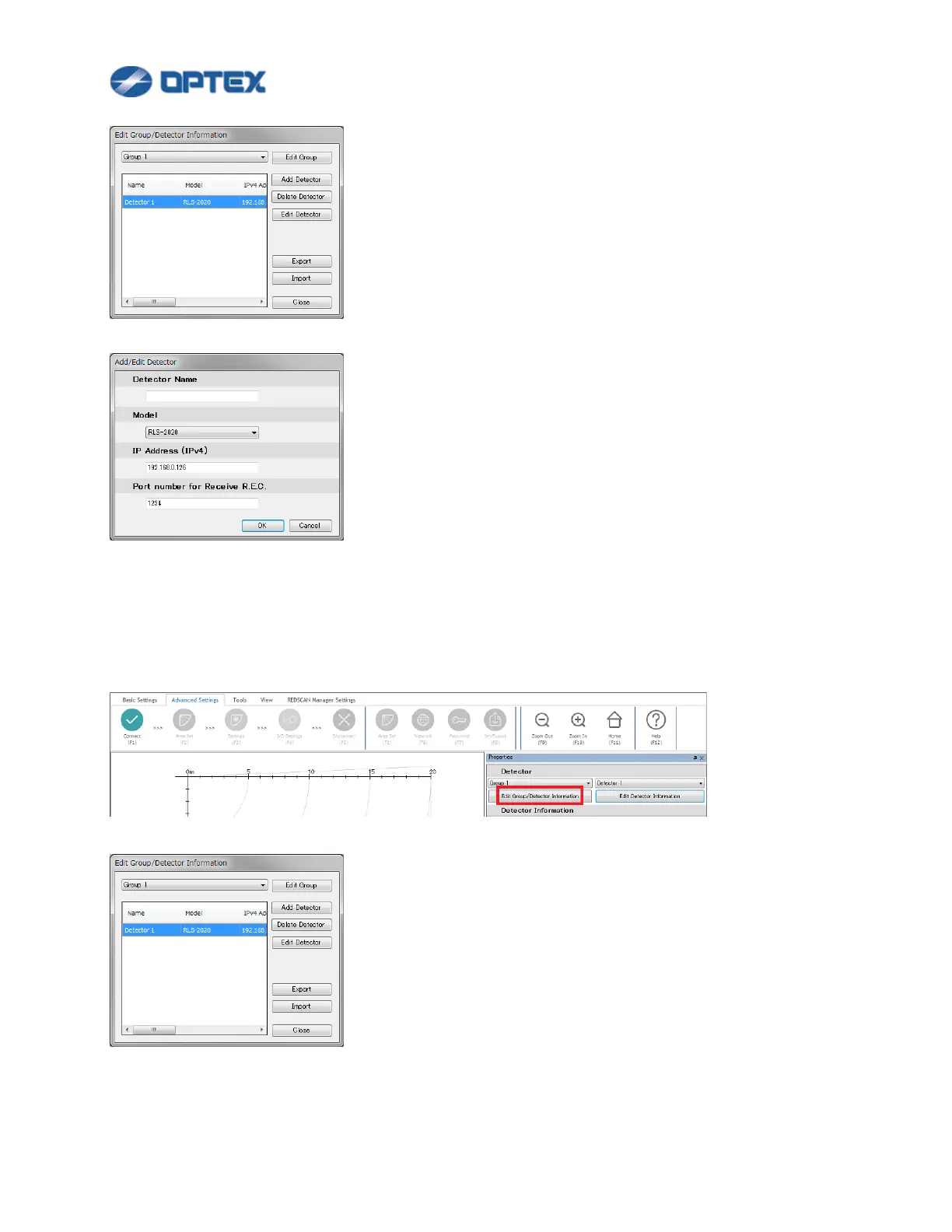
Click Add Detector button.
Enter Name, select model name, and enter IP address of target unit.
To change the settings, select the detector in the list, and click Edit Detector button.
To delete a detector, select the detector in the list, and click Delete Detector button.
3. To register new group, click Edit Group/Detector Information button.
Click Edit Group button.



 To Next Page
 Loading...









