59
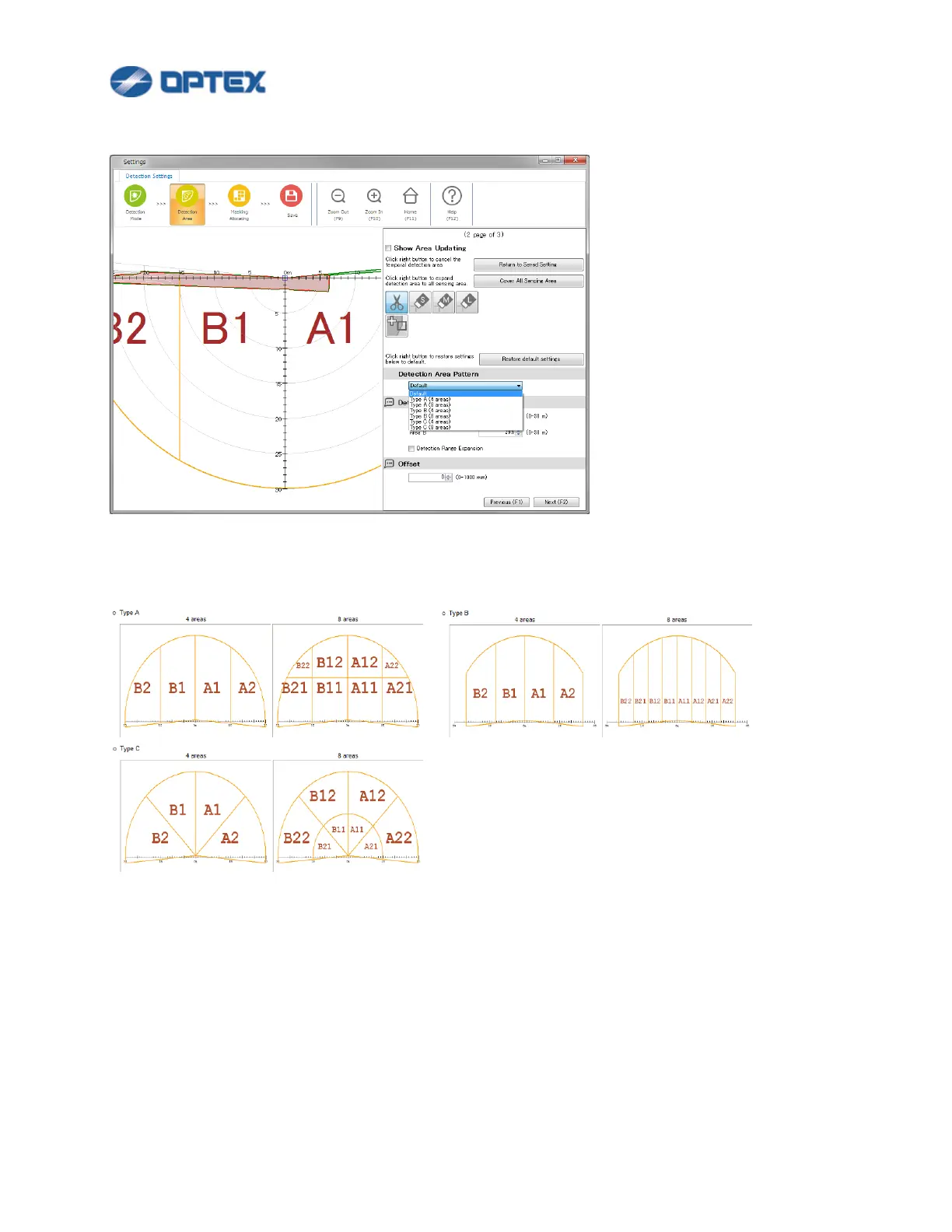
In case of RLS-3060SH and RLS-3060L Version 8.0.0 or later, Detection Area Pattern is available.
Detection Area Pattern is predefined allocating area below. (Detection Area Pattern can be overridden by
Area Allocating.)
3. Adjust size and position of the map as you like.
⚫ Click Zoom Out or Zoom In to adjust map size.
⚫ Drag and drop the map to preferable position. Home button enables to move the map to default
position.



 To Next Page
 Loading...









