22
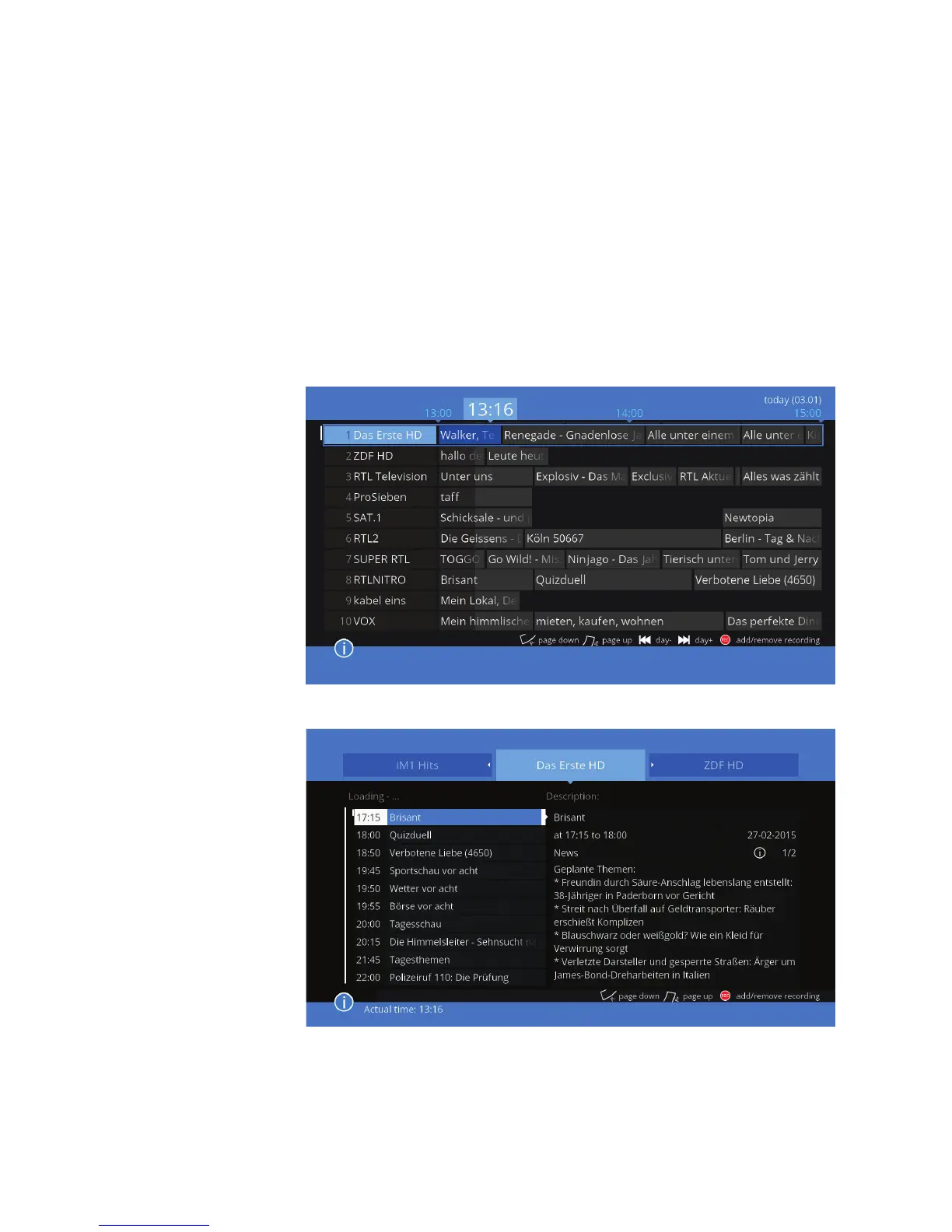
EPG – schedule
EPG – newspapaer
displayed.
Using the REC button, add or delete a recording. This function is described in
the next section 3.6 TIMER
Info bar displays information about the current program. If you want to enlar-
ge it, use the INFO button on the remote control.
In the menu „System Settings” EPG settings (detailed on page 37), you can
congure the behavior and style of the EPG. There are two dierent styles:
the schedule and the newspaper.



 To Next Page