24
3.7 Radio channels
The receiver is adapted to receive and play digital radio channels available
from a satellite. Use the TV/ button,to switch between TV and radio chan-
nels. Radio channels have their own list and EPG. You can manage the radio
channels almost the same way as TV channels.
The receiver also allows you to receive Internet radio via ethernet or wireless
network. This feature is described in detail on p. 41.
3.8 Find
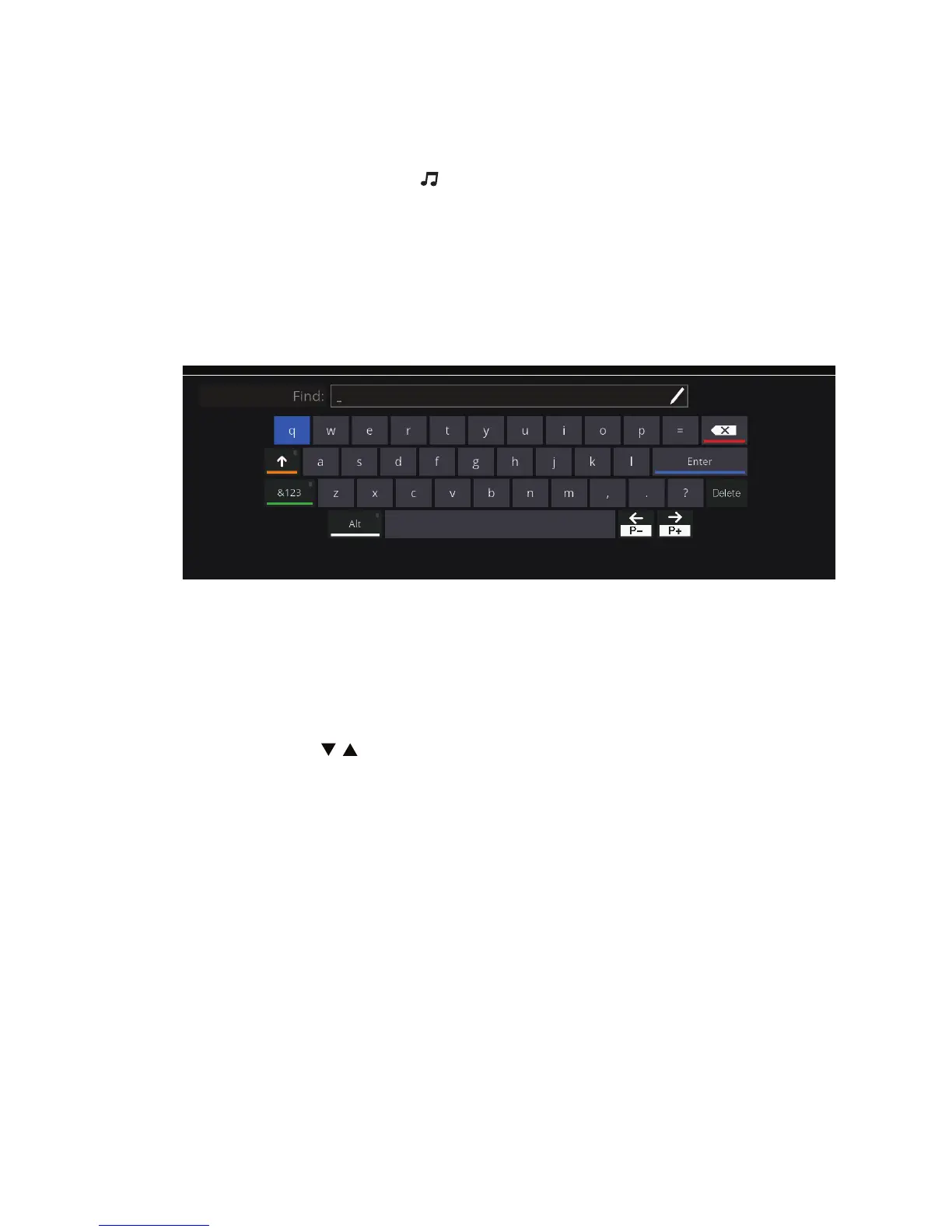
Find is a function that allows you to search for a channel by typing its name.
Press FIND on the remote control to display the Find window. Use the cursor
keys to select a desired character and press OK to enter it into the text box.
After entering the rst letter, a list of channels that contain it in their name.
Press the blue button or move the cursor to „Return” to go to the list of found
channels. Press / to select the found channel and press OK to display it.
3.9 Mailbox
This function is optional. Your service provider may send you information
about services and payments. To see a list of messages from the operator,
press MAILBOX (green button).
If you receive a new message, the screen displays the envelope symbol.



 To Next Page