41
Menu
Internet Radio
When the receiver is connected to the internet you can play Internet radio sta-
tions. Internet Radio menu displays a list of available radio stations. To naviga-
te through the list, use the / and OK to play. Some radio stations provide
a number of radio channels. Select the channel you want to listen to and
press OK. While listening to Internet radio, you can not use the buttons such
as (PAUSE), (PLAY), (FF) etc.
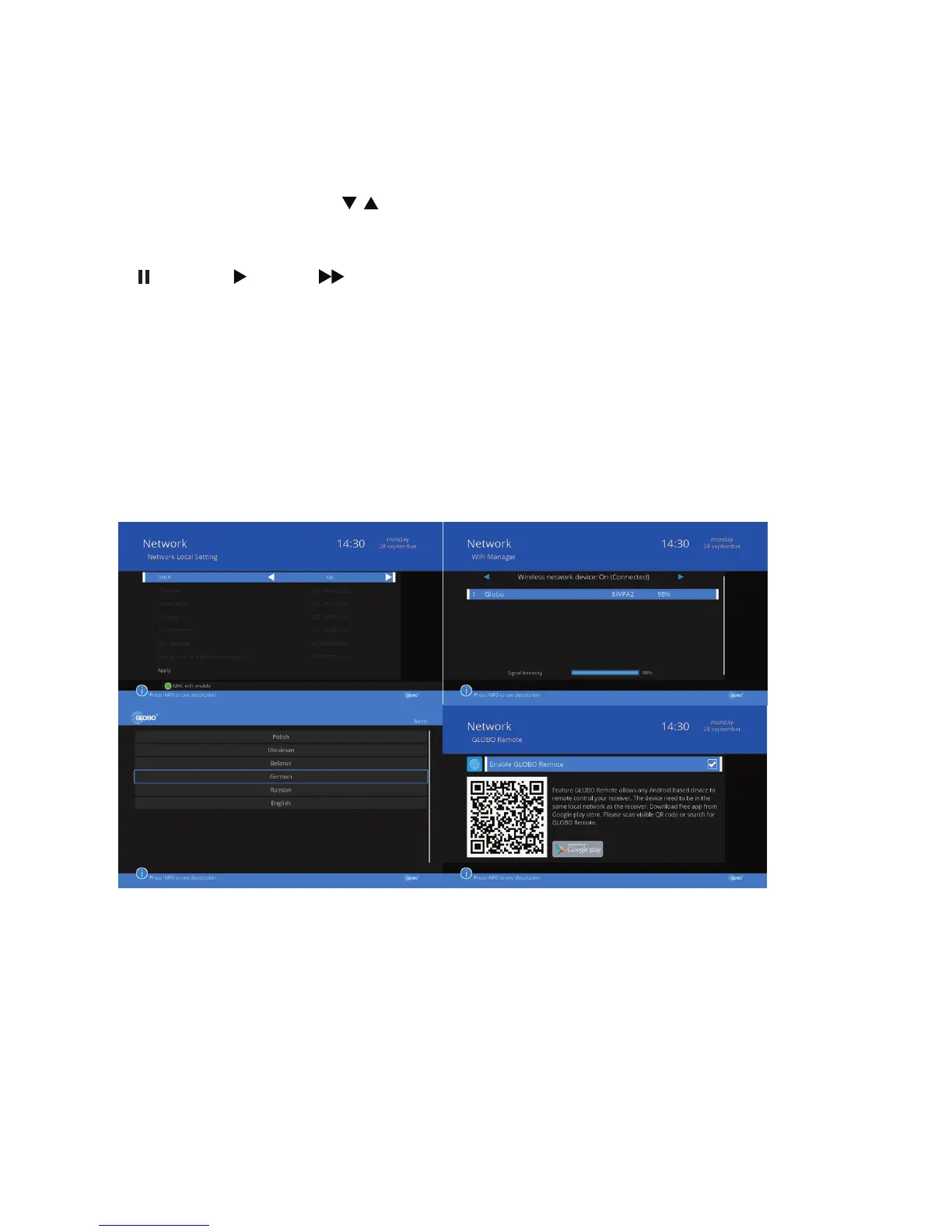
Globo Remote
The Globo Remote allows you to remotely control the receiver via any devi-
ce based on the Android operating system. This device must be in the same
local network as the receiver. Download the free app from the Google Play
store. To do this, scan the QR code appears, or search for an application cal-
led Remote GLOBO.



 To Next Page