30
Menu
4
Read this chapter to learn how to use the menu of the receiver, and setbthe
receiver to t your needs.
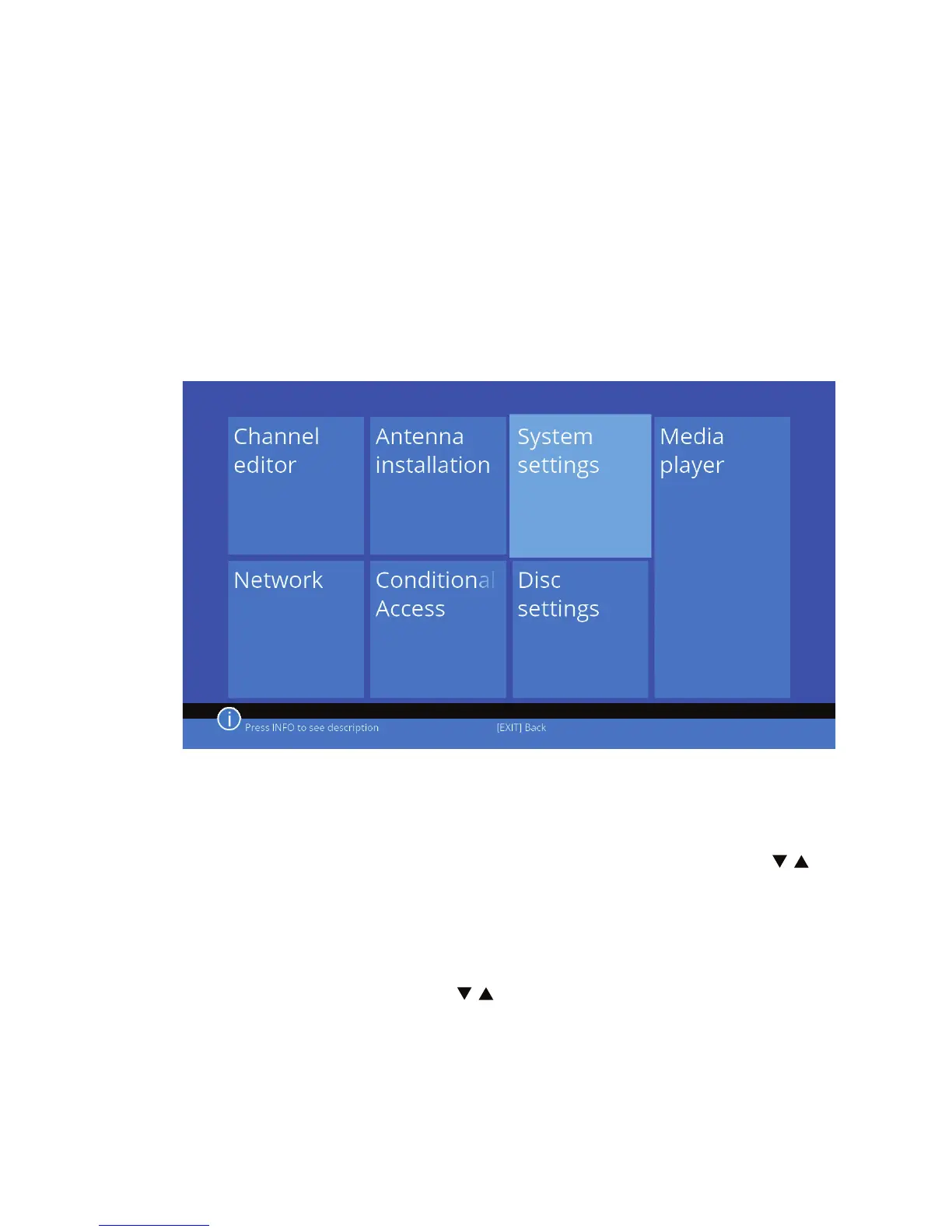
4.1 Main menu
To access the main menu, press the MENU button while in the viewing mode.
Use the cursor keys to navigate through the menus. Use the OK button to se-
lect the submenu. Press EXIT or MENU to return to the previous screen.
4.2 Edit Channels
Select Edit channels using the cursor keys and press OK to enter. Use / , to
highlight the selected submenu and press OK to enter it. Press EXIT or MENU
to return to the previous menu.
List of TV channels
Select a list of TV channels with / and press OK to enter. In this menu you
can manage the list of channels.



 To Next Page