31
Menu
Use / to select the channel you want to select, and then press OK. You can
also use to select or deselect all channels.
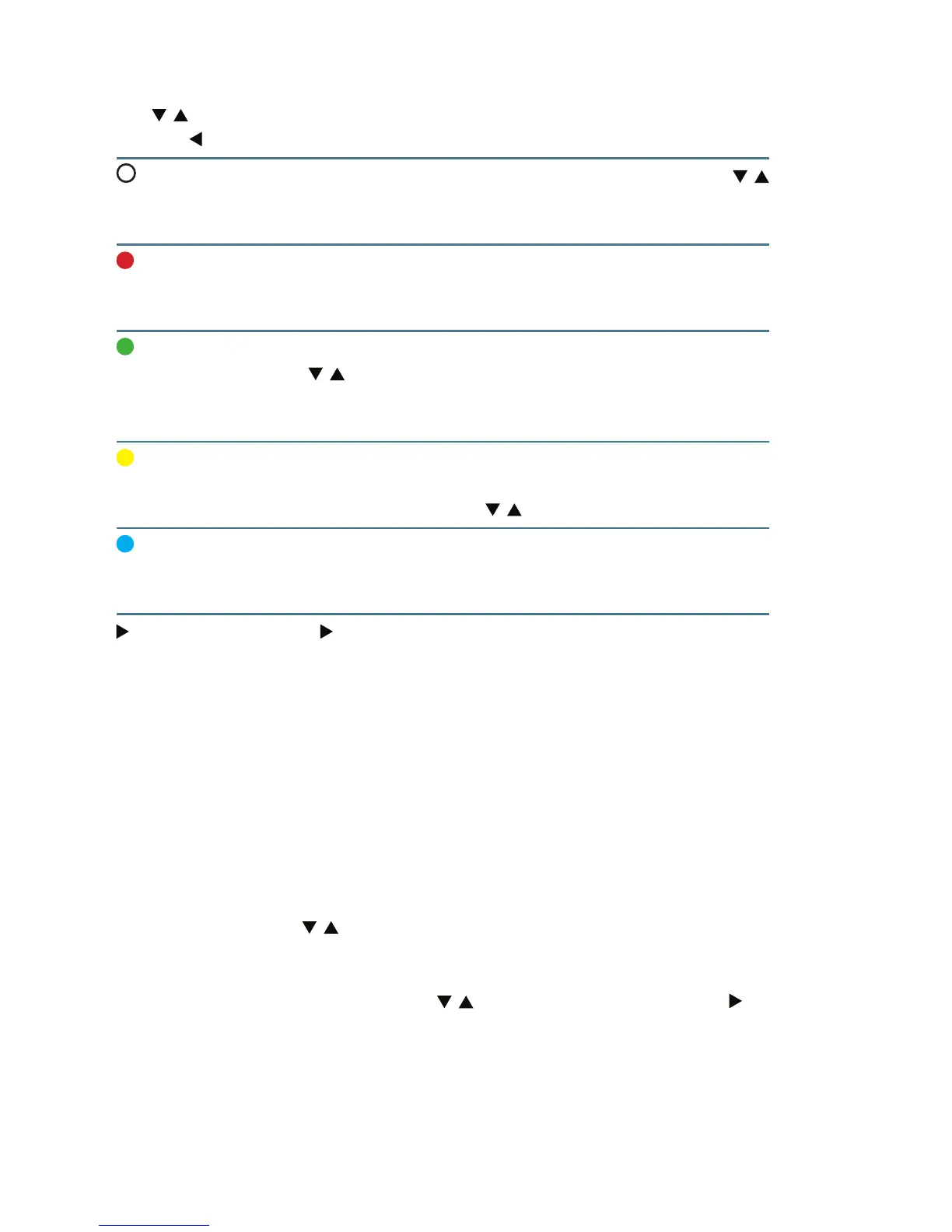
Favorites Use the WHITE button on the remote control. Then use /
to select the category you want to assign to a channel and
press OK.
Lock You can lock selected channels so that it can be viewed
only after entering the code – the red button on the remote
control (default password: 0000).
Skip Channels will be marked to skip when changing channels
with / . Despite this, they will be still accessible from the
Channel List. To select the channels to be skipped press the
green button.
Move To activate the move function, press the yellow button. You
can then move selected channels and change the order of
the channel list using the / buttons.
Delete Press the blue button to activate the Delete function. The
selected channel will be deleted from the list. Select Yes to
save the changes or No to discard them.
Rename Press to switch to the channel name change. After
entering the new name, save the changes by pressing the
BLUE button on the remote control.
When you exit the menu after modifying the list, conrm your choice selec-
ting YES, if you want to save the changes or select NO to discard them.
List of radio channels
Managing the list of radio channels is the same as it is for the list of television
channels.
Favorites
Select Favorites – use / and press OK to enter. In this menu you can mana-
ge groups of favorite channels.
Groups of favorites are created by default. They are movies, music, news, etc.
However, you can rename groups. Use / to highlight a group and use , to
change the name of your favorite channels. After entering a new name, press



 To Next Page