32
BLUE to save the changes.
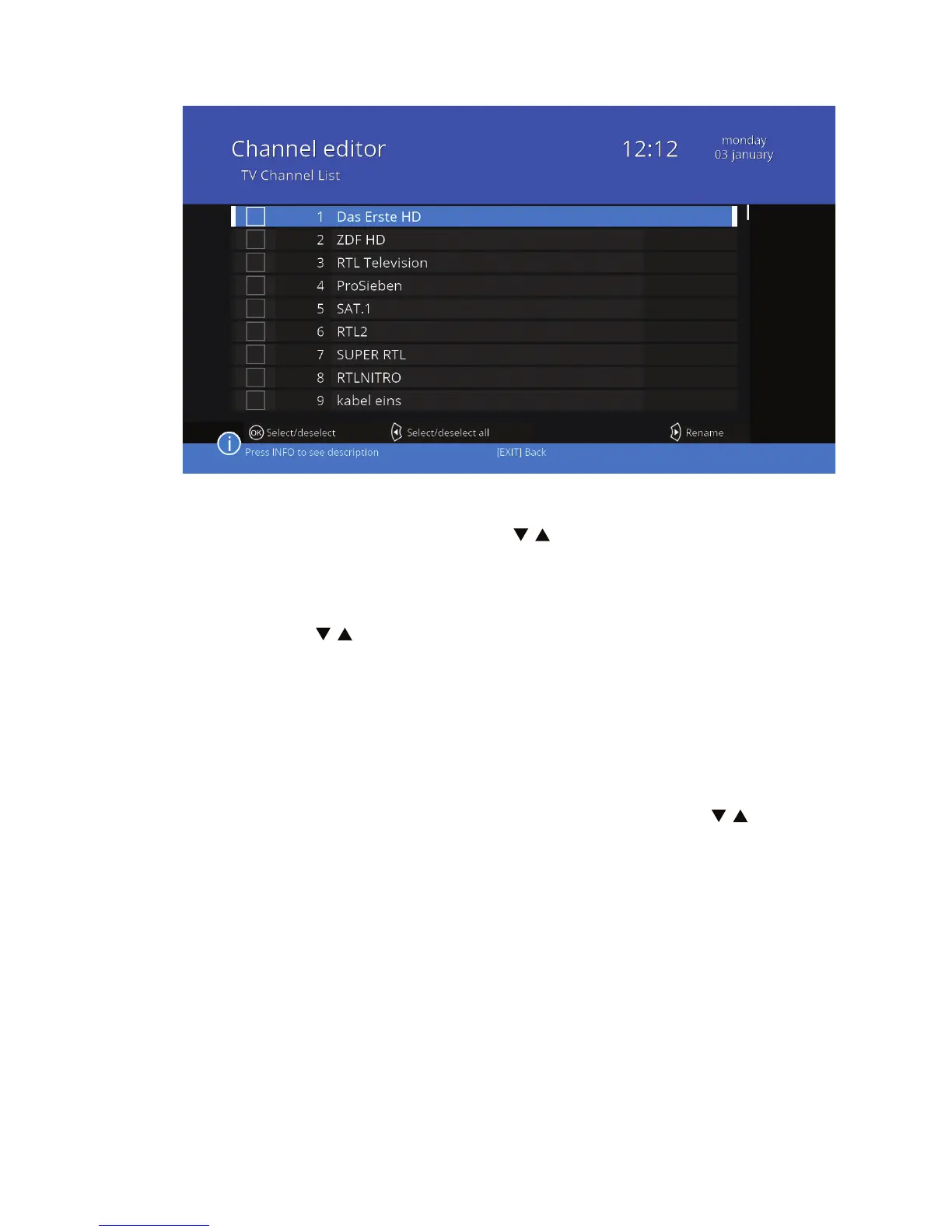
To edit a group, rst highlight it using / and then select OK. A group can
be modied only if it has already channels assign. Select the channel that you
want to modify and press OK.
To move the channel in the order of the list, press the YELLOW button, and
then set it with / .
To remove a channel from the list, press the Blue button and conrm your
choice by selecting YES and clicking OK.
When you exit the menu after modifying the list, conrm your choice selec-
ting YES, if you want to save the changes or select NO to discard them.
Delete all
Use this function to delete all channels. Select Delete all with / and press
OK. Select Yes to conrm your choice or NO to reject it.
The Delete all permanently removes all channels from the receiver and you
can not exit the menu mode without rescannig for channels.
4.3 Antenna instalation
Select Antenna Installation using the cursor keys and press OK to enter. In
this menu, there are advanced methods of installing the antenna and scan-
ning for channels. They have been described in detail in the introduction in
Chapter 2. Installation (p. 8-19).



 To Next Page