18
2.5 Easynd
Easynd is a feature that allows you to set the position of a satellite dish
without compass, another person and technical understanding. You need
the matching Easy nd LNB (which is the gizmo on the end of the dish arm
that collects the satellite signal and sends it to the receiver). Set the elevation
of the dish according to your location and point the dish East. In the Antenna
Installation menu choose a satellite and go to the right column with features
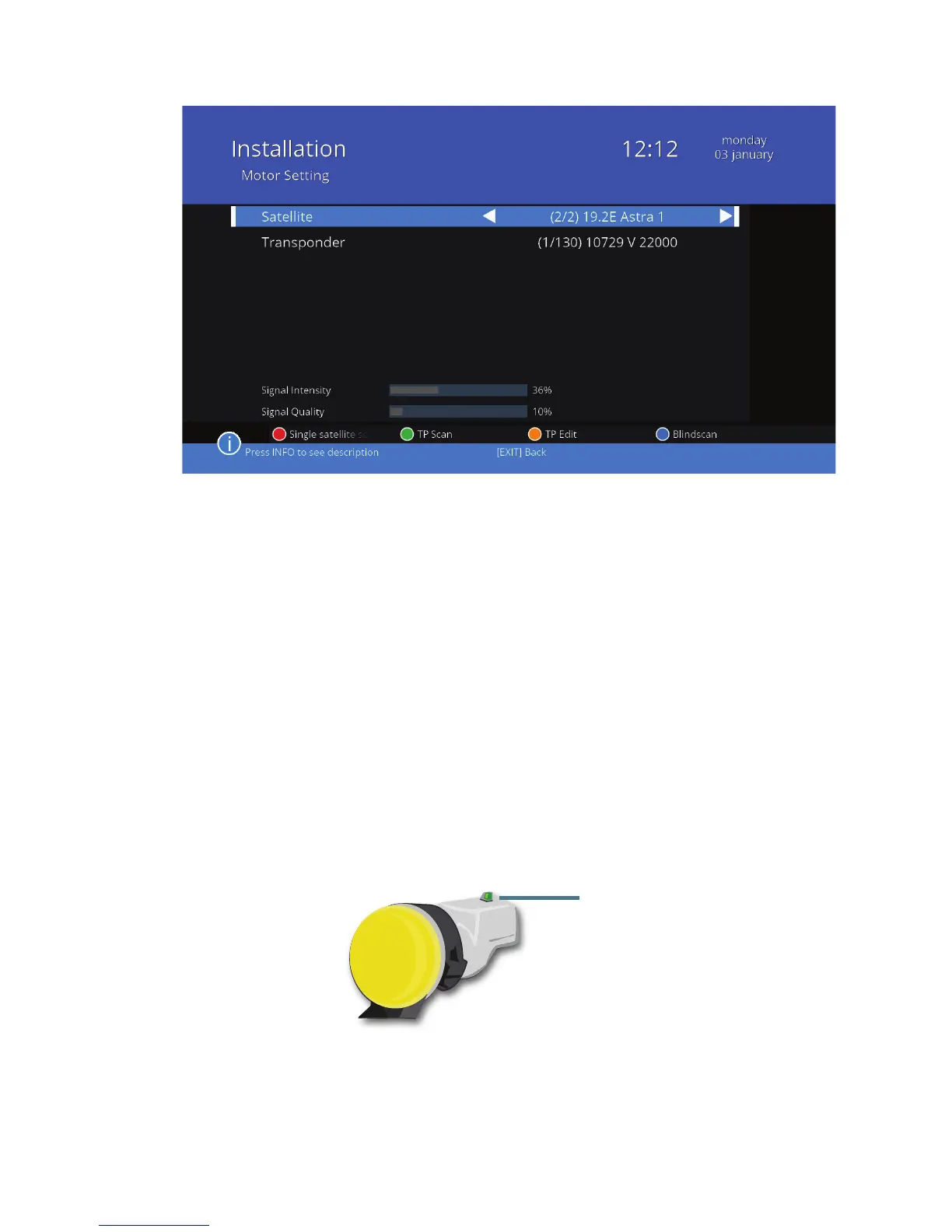
of a satellite and scroll down to Easynd. Enable it with the button. The diode
on the LNB now will indicate if the satellite dish receive strong signal. Slowly
move the dish. If the light pn LNB glows yellow it means you get the dish clo-
ser to stronger signal. Continue slowly until it ashes green and then when
it glows permanently green you are locked onto the satellite with a strong si-
gnal. If you want to adjust the dish to satellite again you can turn on Easynd
function in the status menu.
green diode on
the LNB



 To Next Page