11
Installation
2.4 Antenna Installation
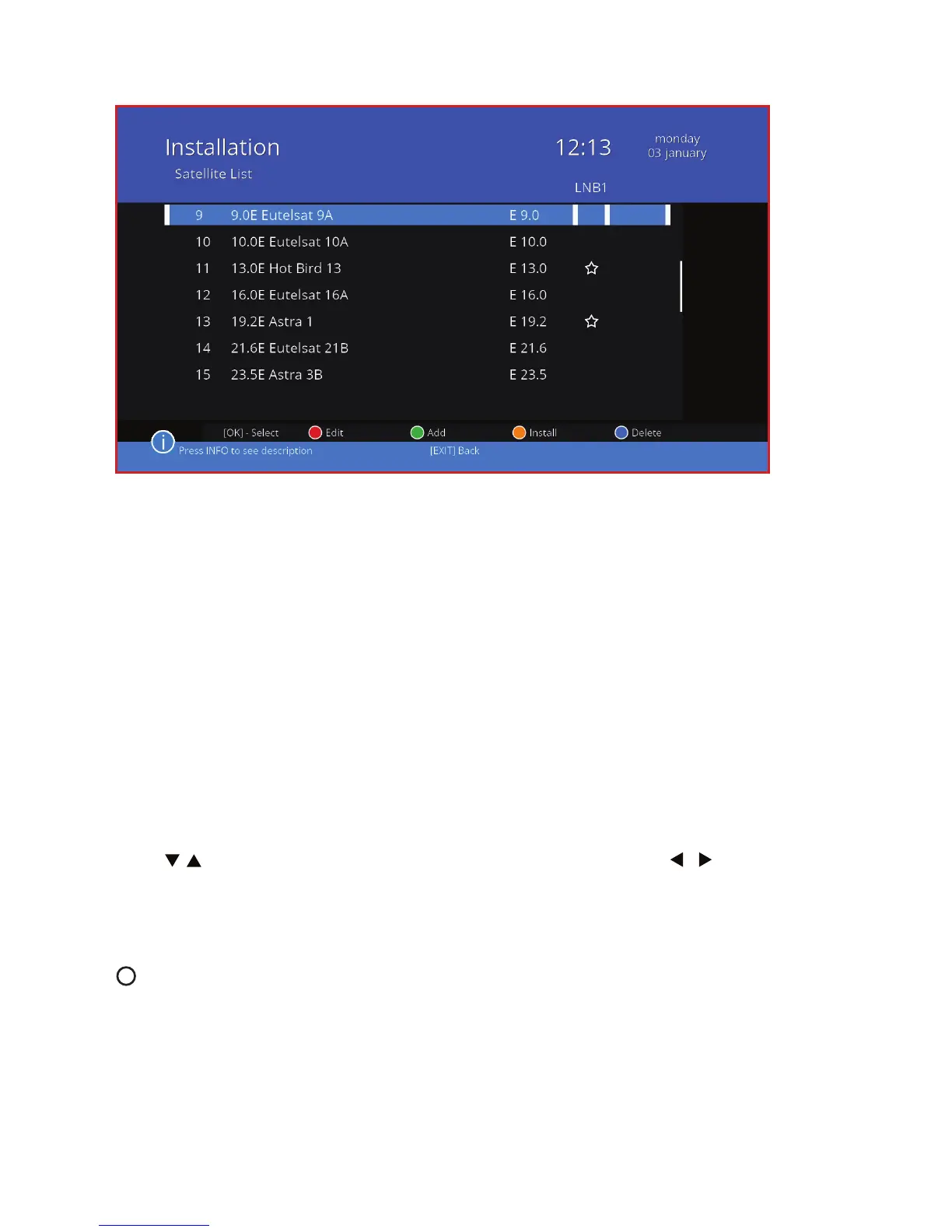
In this menu, you can install the antenna and then search for channels. An-
tenna installation process is often complicated because it requires technical
knowledge and additional multiple devices. In many cases you will not need
the knowledge of the advanced settings. Modern technologies allow to ad-
just the antenna without leaving home, using the receiver. When installing
the antenna, however, it is necessary to use additional manuals for the an-
tenna, converters, switches or motor used. For a single LNB, leave the default
conguration for DiSEqC switch, select the appropriate port settings and se-
lect Scan using colored keys.
The strength and the quality of the signal is shown on the bottom of the
screen in the form of strips and percentages.Use this as a hint to set up the
antenna the best way.
Press / to select the item you want to set, and then using the / give it
the appropriate settings.
2.4.1 Scanning options - color key functions
Change to motor Press the white button to select motor
/Change to xed or LNB for adjusting the antenna position.



 To Next Page