17
Installation
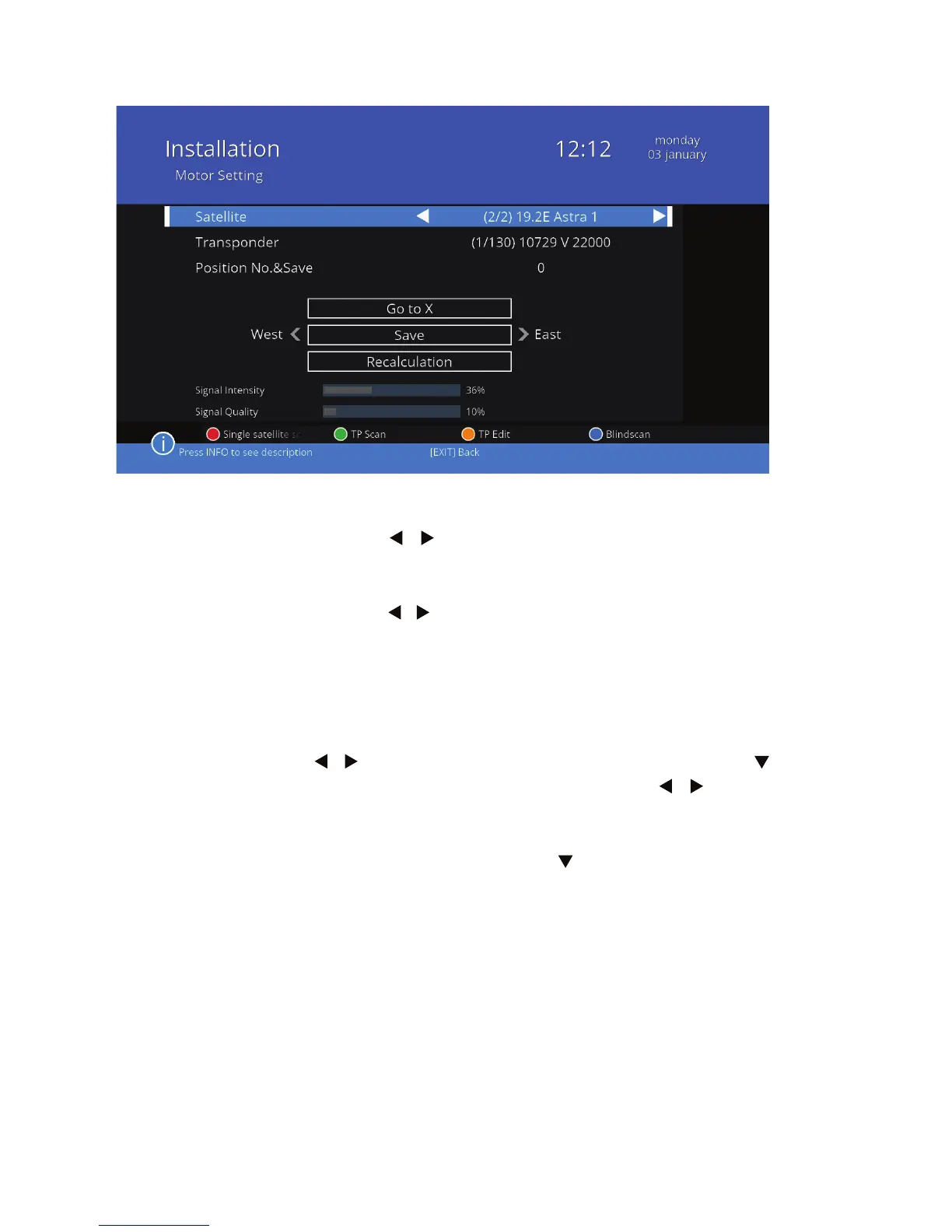
Settings for USALS:
Satellite Press / to select the satellite. You can choose
from satellites marked with a star symbol already
on the list of satellites.
Transponder Press / to select a transponder.
The antenna should automatically turn to the selected satellite and
transponder.
Limit setup this settings allow you to set lthe farthest point to which
the rotor turns the antenna. This function is used when
there are physical barriers that would stop the antenna.
Press / to turn on the western or eastern limit. Using
button go to West < Limit setup > East. Press / to turn
the antenna to the west or east, and press OK. There will
be information of the limit that was set on the screen. To
return to the relevant point, press and then click OK.



 To Next Page