16
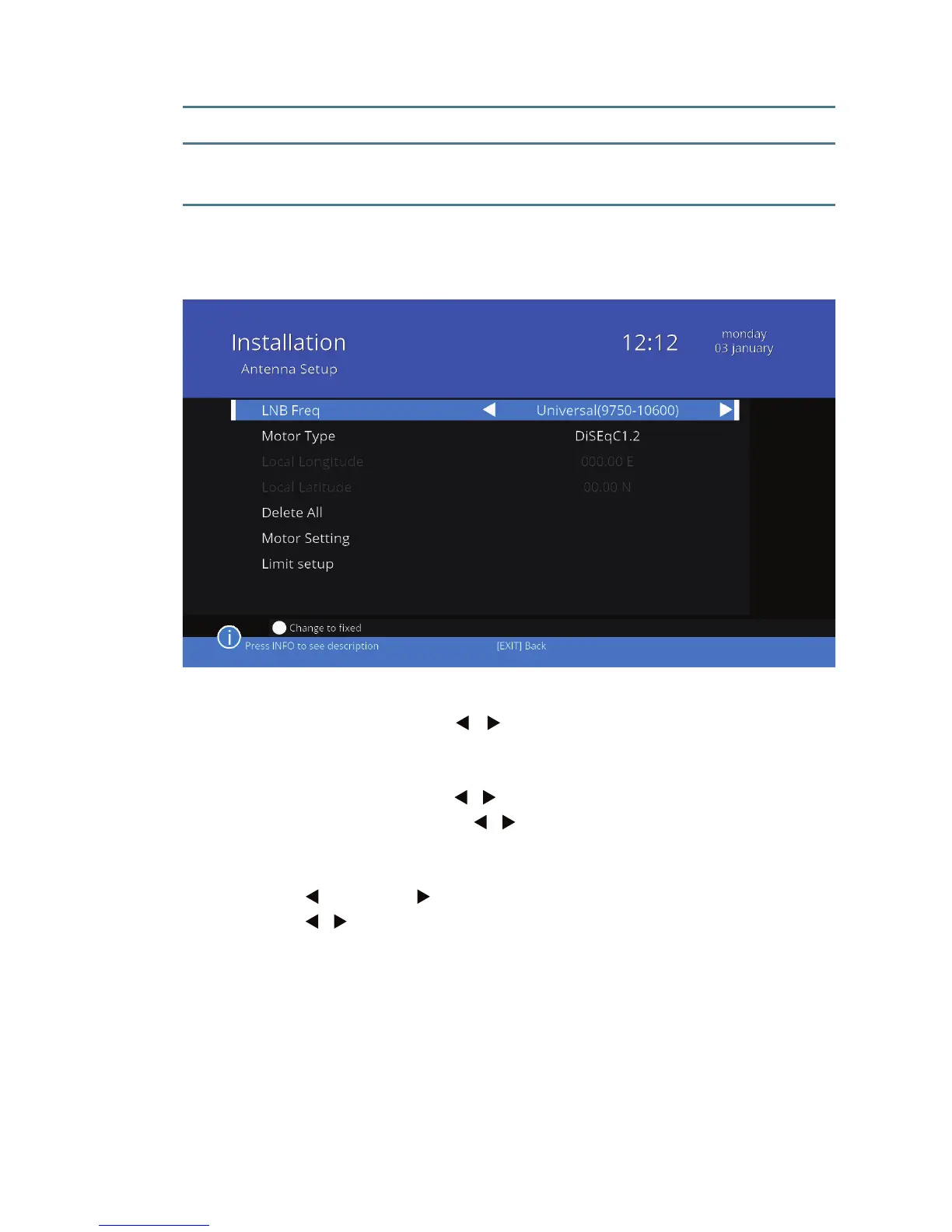
Settings for DiSEqC1.2:
Satellite Press / to select the satellite. You can choose
from satellites marked with a star symbol that are
already on the list of satellites.
Transponder Press / to select a transponder.
Position No.&Save Press / to select the number you want to as-
sign the position of the antenna.
Go to X Go to the saved position.
West Save/Stop East
Press / to rotate the antenna to the west or to the east.
Press OK to save the item under the pre-selected number, or to stop
the rotation of the antenna.
Recalculation Highlight and press OK to calculate and check the
position of the antenna.
IF Channel Select IF Channel (1 to 8).
Delete all Delete all the settings of the antenna; available if
the DiSEqC1.2 was selected.
Motor Setting detailed settings of the motor.
(Dierent settings depending on the selected
standard USALS / DiSEqC1.2)



 To Next Page