Condential
4-5
EX540/EX542/EX612/EX615/EX762/EX540I/EX542I/ES523ST/EW533ST
4-7 PC MODE
Note: - When getting into function test, adjust the zoom ring and focus ring to guarantee the image
maximum and clearest, then start to test.
- Test signal: analog 1024 x 768 (for EX542/EX612/EX615/EX762/EX542I/EX540/EX540I)
analog 800 x 600 @60Hz (for ES523ST))
analog 1280 x 800 @60HZ (for EW533ST)
-
The defect specication for EX762/EX542I/ES523ST is the same, we take EX762 for
example here, others model please refer to 4-5 for details.
1. Frequency and tracking boundary
Procedure - Test equipment: video generator
- Test signal: analog 1024 x 768@60Hz
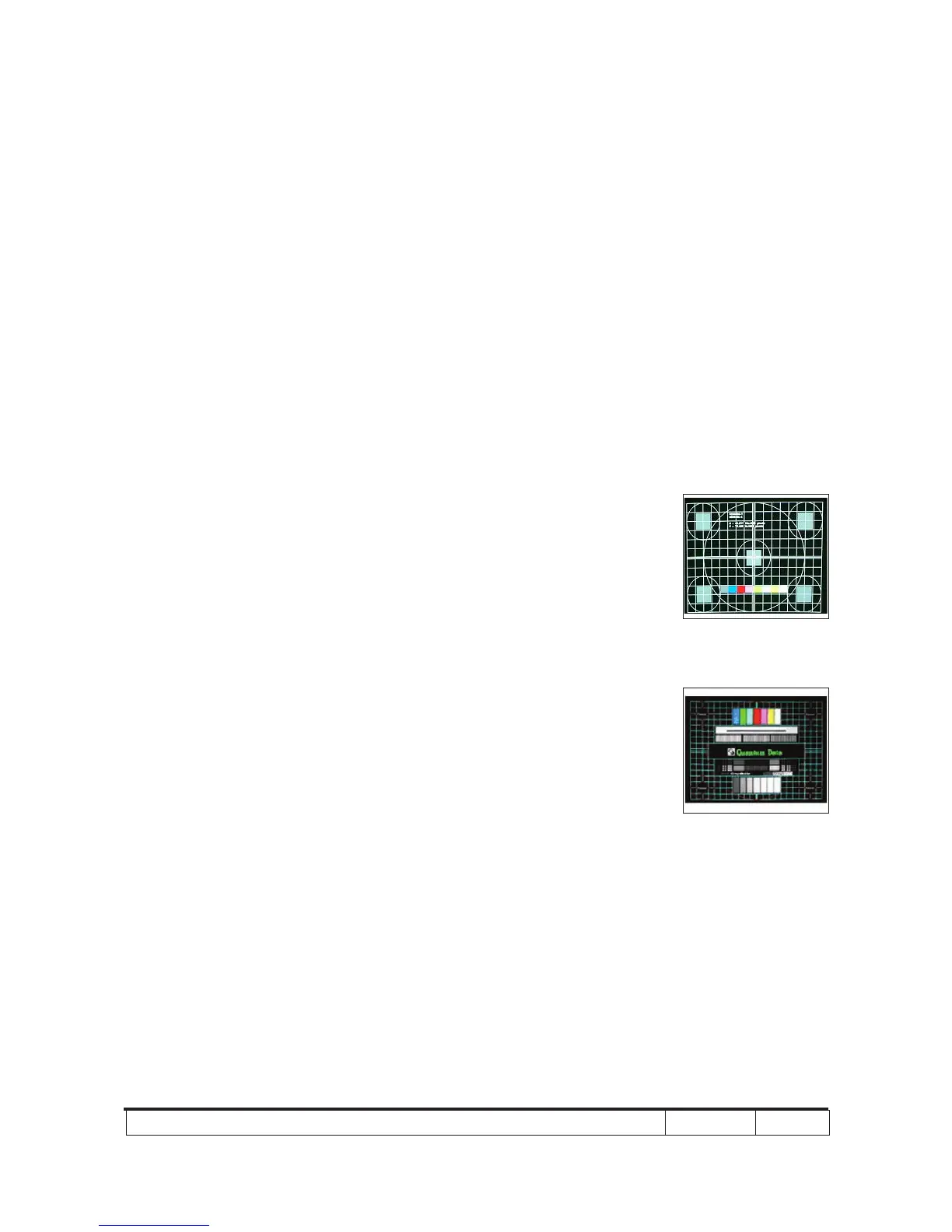
- Test Pattern: General-1 or Master
- Check and see if the image sharpness
is well performed.
- If not, re-adjust by the following steps:
(1) Select "Frequency" function to adjust
the total pixel number of pixel clock in
one line period.
(2) Select "Tracking" function and use
right or left arrow key to adjust the
value to minimize video icker.
- Adjust Resync or Frequency/Tracking/H.
Position/V. Position to the inner screen.
Inspection item - Eliminate visual wavy noise by Resync,
Frequency or Tracking selection.
- Check if there is noise on the screen.
- Horizontal and vertical position of the video
should be adjustable to the screen frame.
Criteria - If there is noise on the screen, the product
is considered as failure product.
- If there is noise on the screen, use auto or
manual “frequency” function or “tracking”
function to adjust the screen.
General-1
Master



 To Next Page