EX540/EX542/EX612/EX615/EX762/EX540I/EX542I/ES523ST/EW533ST
Condential
5-5
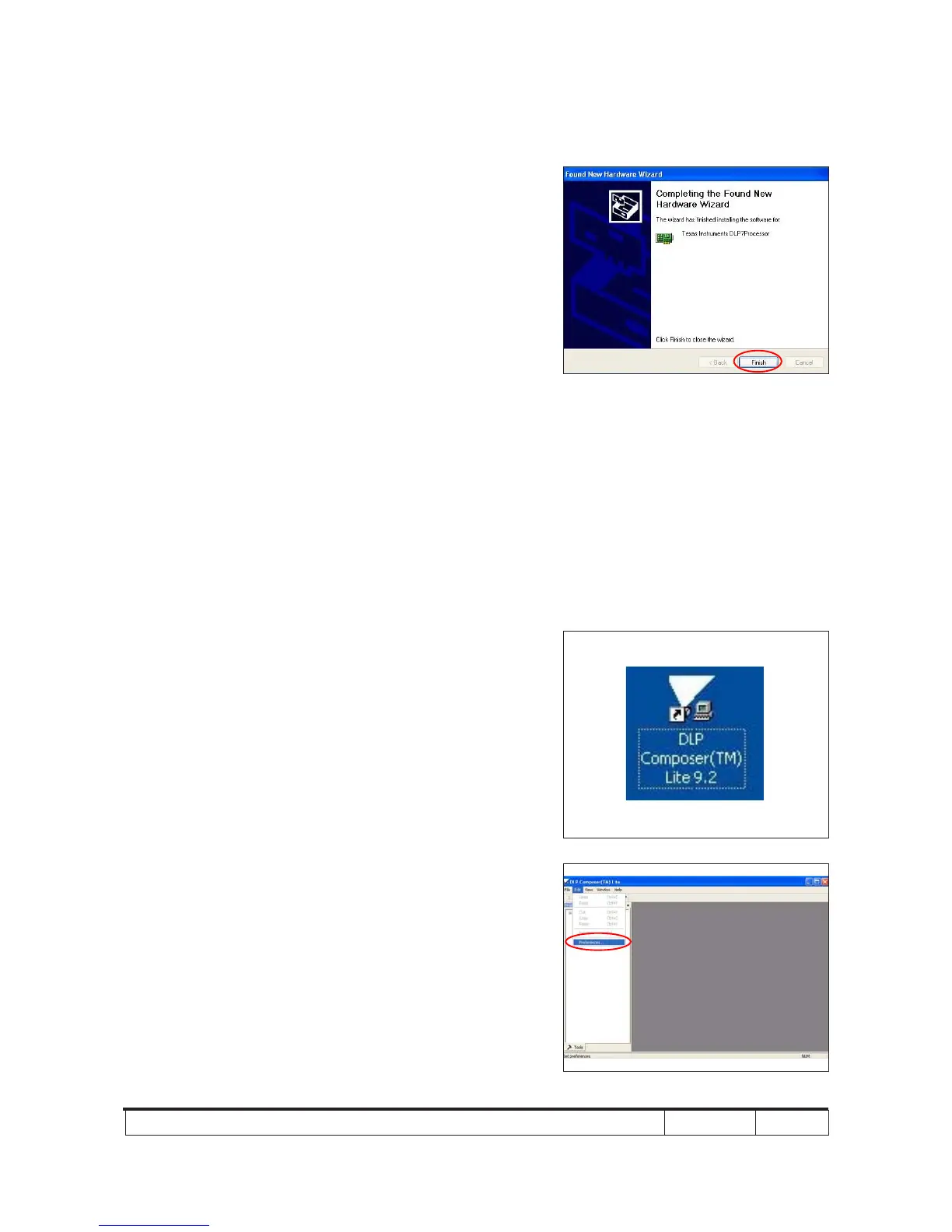
(6) Click "Finish", then the USB driver has
been installed successfully.
Note: - If you have installed the USB driver, there
is no need to perform this action.
5-1-5 Firmware Upgrade Procedure
1. Execute the "DLP Composer
TM
Lite 9.2" le.
2. Click "Edit" and "Perferences".
(6)



 To Next Page