Condential
4-8
EX540/EX542/EX612/EX615/EX762/EX540I/EX542I/ES523ST/EW533ST
7. Color performance
Procedure - Test equipment: video generator.
- Test signal: 720p, 1080i, 1080p
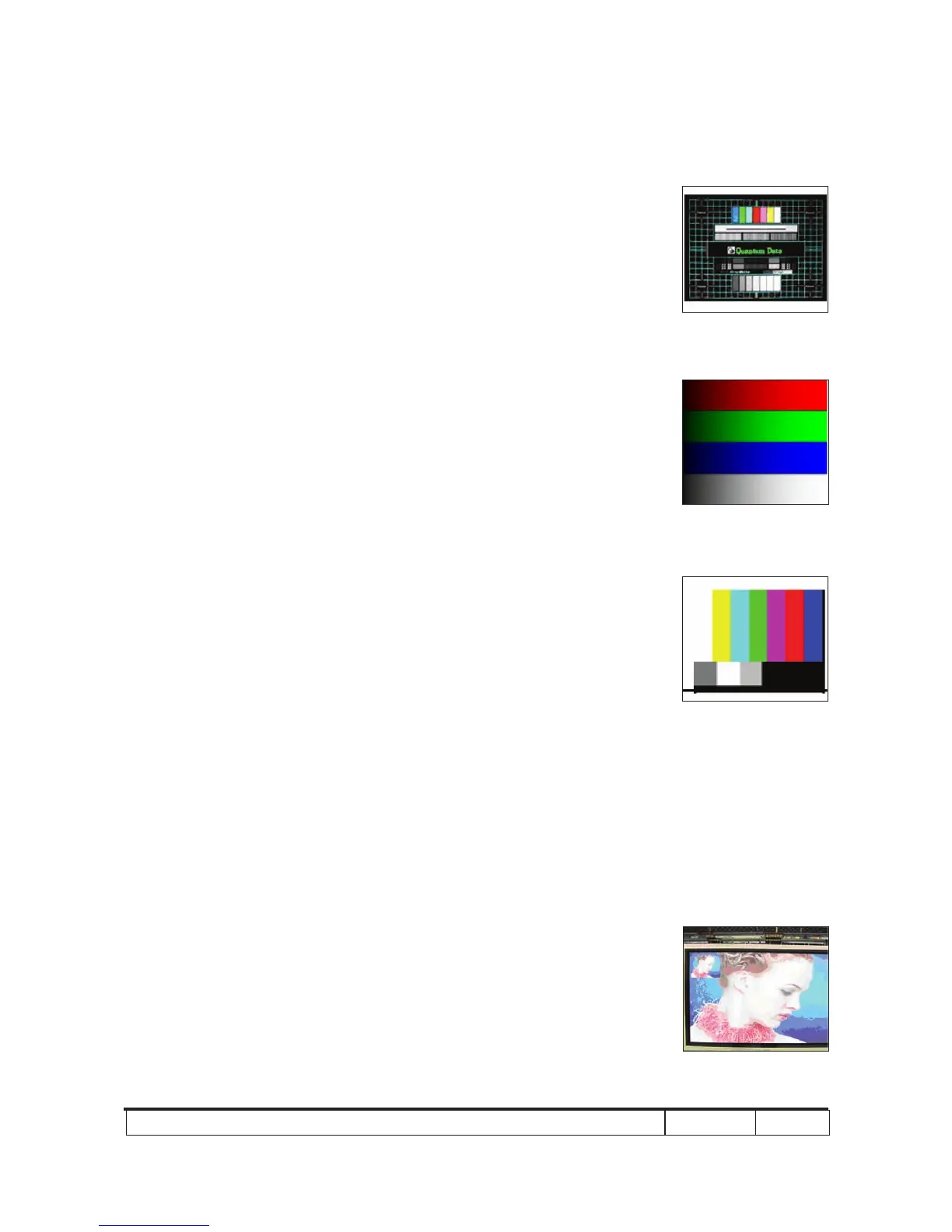
- Test Pattern: Master, 64 gray RGBW or
SMPTE bar
* Please refer to 4-2 to get into service mode 1.
Use 720p & 1080p signal, master pattern to do
HDTV test. Color cannot discolor to purple and
blue.
Inspection item - Check if each color level is well-functioned.
- Color saturation
Criteria - Screen appears normal. It should not have any
abnormal condition, such as lines appear on the
screen and so on.
- Color appears normal.
- It is unacceptable to have few lines ashing.
- RGBW should all appear normal on the screen
and sort from R-G-B-W.
- Color levels should be sufcient and normal.
(The unidentied color levels on both left and
right sides should not over 4 color levels.)
- Gray level should not have abnormal color or
heavy lines.
- If color appears abnormal, please get into ser-
vice mode 1 to do color wheel index adjustment.
4-8 Video Performance
1. CVBS
Procedure - Test equipment: DVD player
- Test signal: CVBS
Inspection item - Video performance test
Master
SMPTE BAR
Motion video
64 gray RGBW



 To Next Page