Condential
4-11
EX540/EX542/EX612/EX615/EX762/EX540I/EX542I/ES523ST/EW533ST
6. 3D Test
Procedure - Test equipment: DVD Player
- Test signal: 1280X720@120Hz (HQFS format CD)
Inspection item - 3D test
Inspection Distance - < 6M
Criteria - The image should not appear noise, icker,
4-9 ADC Calibration
1. Video CalibrationCalibration
Procedure - Test equipment: video generator
- Once Main Board is changed, video calibration
should be done as well.
(1) Test signal: 480i
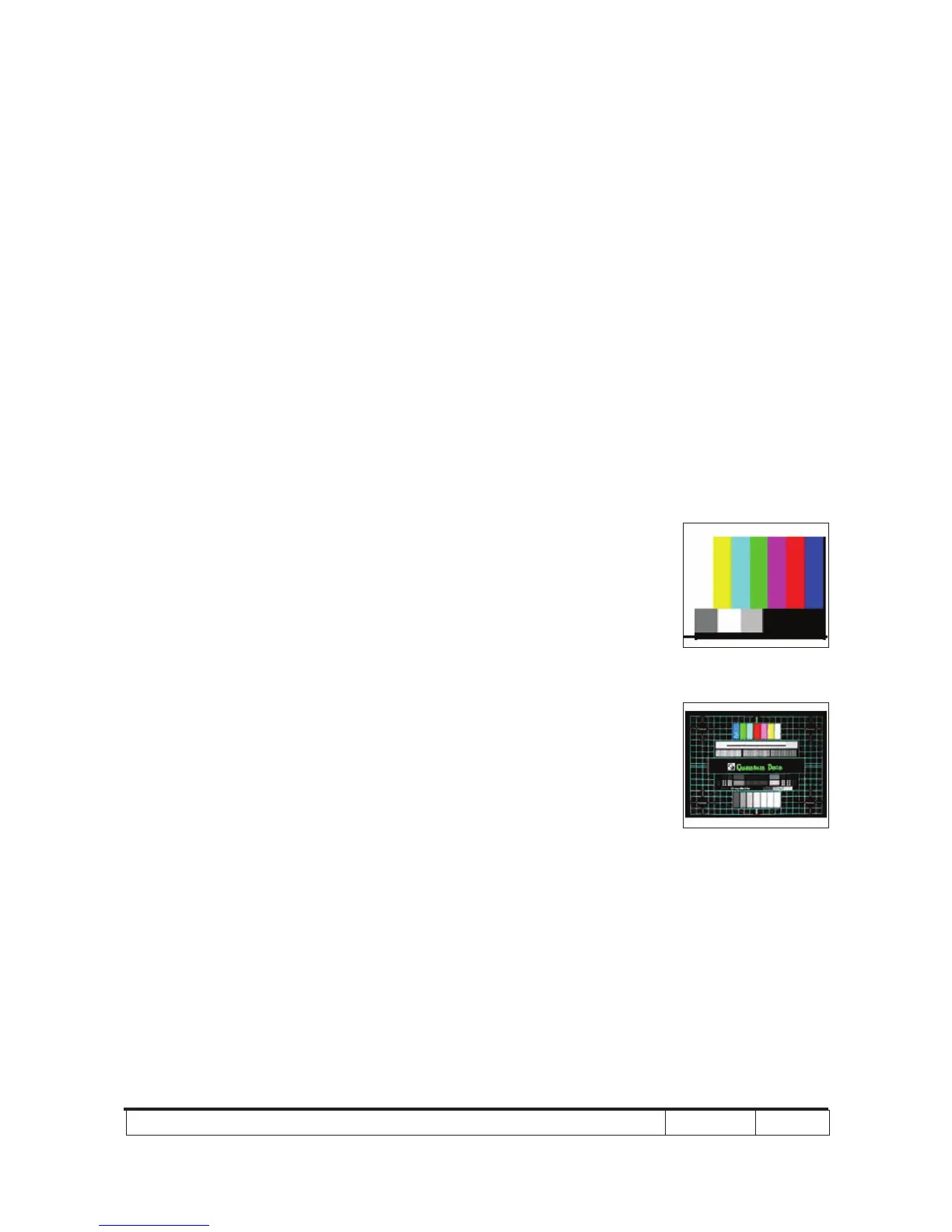
(2) Test Pattern: SMPTE BAR
- Note
(1) Calibration pattern should be in full screen mode.
(2) Please refer to 4-2 Guide to get into service
mode 1 and choose "ADC calibration".
(3) Choose and get into "Video Calibration", press
"Enter" button to execute "Video Calibration". When
the message "Success" appears, it means "Video
Calibration" is OK. Choose "Menu" or "Exit" to
leave service mode 1.
Check pattern - Test signal: 576p, 720p, 1080i
- Test pattern: Master
* After nishing Video adjustment, check Master
pattern.
Inspection item - Color saturation
Criteria - There should not have any lack of SMPTE BAR.
- The screen appears normal, it shouldn’t appear
any abnormal condition, such as lines and so on.
- It is unacceptable that the color appears
abnormal and ashing.
SMPTE BAR
Master



 To Next Page