Condential
4-12
EX540/EX542/EX612/EX615/EX762/EX540I/EX542I/ES523ST/EW533ST
2. RGB CalibrationCalibration
Procedure - Test equipment: video generator
- Once Main Board is changed, RGB calibration
should be done as well.
(1) Test signal: 1024 x 768@60Hz
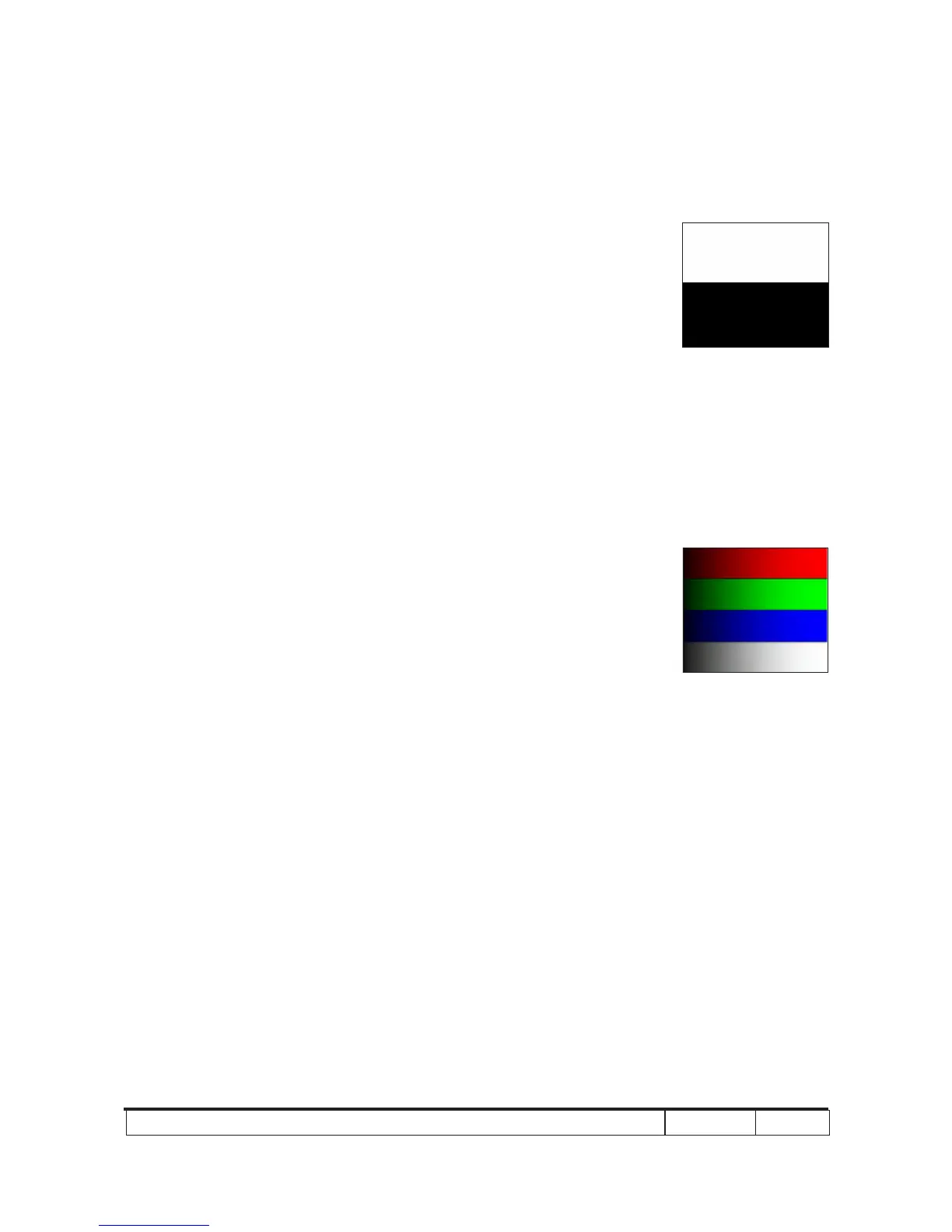
(2) Test Pattern: White/Black
- Note
(1) Calibration pattern should be in full screen
mode.
(2) Please refer to 4-2 Guide to get into service
mode 1 and choose "RGB calibration".
(3) Choose and get into "Video Calibration",
press "Enter" button to execute "RGB Calibra-
tion". When the message "Success" appears,
it means "RGB Calibration" is OK. Choose
"Menu" or "Exit" to leave service mode 1.
Check pattern - Test signal: 1024 x 768@60Hz
- Test pattern: 64 grey RGBW
* After nishing RGB adjustment, check 64 gray
RGBW pattern.
Inspection item - Color saturation
Criteria - There should not have any lack of 64 gray
RGBW pattern.
- The screen appears normal, it shouldn’t appear
any abnormal condition, such as lines and so on.
- The color should appear normal and sort in right
order, it is unacceptable that the color appears
abnormal and ashing.
- Color levels should be sufcient and normal.
(the unidentied color levels on both left and
right sides should not over 8 color levels.)
64 gray RGBW
White/Black



 To Next Page