EX540/EX542/EX612/EX615/EX762/EX540I/EX542I/ES523ST/EW533ST
Condential
5-9
5-2-2 DLP Composer Lite Setup
Procedure
Note: "DLP Composer Lite V9.2 Setup" Program refer
to 5-1-2 for details.
5-2-3 Setup Procedure
1. Set up
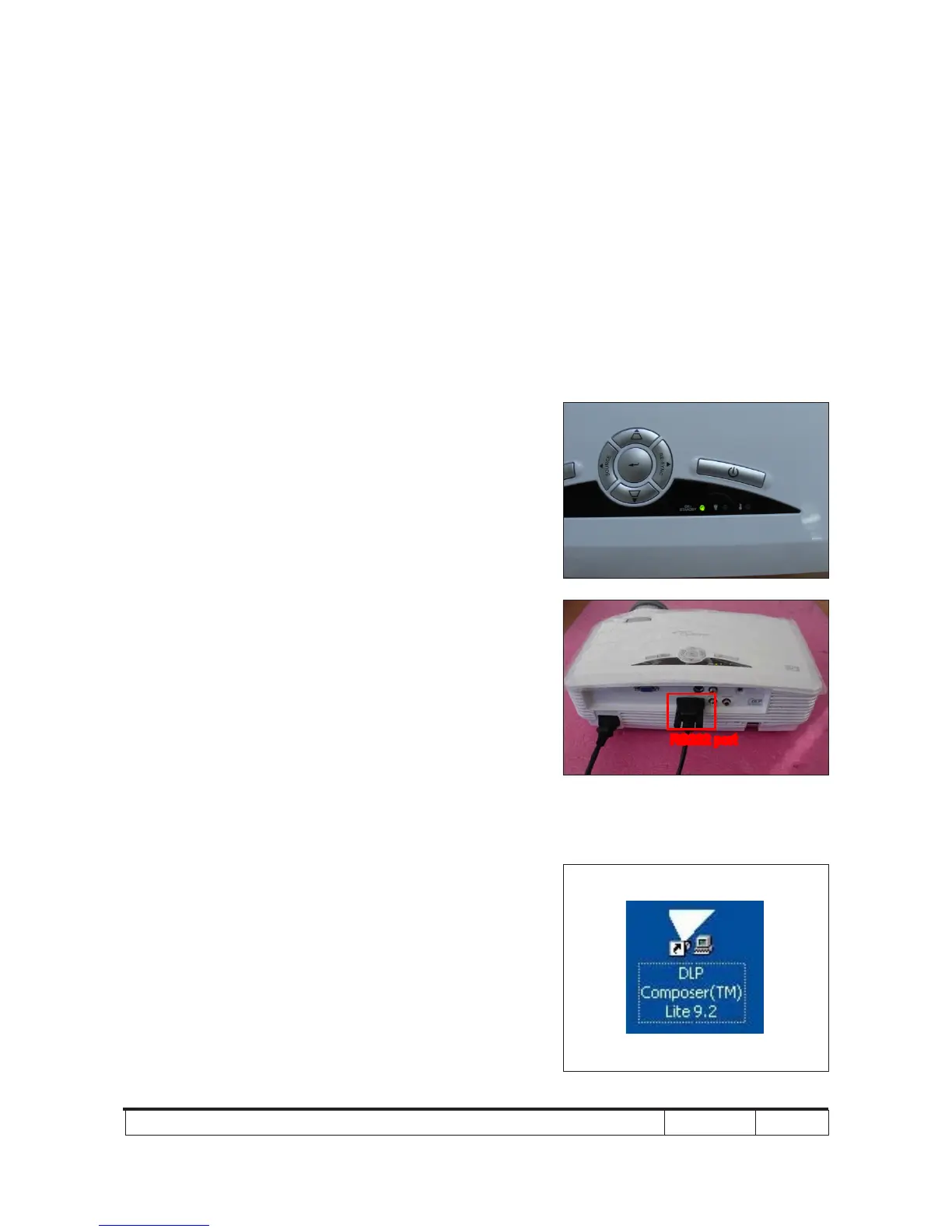
- Plug in Power and RS232 cable in the PC, the ON/
STANDBY LED will display green.
- Hold the "Menu" then press "Power" button about 5
seconds then release these two buttons.
Note: - The system fan and the lamp will not operate.
5-2-4 Firmware Upgrade Procedure
1. Execute the "DLP Composer
TM
Lite 9.2" le.
RS232 port



 To Next Page