Condential
4-17
EX540/EX542/EX612/EX615/EX762/EX540I/EX542I/ES523ST/EW533ST
3. Read Projector Information
(1) Connect the PC and the Projector with LAN Cable.
(2) Execute "Internet Explorer".
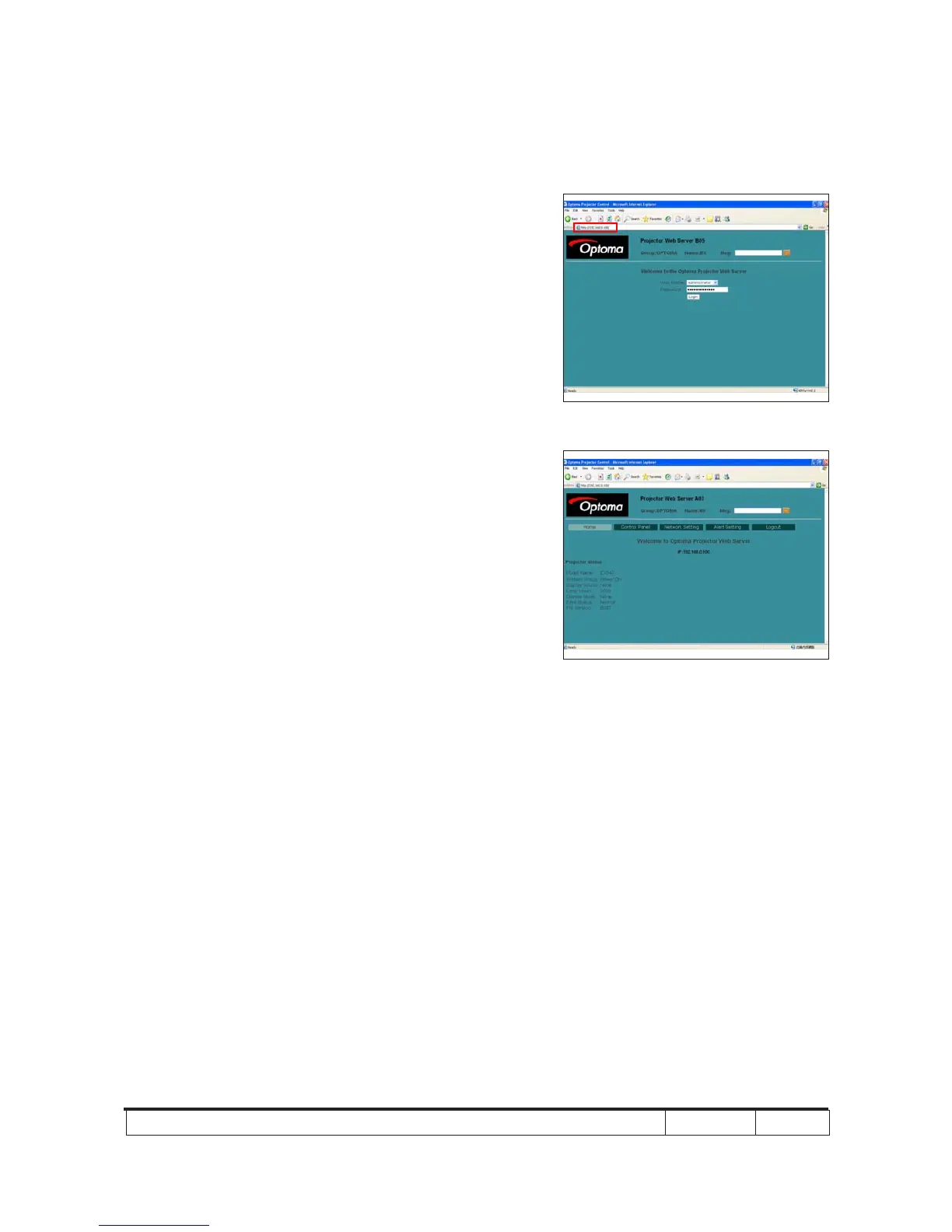
(3) Visit the IP address: "http://192.168.0.100/".
- Key in "User Name: Administrator" and "Password:
administrator", click "Login" to get into Projector
Web Server.
(4) Projector information will be shown on the screen.
- Please check whether each item's function is OK.
542
542



 To Next Page