EX765/EW766/EX765W/EW766W
Condential 2-21
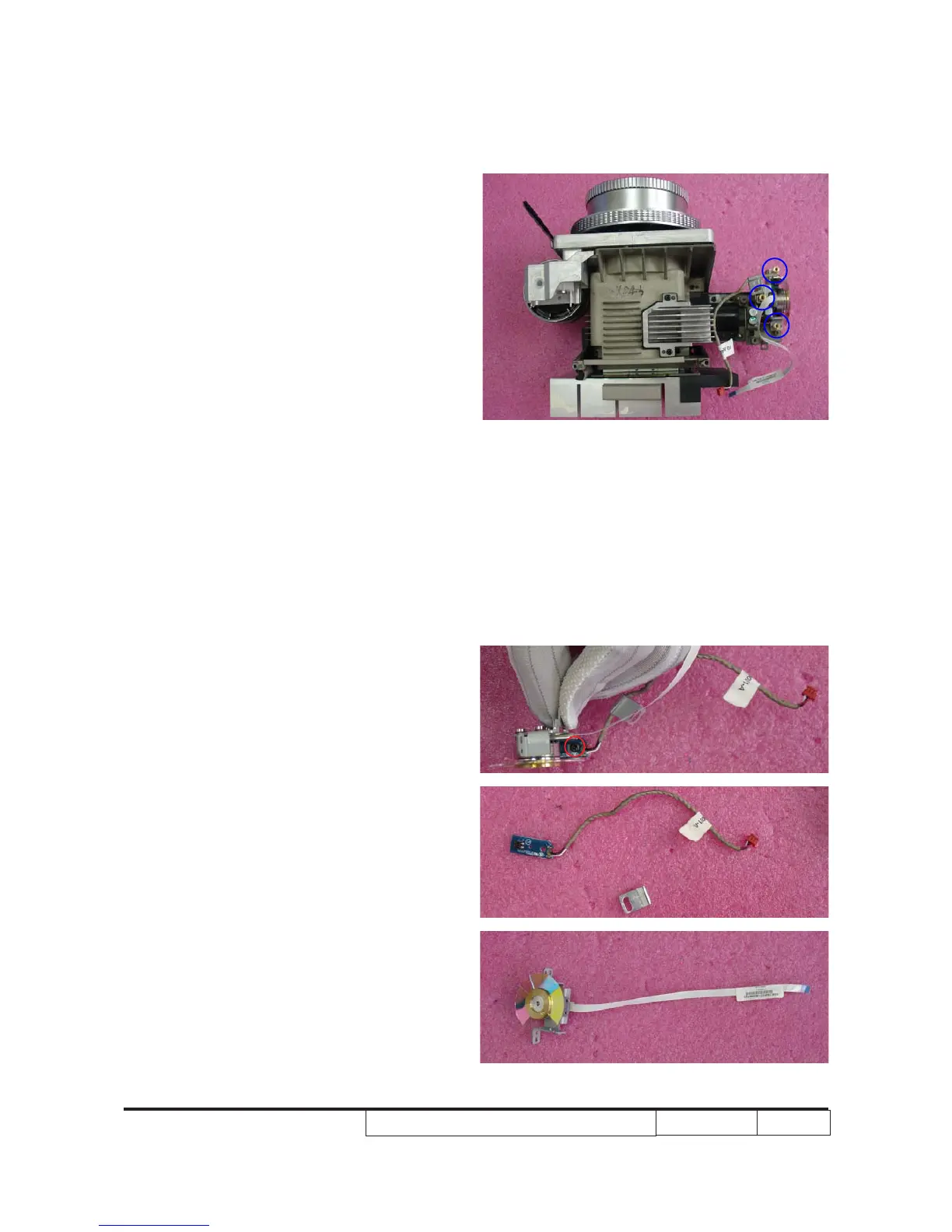
5. Unscrew 3 pillars (as blue circle) to
remove color w�eel module.
Note: Color wheel is fragile. Take it carefully.
6. Unscrew 1 screw (as red circle).
7. Separate p�oto sensor, cable binding
and color w�eel.



 To Next Page