Color Space
Select an appropriate color matrix type from AUTO, RGB,
RGB(0-255)
(*)
RGB(16-235)
(*)
or YUV.
Dynamic Black
Dynamic Black enables the projector to automatically optimize the
the brightness of the display during dark/light movie scenes to be
shown in incredible detail.
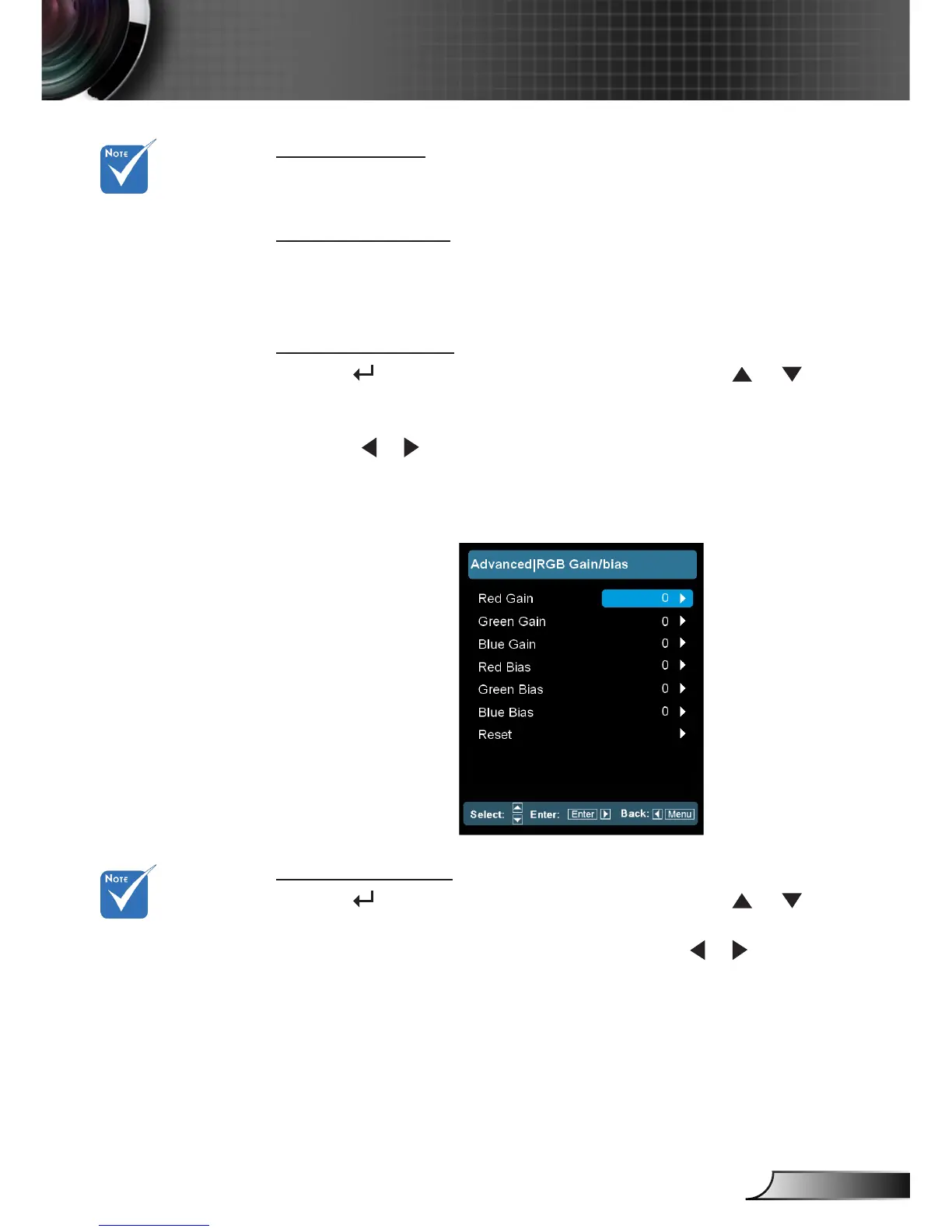
RGB Gain/Bias
Press into the next menu as below and then use or to
select item.
Red Gain/Green Gain/Blue Gain/Red Bias/Green Bias/Blue Bias:
Use or to Red, Green, or Blue for brightness (Gain) and
contrast (Bias).
Reset: Choose “Yes” to return the factory default settings for
color adjustments.
Color Matching
Press into the next menu as below and then use or to
select item.
Red/Green/Blue/Cyan/Magenta/Yellow: Use or to select
Hue, Saturation and Gain Colors.
(*) For HDMI only.
CMS means “Color
Matching System
(CMS)”.



 To Next Page