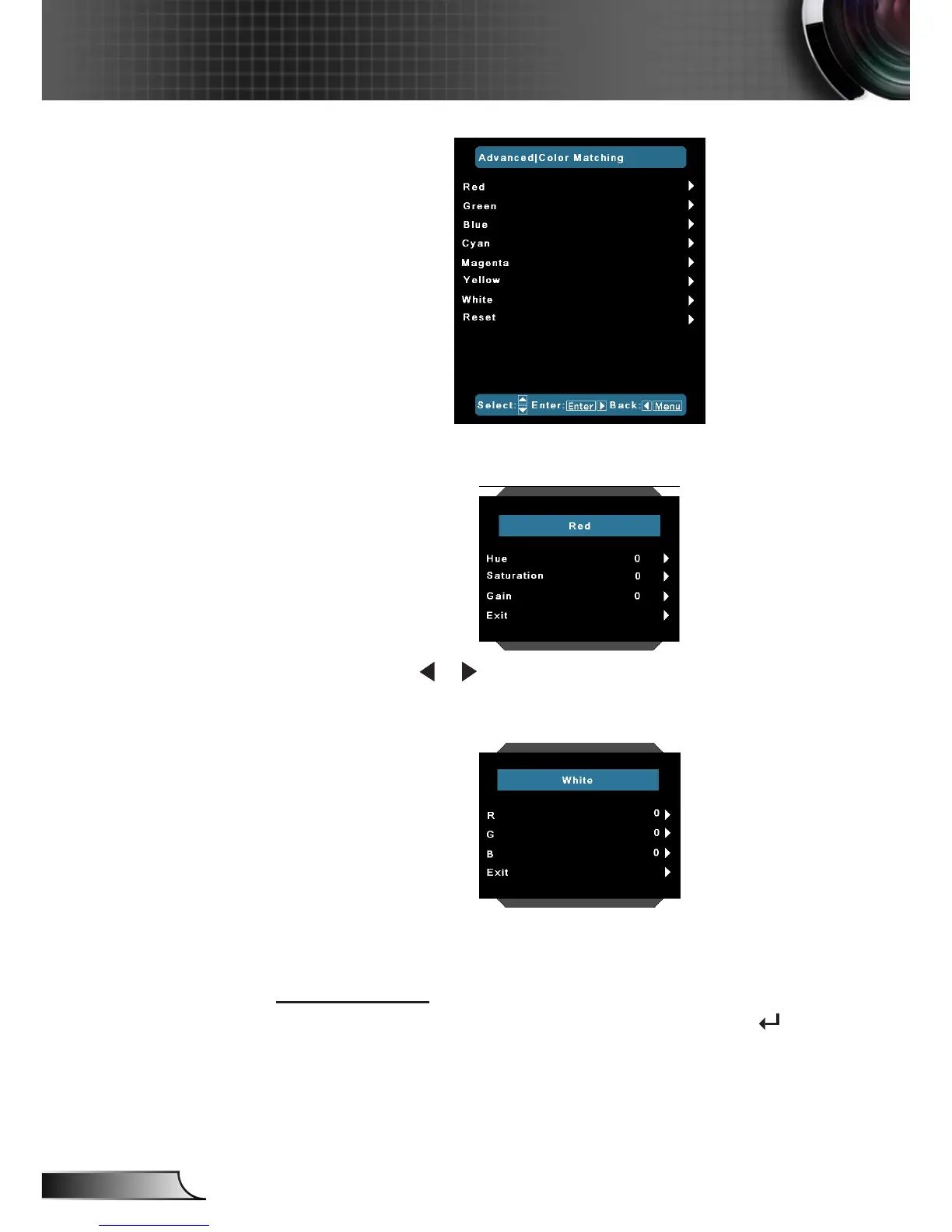
Hue/Saturation/Gain/Exit: Using Hue, Saturation and Gain setting
to adjust the color is selecting.
White: Use or to select Red, Green and Blue Colors.
R/G/B/Exit : Using R (Red) ,G (Green) and B(Blue) settings to
adjust the color temperature of white point.
Reset: Choose “Yes” to return the factory default settings for
color adjustments.
Input Source
Use this option to enable / disable input sources. Press to enter
the sub menu and select which sources you require. Press “Enter”
to nalize the selection. The projector will not search for inputs that
are not selected.



 To Next Page