6. Before Getting Started
Screens
There are basically six types of screen:
Standby
Splash / temporary (e.g. changing modes)
Now playing
Dialogue
Error/Information
Menu
.
.
.
.
.
.
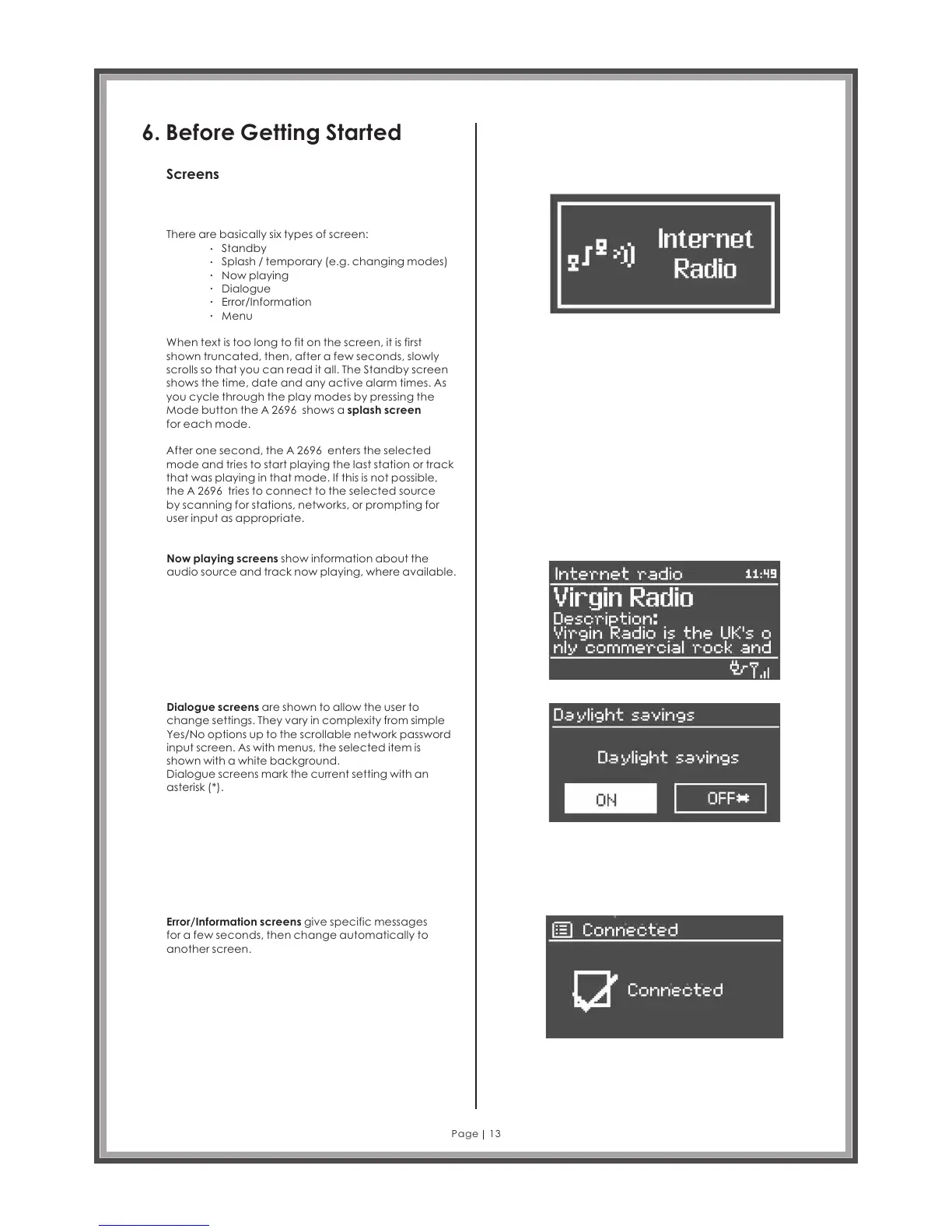
When text is too long to fit on the screen, it is first
shown truncated, then, after a few seconds, slowly
scrolls so that you can read it all. The Standby screen
shows the time, date and any active alarm times. As
you cycle through the play modes by pressing the
Mode button the A 2696 shows a
for each mode.
splash screen
After one second, the enters the selected
mode and tries to start playing the last station or track
that was playing in that mode. If this is not possible,
the A 2696 tries to connect to the selected source
by scanning for stations, networks, or prompting for
user input as appropriate.
A 2696
Now playing screens show information about the
audio source and track now playing, where available.
Dialogue screens are shown to allow the user to
change settings. They vary in complexity from simple
Yes/No options up to the scrollable network password
input screen. As with menus, the selected item is
shown with a white background.
Dialogue screens mark the current setting with an
asterisk (*).
Error/Information screens give specific messages
for a few seconds, then change automatically to
another screen.
Page 13
The screen shows various menus, dialogues and
displays, as described below.



 To Next Page