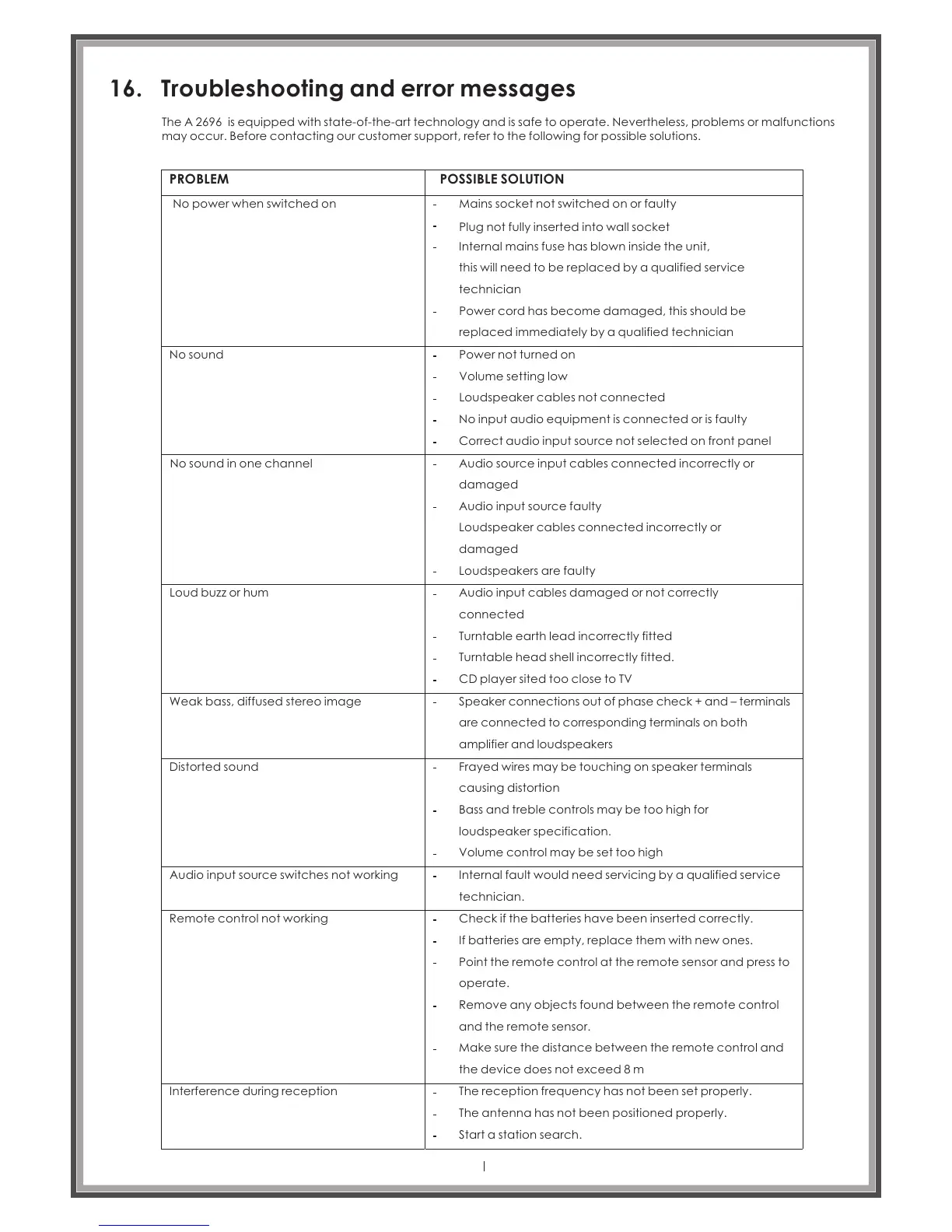
16. Troubleshooting and error messages
The is equipped with state-of-the-art technology and is safe to operate. Nevertheless, problems or malfunctions
may occur. Before contacting our customer support, refer to the following for possible solutions.
A 2696
PROBLEM
POSSIBLE SOLUTION
No power when switched on
Mains socket not switched on or faulty
Plug not fully inserted into wall socket
Internal mains fuse has blown inside the unit,
this will need to be replaced by a qualified service
technician
Power cord has become damaged, this should be
replaced immediately by a qualified technician
No sound
Power not turned on
Volume setting low
Loudspeaker cables not connected
No input audio equipment is connected or is faulty
Correct audio input source not selected on front panel
No sound in one channel
Audio source input cables connected incorrectly or
damaged
Audio input source faulty
Loudspeaker cables connected incorrectly or
damaged
Loudspeakers are faulty
Loud buzz or hum
Audio input cables damaged or not correctly
connected
Turntable earth lead incorrectly fitted
Turntable head shell incorrectly fitted.
CD player sited too close to TV
Weak bass, diffused stereo image
Speaker connections out of phase check + and – terminals
are connected to corresponding terminals on both
amplifier and loudspeakers
Distorted sound
Frayed wires may be touching on speaker terminals
causing distortion
Bass and treble controls may be too high for
loudspeaker specification.
Volume control may be set too high
Audio input source switches not working
Remote control not working
Internal fault would need servicing by a qualified service
technician.
Check if the batteries have been inserted correctly.
If batteries are empty, replace them with new ones.
Point the remote control at the remote sensor and press to
operate.
Remove any objects found between the remote control
and the remote sensor.
Make sure the distance between the remote control and
the device does not exceed 8 m
Interference during reception
The reception frequency has not been set properly.
The antenna has not been positioned properly.
Start a station search.
Page 44



 To Next Page