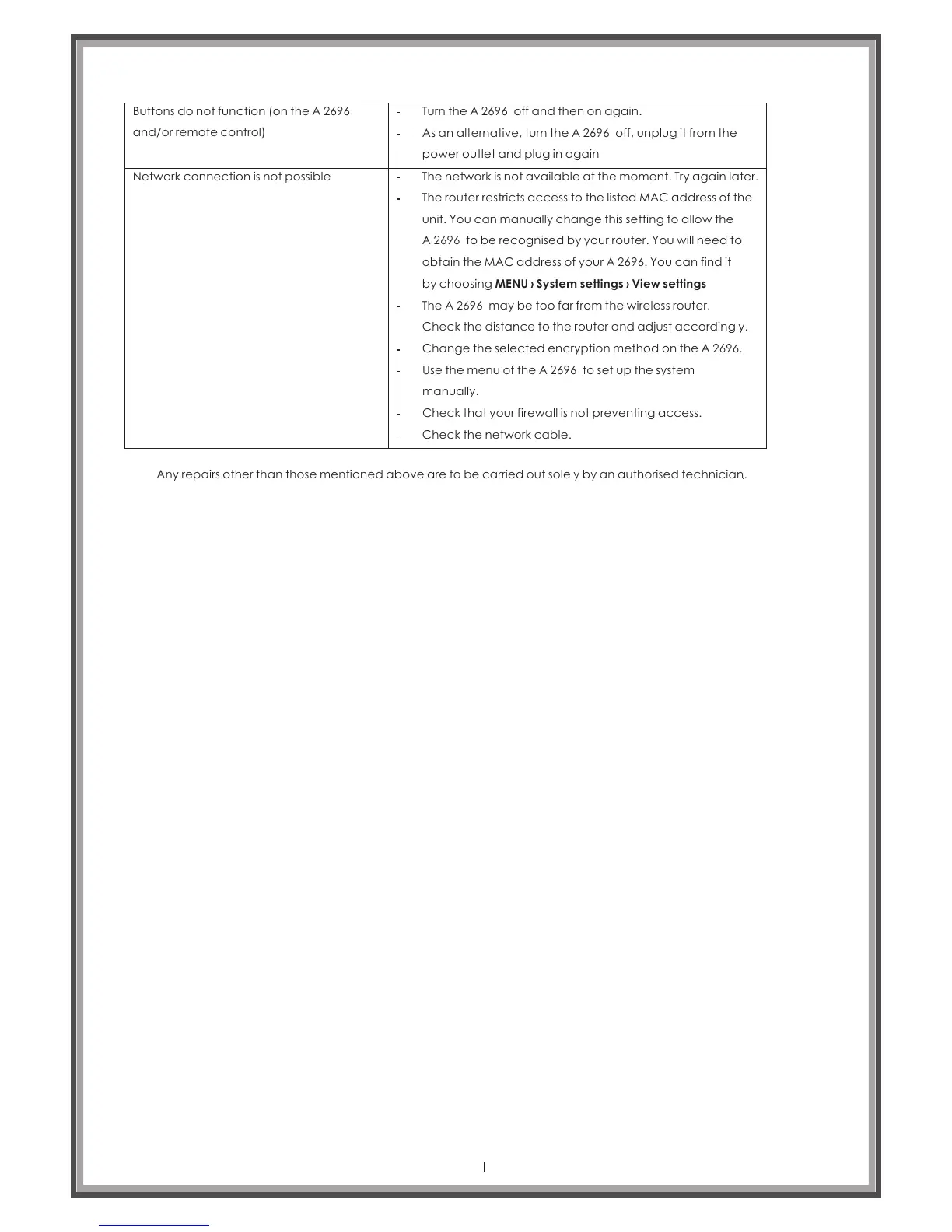
Buttons do not function (on the
and/or remote control)
A 2696
Network connection is not possible
Turn the off and then on again.A 2696
As an alternative, turn the off, unplug it from the
power outlet and plug in again
A 2696
The network is not available at the moment. Try again later.
The router restricts access to the listed MAC address of the
unit. You can manually change this setting to allow the
A 2696 to be recognised by your router. You will need to
obtain the MAC address of your A 2696. You can find it
by choosing MENU › System settings › View settings
The may be too far from the wireless router.
Check the distance to the router and adjust accordingly.
A 2696
Change the selected encryption method on the .A 2696
Use the menu of the to set up the system
manually.
A 2696
Check that your firewall is not preventing access.
Check the network cable.
Any repairs other than those mentioned above are to be carried out solely by an authorised technician.
Page 45



 To Next Page