8. Internet radio mode
The can play thousands of radio stations
and podcasts from around the world though a
broadband Internet connection.
A 2696
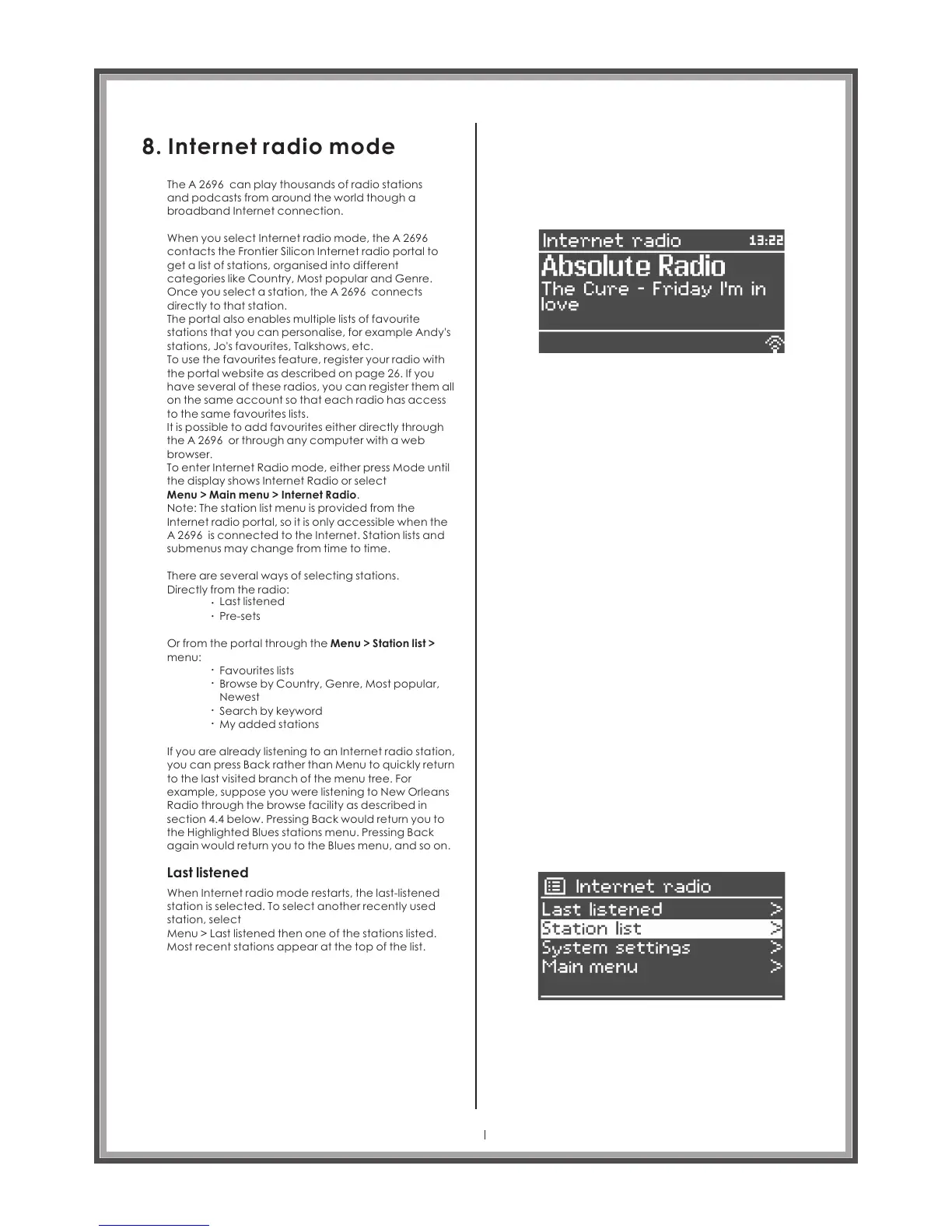
When you select Internet radio mode, the
contacts the Frontier Silicon Internet radio portal to
get a list of stations, organised into different
categories like Country, Most popular and Genre.
Once you select a station, the A 2696 connects
directly to that station.
The portal also enables multiple lists of favourite
stations that you can personalise, for example Andy's
stations, Jo's favourites, Talkshows, etc.
To use the favourites feature, register your radio with
the portal website as described on page 26. If you
have , you can register them all
on the same account so that each radio has access
to the same favourites lists.
It is possible to add favourites either directly through
the A 2696 or through any computer with a web
browser.
To enter Internet Radio mode, either press Mode until
the display shows Internet Radio or select
Menu > Main menu > Internet Radio.
A 2696
several of these radios
Note: The station list menu is provided from the
Internet radio portal, so it is only accessible when the
A 2696 is connected to the Internet. Station lists and
submenus may change from time to time.
There are several ways of selecting stations.
Directly from the radio:
Last listened
Pre-sets
.
.
Or from the portal through the Menu > Station list >
menu:
Favourites lists
Browse by Country, Genre, Most popular,
Newest
Search by keyword
My added stations
.
.
.
.
If you are already listening to an Internet radio station,
you can press Back rather than Menu to quickly return
to the last visited branch of the menu tree. For
example, suppose you were listening to New Orleans
Radio through the browse facility as described in
section 4.4 below. Pressing Back would return you to
the Highlighted Blues stations menu. Pressing Back
again would return you to the Blues menu, and so on.
Last listened
When Internet radio mode restarts, the last-listened
station is selected. To select another recently used
station, select
Menu > Last listened then one of the stations listed.
Most recent stations appear at the top of the list.
Page 22



 To Next Page