high dynamic range in a noisy environment (for
example, classical music while cooking).
To change the DRC of the A 2696, select
Menu > DRC, and then DRC high, DRC low or DRC off.
Note: The A 2696's DRC setting does have any
effect if DRC data is not included in the broadcast.
Station order
You can choose the order of the DAB station list to be
either Alphanumeric, Ensemble or Valid. Ensemble lists
groups of stations that are broadcast together on the
same ensemble, for example BBC or South Wales
local. Valid lists valid stations first, alphanumerically,
then off-air stations.
To change station order, select
Menu > Station order > then Alphanumeric, Ensemble
or Valid.
13. FM radio mode
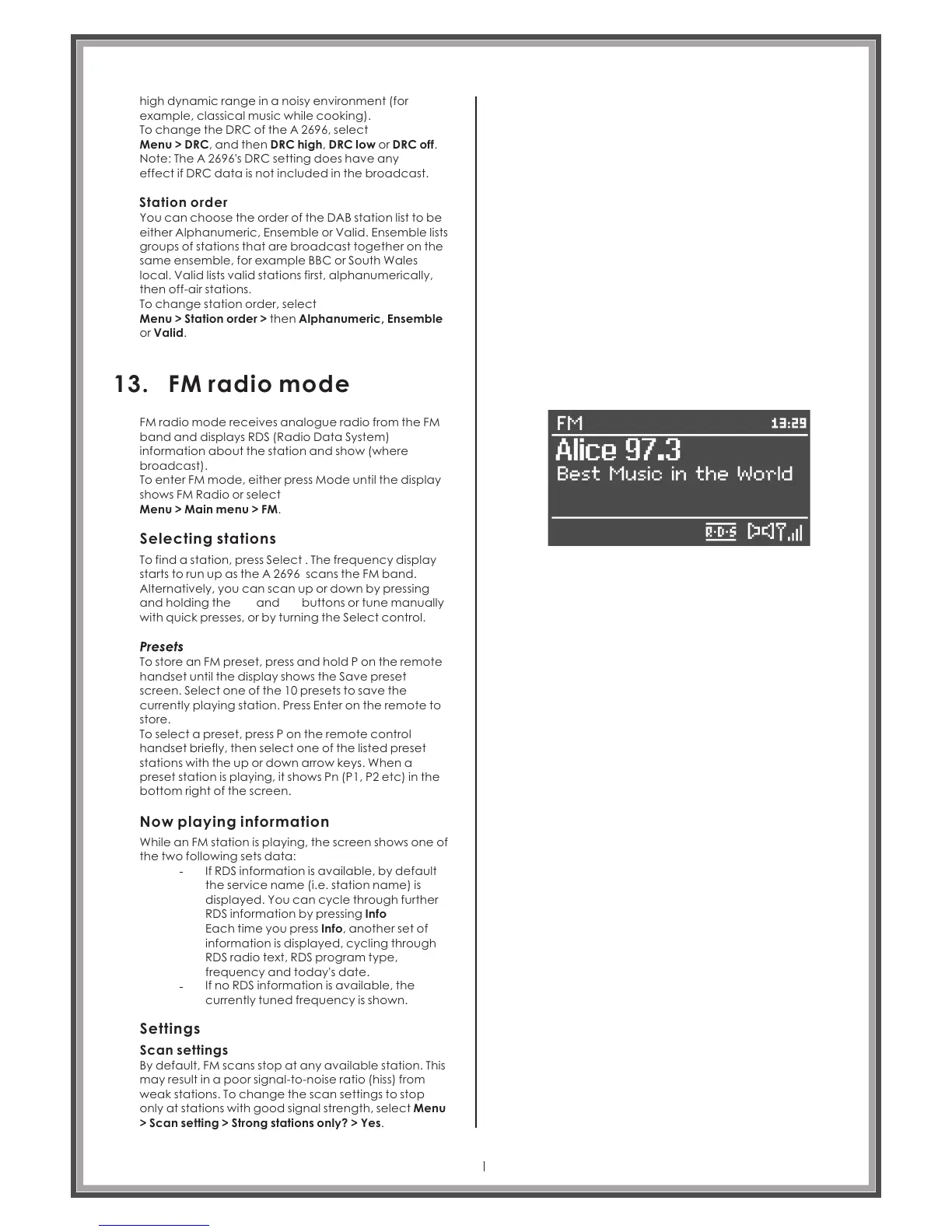
FM radio mode receives analogue radio from the FM
band and displays RDS (Radio Data System)
information about the station and show (where
broadcast).
To enter FM mode, either press Mode until the display
shows FM Radio or select
Menu > Main menu > FM.
Selecting stations
To find a station, press Select . The frequency display
starts to run up as the A 2696 scans the FM band.
Alternatively, you can scan up or down by pressing
and holding the and buttons or tune manually
with quick presses, or by turning the Select control.
To store an FM preset, press and hold P on the remote
handset until the display shows the Save preset
screen. Select one of the 10 presets to save the
currently playing station. Press Enter on the remote to
store.
To select a preset, press P on the remote control
handset briefly, then select one of the listed preset
stations with the up or down arrow keys. When a
preset station is playing, it shows Pn (P1, P2 etc) in the
bottom right of the screen.
Now playing information
While an FM station is playing, the screen shows one of
the two following sets data:
If RDS information is available, by default
the service name (i.e. station name) is
displayed. You can cycle through further
RDS information by pressing Info
Each time you press Info, another set of
information is displayed, cycling through
RDS radio text, RDS program type,
frequency and today's date.
If no RDS information is available, the
currently tuned frequency is shown.
Settings
Scan settings
By default, FM scans stop at any available station. This
may result in a poor signal-to-noise ratio (hiss) from
weak stations. To change the scan settings to stop
only at stations with good signal strength, select Menu
> Scan setting > Strong stations only? > Yes.
Page 33



 To Next Page