Other settings
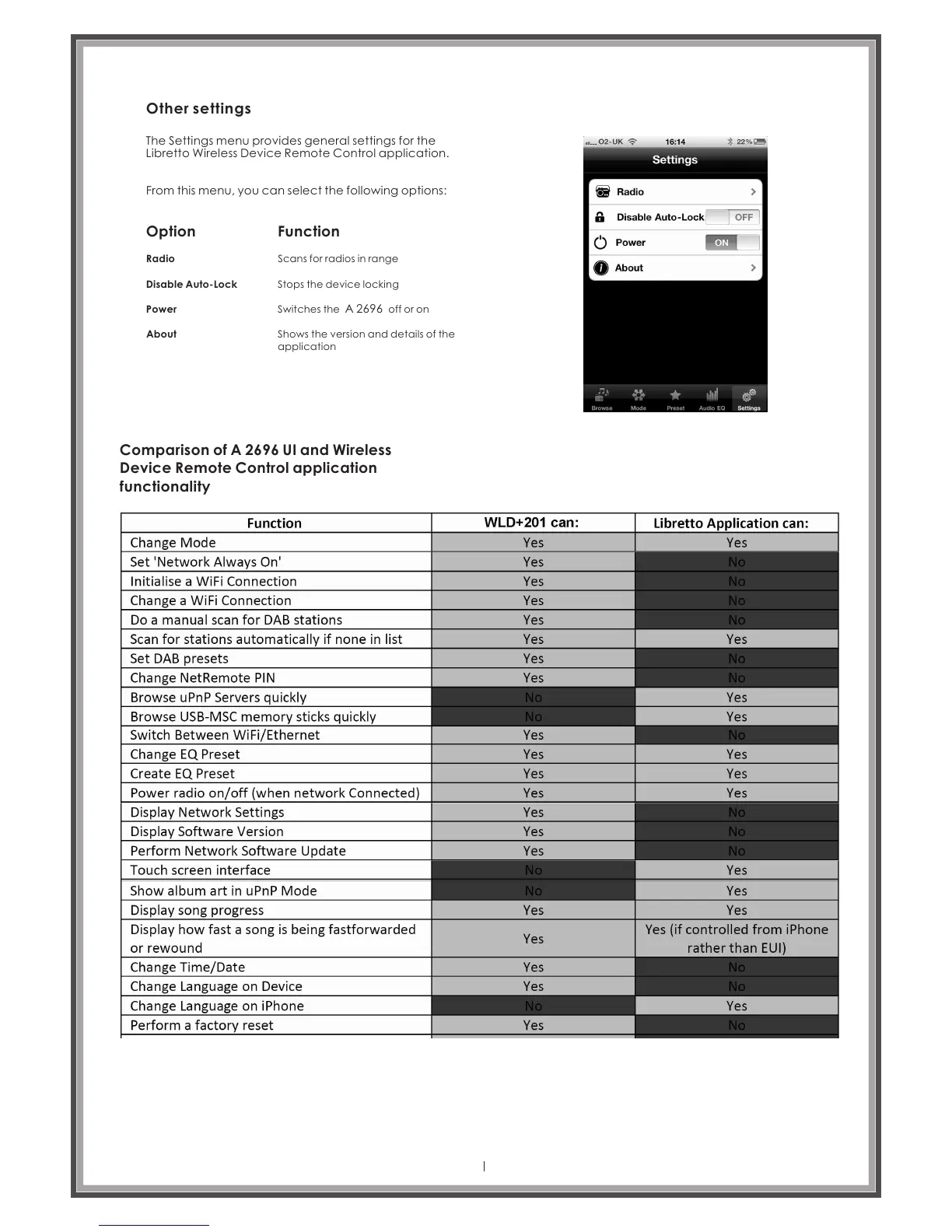
The Settings menu provides general settings for the
Libretto Wireless Device Remote Control application.
From this menu, you can select the following options:
Option
Function
Radio
Disable Auto-Lock
Power
About
Scans for radios in range
Stops the device locking
Switches the off or on A 2696
Shows the version and details of the
application
Comparison of A 2696 UI and Wireless
Device Remote Control application
functionality
Page 42



 To Next Page