7. Getting Started
Although the is sophisticated, getting
started is simple. After connecting your system to the
speakers, to play DAB or FM radio, all you need is a
power source (a 220~240 V mains supply).
A 2696
For Music Player mode, you need either a USB stick
containing compatible music files or a wired or
wireless Ethernet network and a UPnP music server
(e.g. a PC or a network attached storage (NAS) drive
containing your music library). For Internet-connected
modes such as Internet radio you also need a
broadband Internet connection.
Setup wizard
When the is started for the first time, it runs
through a setup wizard to configure settings for
date/time and network. Once this has finished, the
system is ready to use in most modes.
A 2696
Note: To change these settings later, select
Menu > System settings >.
To run the setup wizard again, select
Menu > System settings > Setup wizard.
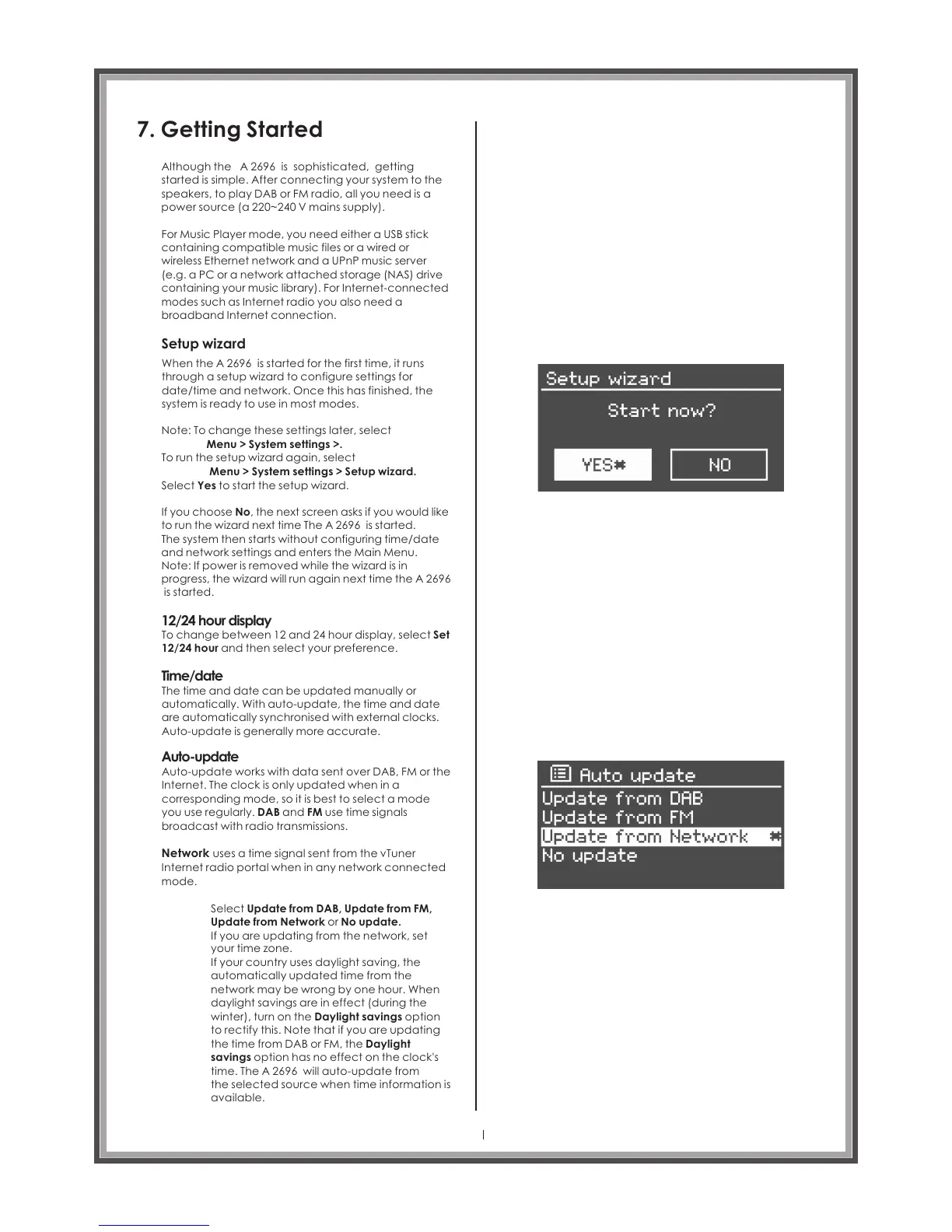
Select Yes to start the setup wizard.
If you choose No, the next screen asks if you would like
to run the wizard next time The A 2696 is started.
The system then starts without configuring time/date
and network settings and enters the Main Menu.
Note: If power is removed while the wizard is in
progress, the wizard will run again next time the A 2696
is started.
12/24 hour display
Time/date
Auto-update
To change between 12 and 24 hour display, select Set
12/24 hour and then select your preference.
The time and date can be updated manually or
automatically. With auto-update, the time and date
are automatically synchronised with external clocks.
Auto-update is generally more accurate.
Auto-update works with data sent over DAB, FM or the
Internet. The clock is only updated when in a
corresponding mode, so it is best to select a mode
you use regularly. DAB and FM use time signals
broadcast with radio transmissions.
Network uses a time signal sent from the vTuner
Internet radio portal when in any network connected
mode.
Select Update from DAB, Update from FM,
Update from Network or No update.
If you are updating from the network, set
your time zone.
If your country uses daylight saving, the
automatically updated time from the
network may be wrong by one hour. When
daylight savings are in effect (during the
winter), turn on the Daylight savings option
to rectify this. Note that if you are updating
the time from DAB or FM, the Daylight
savings option has no effect on the clock's
time. The A 2696 will auto-update from
the selected source when time information is
available.
Page 16



 To Next Page