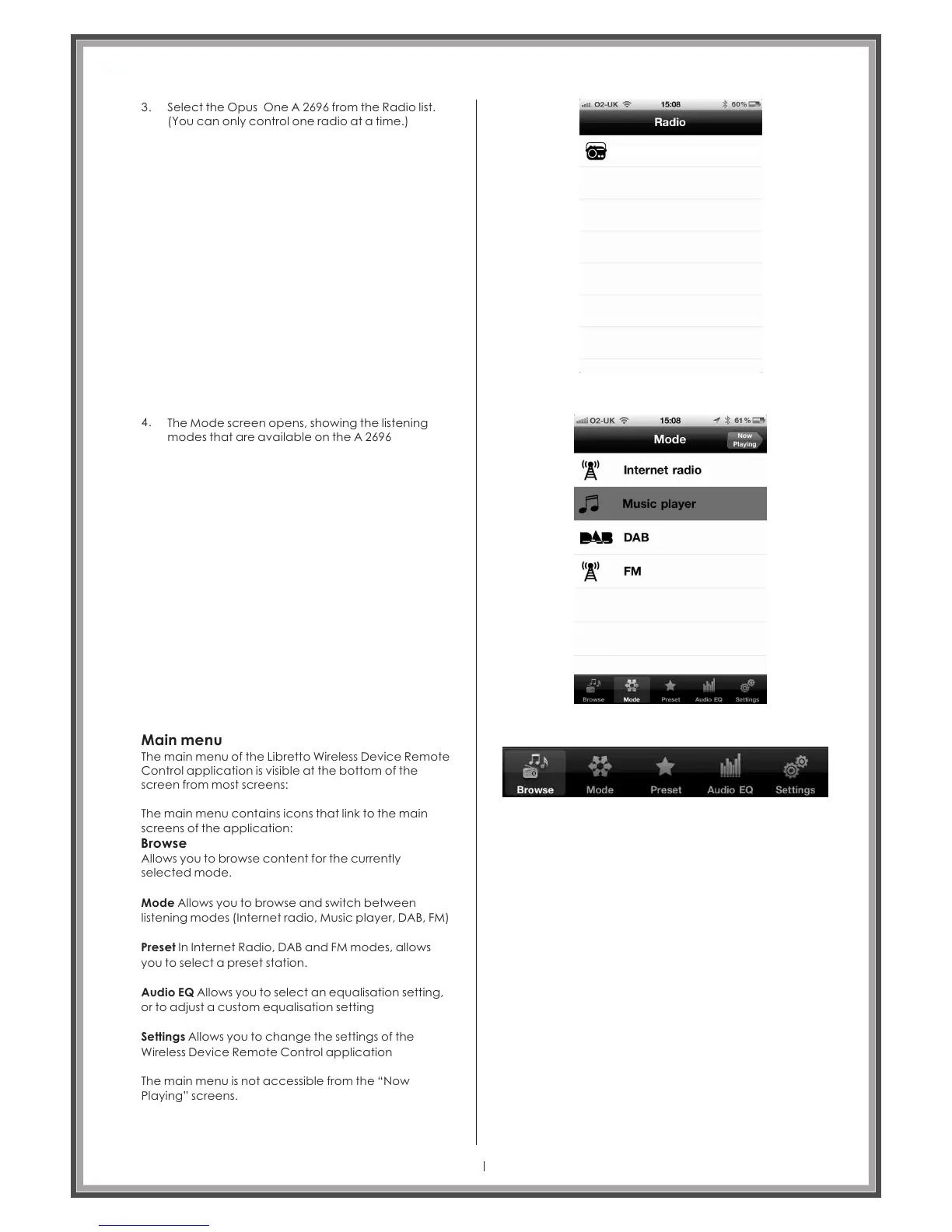
Select the Opus One from the Radio list.
(You can only control one radio at a time.)
A 2696
3.
4.
The Mode screen opens, showing the listening
modes that are available on the A 2696
Main menu
The main menu of the Libretto Wireless Device Remote
Control application is visible at the bottom of the
screen from most screens:
The main menu contains icons that link to the main
screens of the application:
Browse
Allows you to browse content for the currently
selected mode.
Mode Allows you to browse and switch between
listening modes (Internet radio, Music player, DAB, FM)
Preset In Internet Radio, DAB and FM modes, allows
you to select a preset station.
Audio EQ Allows you to select an equalisation setting,
or to adjust a custom equalisation setting
Settings Allows you to change the settings of the
Wireless Device Remote Control application
The main menu is not accessible from the “Now
Playing” screens.
Page 36
Opus One A 2696



 To Next Page