Now playing information
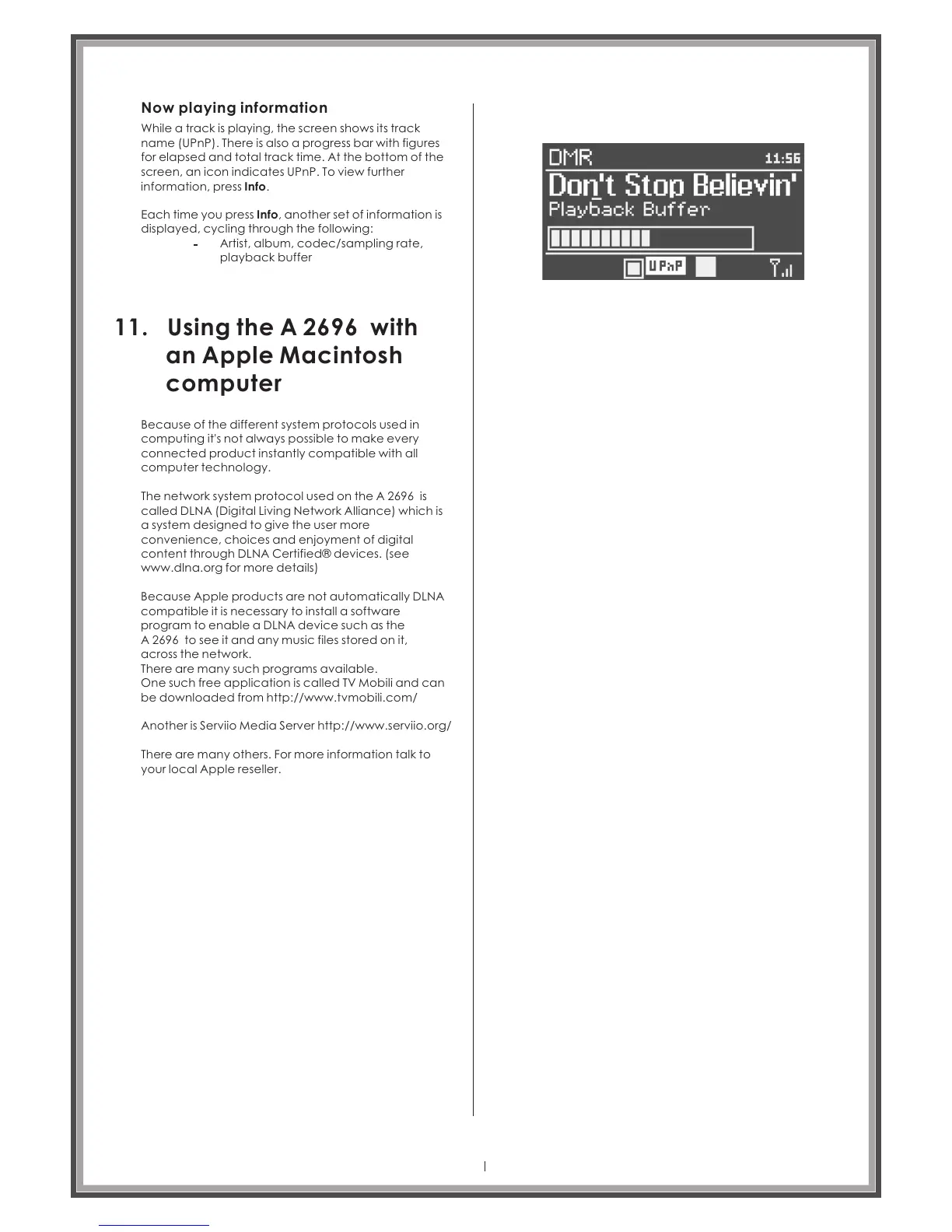
While a track is playing, the screen shows its track
name (UPnP). There is also a progress bar with figures
for elapsed and total track time. At the bottom of the
screen, an icon indicates UPnP. To view further
information, press Info.
Each time you press Info, another set of information is
displayed, cycling through the following:
Artist, album, codec/sampling rate,
playback buffer
11. Using the A 2696 with
an Apple Macintosh
computer
Because of the different system protocols used in
computing it's not always possible to make every
connected product instantly compatible with all
computer technology.
The network system protocol used on the is
called DLNA (Digital Living Network Alliance) which is
a system designed to give the user more
convenience, choices and enjoyment of digital
content through DLNA Certified® devices. (see
www.dlna.org for more details)
A 2696
Because Apple products are not automatically DLNA
compatible it is necessary to install a software
program to enable a DLNA device such as the
A 2696 to see it and any music files stored on it,
across the network.
There are many such programs available.
One such free application is called TV Mobili and can
be downloaded from http://www.tvmobili.com/
Another is Serviio Media Server http://www.serviio.org/
There are many others. For more information talk to
your local Apple reseller.
Page 31



 To Next Page