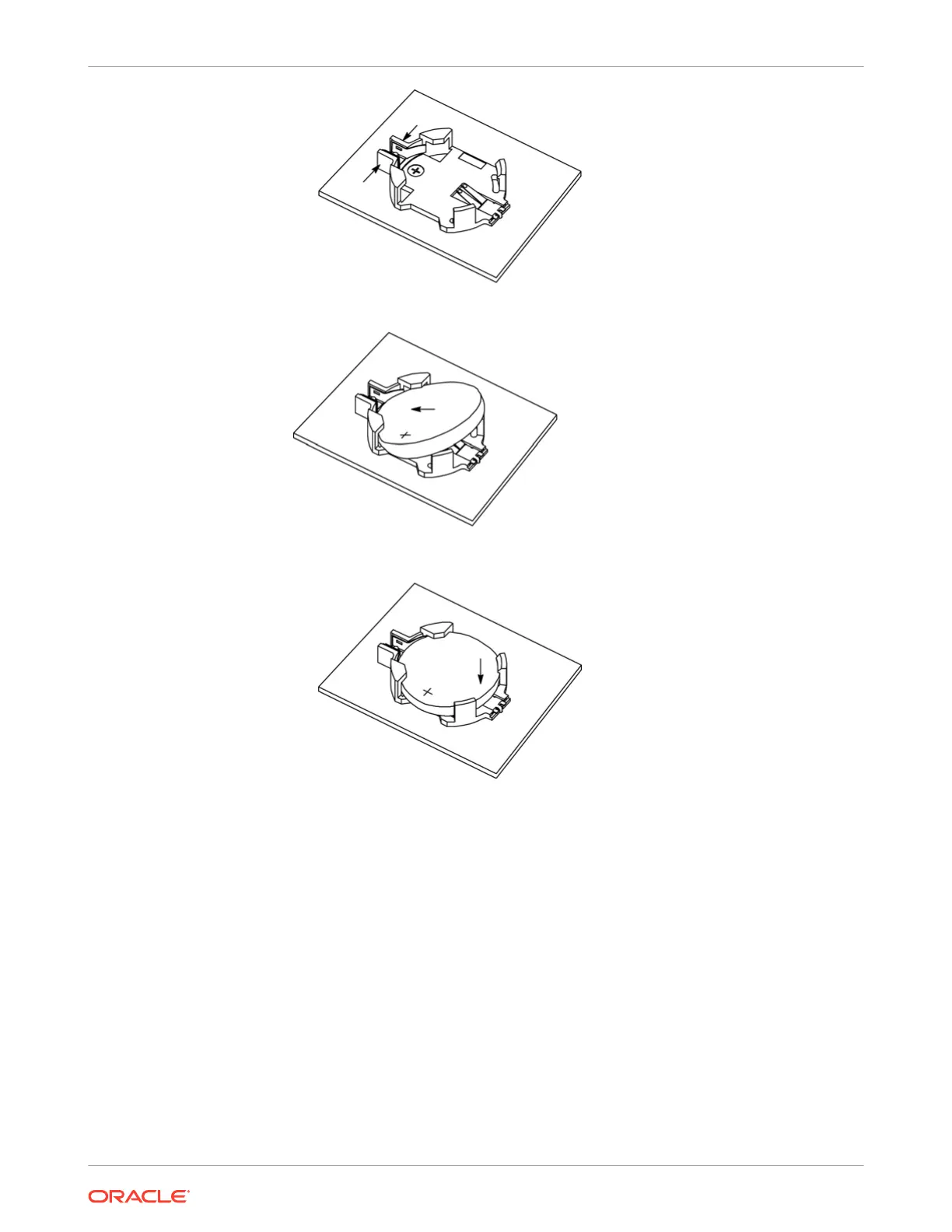
• Press the new battery into the battery retainer with the positive side (+) facing up.
3. Install the server top cover.
See Install the Server Top Cover.
4. Return the server to the normal rack position.
See Return the Server to the Normal Rack Position.
5. Reconnect the power cords to the server power supplies, and power on the server.
See Reconnect Power and Data Cables and Power On the Server.
6. Verify that the System OK LED indicator is lit.
Chapter 4
Replacing the Battery
4-16















 To Next Page