© Orbotech 2005 Symbion™ Programmer Guide 37
Draft - Confidential
Fiducial Setup (Fiducials not in CAD)
When Fiducials are not included in the CAD data extreme care must be taken
with the previous step Background Image Alignment.
If a satisfactory alignment cannot be achieved at this stage (for
example no defined packages) add the Fiducials and repeat this
step later by clicking
at any time
• Position the Graphic editor so the area to which the Fiducial should be
added is clearly visible
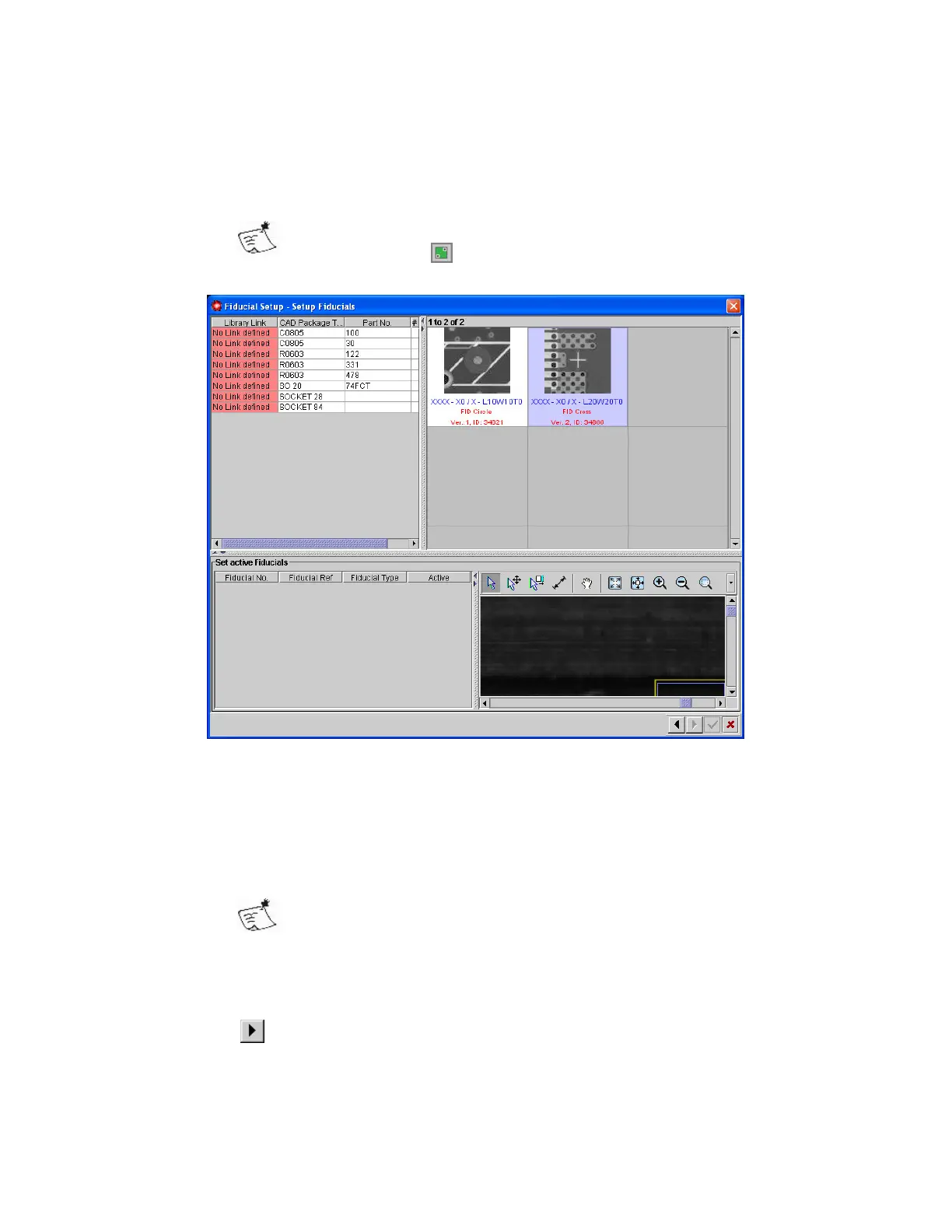
• Select a suitable Fiducial shape from those available in the right of the
panel
• Drag the Fiducial from the Panel to the Graphic Editor
Use the Graphic editing tools Move / Resize to position and size
the Fiducial correctly.
The Fiducials will be listed in the bottom left of the panel.
• Make two of the Fiducials active by clicking the checkbox in the Active
column
• Click
to continue to the next step
• Click Yes to confirm saving the Fiducial definitions



 To Next Page