88 Symbion™ Programmer Guide © Orbotech 2005
Draft - Confidential
OCV Macro
The Macro may be used to perform Optical Character Verification (OCV) in
which the text to be inspected is compared with a stored image.
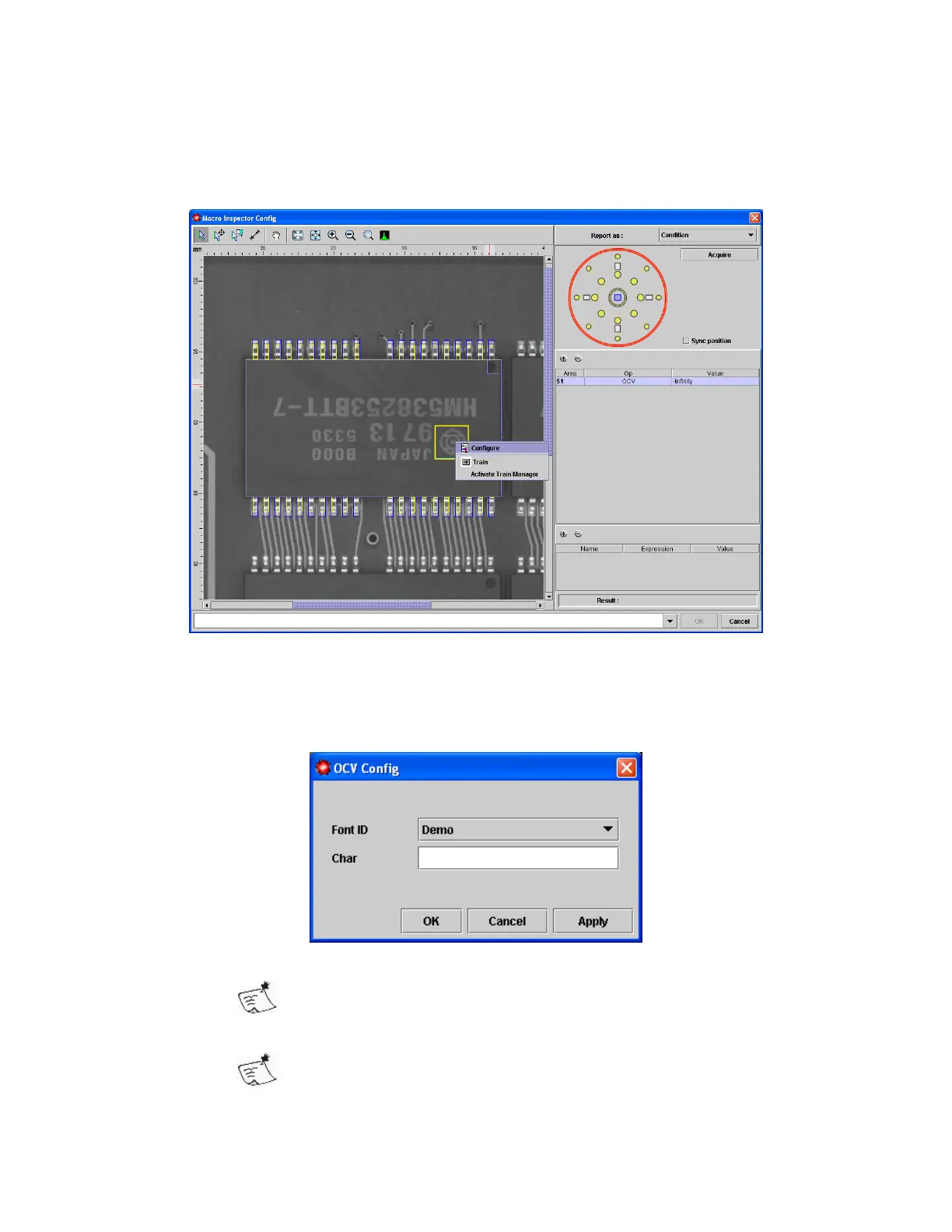
To setup an OCV macro
• Add an OCV area to the Macro
• Select Configure from the context menu
• Select the Font ID to be used
This will use the same Trained font as OCR
•
Enter the Char to correspond with this image
This can be one or more characters, space is not allowed



 To Next Page