© Orbotech 2005 Symbion™ Programmer Guide 89
Draft - Confidential
•
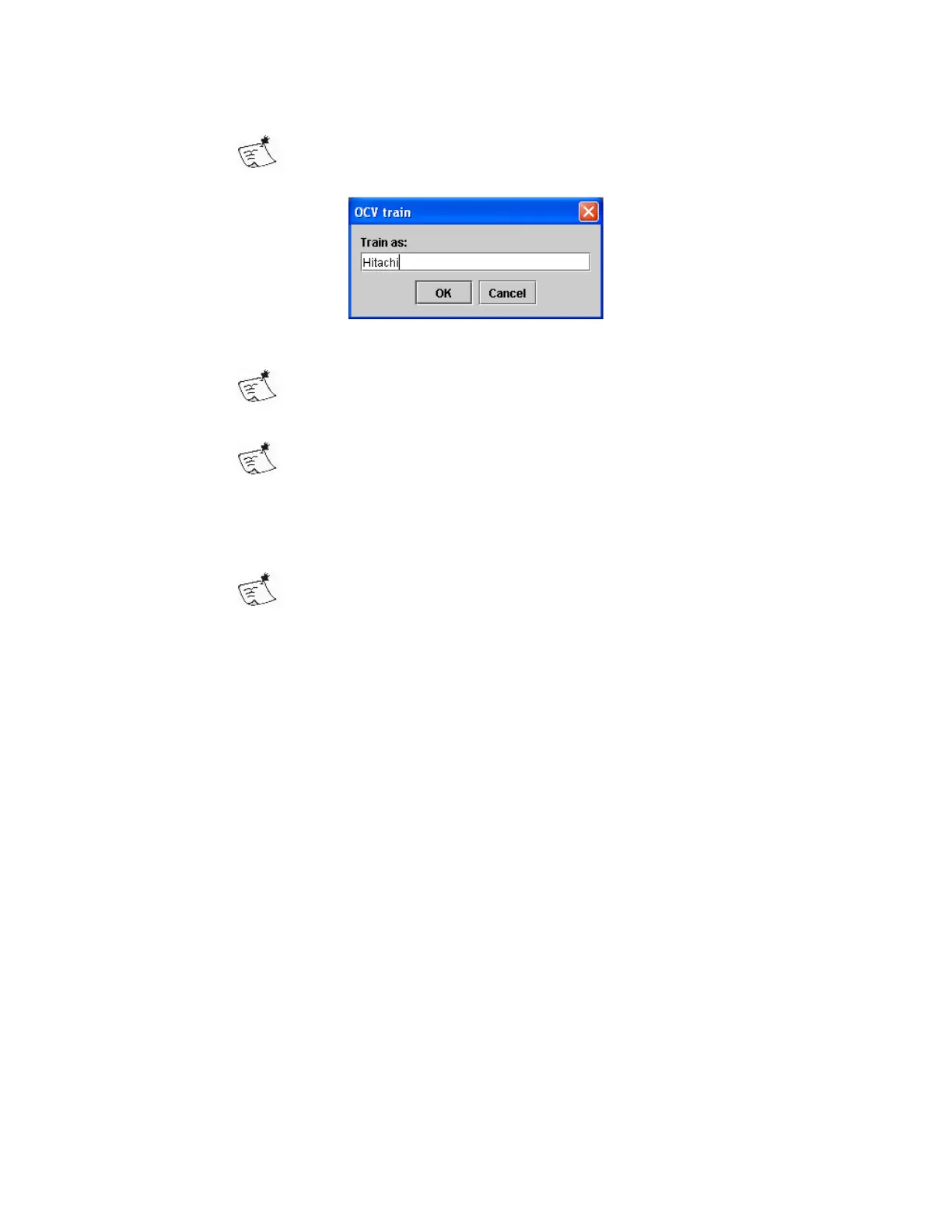
Select Train from the context menu
This can be one or more characters, space is not allowed
• Enter the text contained in the area and click OK
An image will be added to the Font ID as this text
• Create an expression to evaluate the result of the match
The result is a measurement of the match between the stored
example and that of the inspected component
To manage the stored examples;
• Select Activate Train Manager from the context menu
The Train Manager is common to the OCR engine, see OCR
Training Manager for more details



 To Next Page