78 Symbion™ Programmer Guide © Orbotech 2005
Draft - Confidential
OCR Training Manager
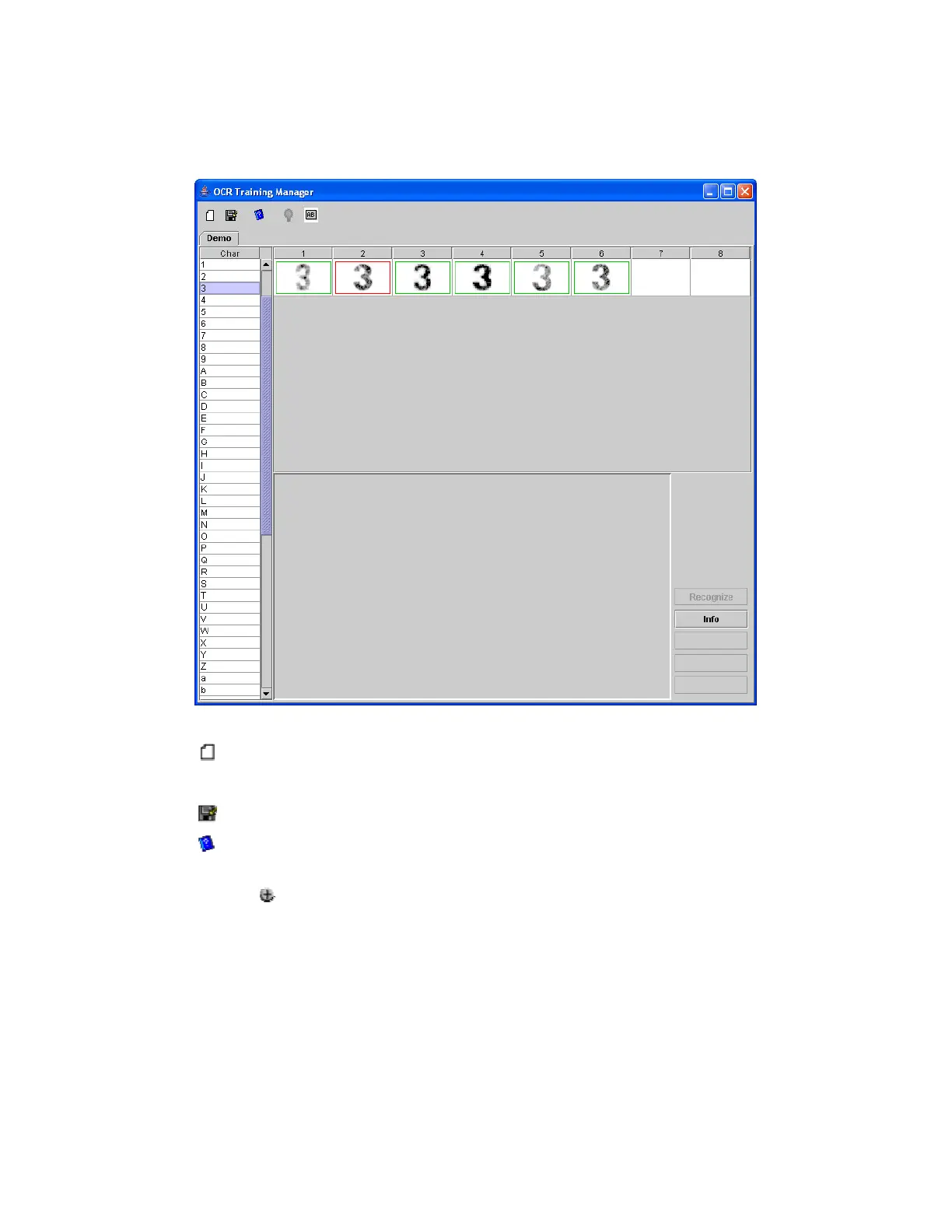
Each FontId that is created is shown as a tab in the OCR Training Manager.
The Training Manager supports the following functions;
• Create a new Font
Enter the name to be used in the dialog and click OK to create the Font.
• Save all Fonts to the database
• Review and edit plausible pairs
Displays a list of plausible pairs, the list can be updated in the dialog by
clicking and editing the fields
• Display information for a specific character
• Analyze the stored examples with the standard engine
Characters correctly recognized by the OCR Engine (without training) are
marked Green. Unrecognized characters are marked red, characters for
which a plausible pair exists are marked yellow.
• Verify the recognition of an individual character
Analyzes an individual character.



 To Next Page