© Orbotech 2005 Symbion™ Programmer Guide 77
Draft - Confidential
Training Characters
Any characters that are unrecognized by the OCR Engine may be trained.
During Training a FontId is created, that may be re-used for subsequent
inspections.
To train a character;
• In the FontId field double click to select an existing font or type in the
name to be used to create a new font
Fonts once created may be reused in any recipe. It is useful to
name the fonts for the device vendor
• Select the character to be trained
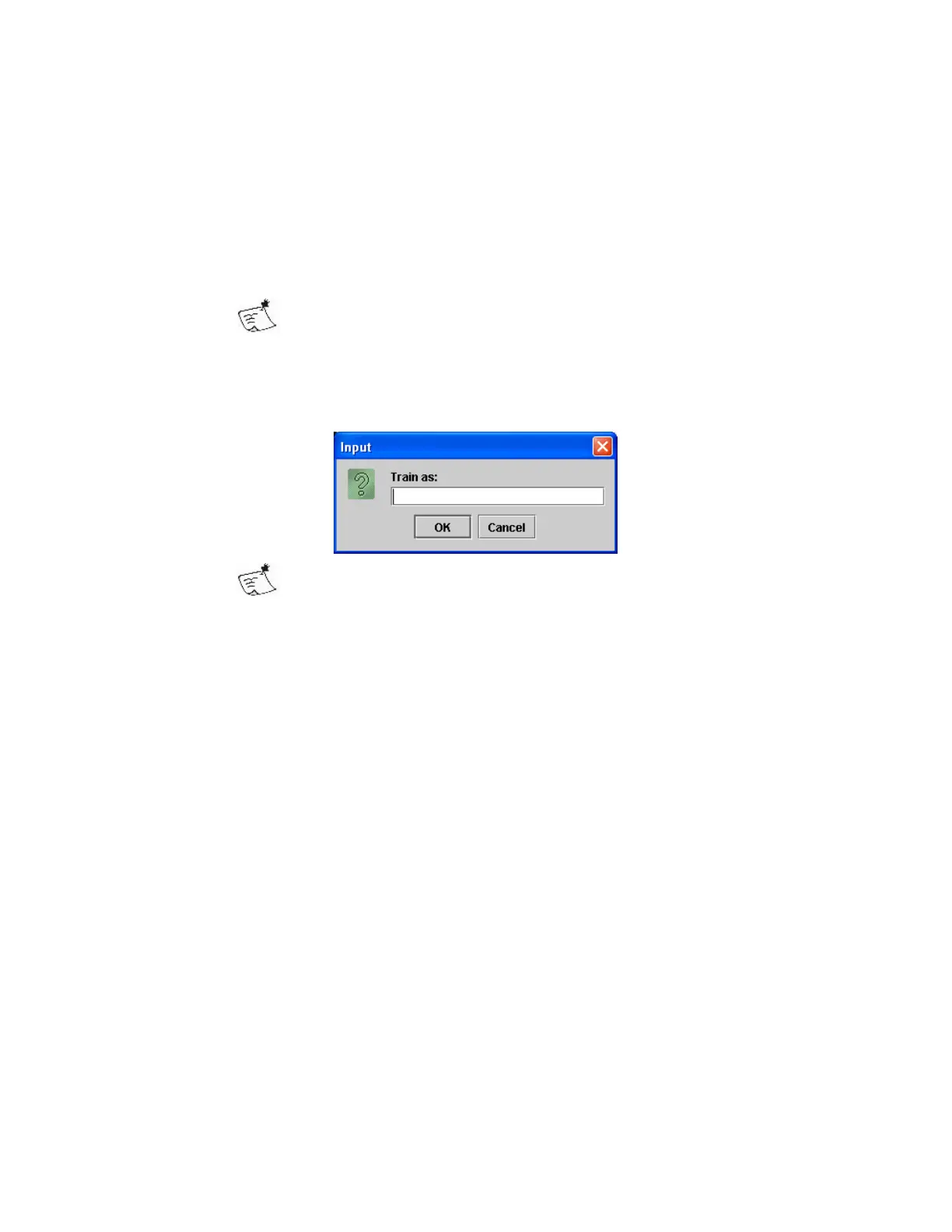
• Right click, and select Train from the context menu
• In the dialog enter the text to be read for this character
For symbols, such as © multiple characters may be entered,
such that this is read as (c) or copyright
To manage Fonts;
• Click on Train Manager
The Training Manager opens (see OCR Training Manager)


 To Next Page