© Orbotech 2005 Symbion™ Programmer Guide 33
Draft - Confidential
Board Geometry
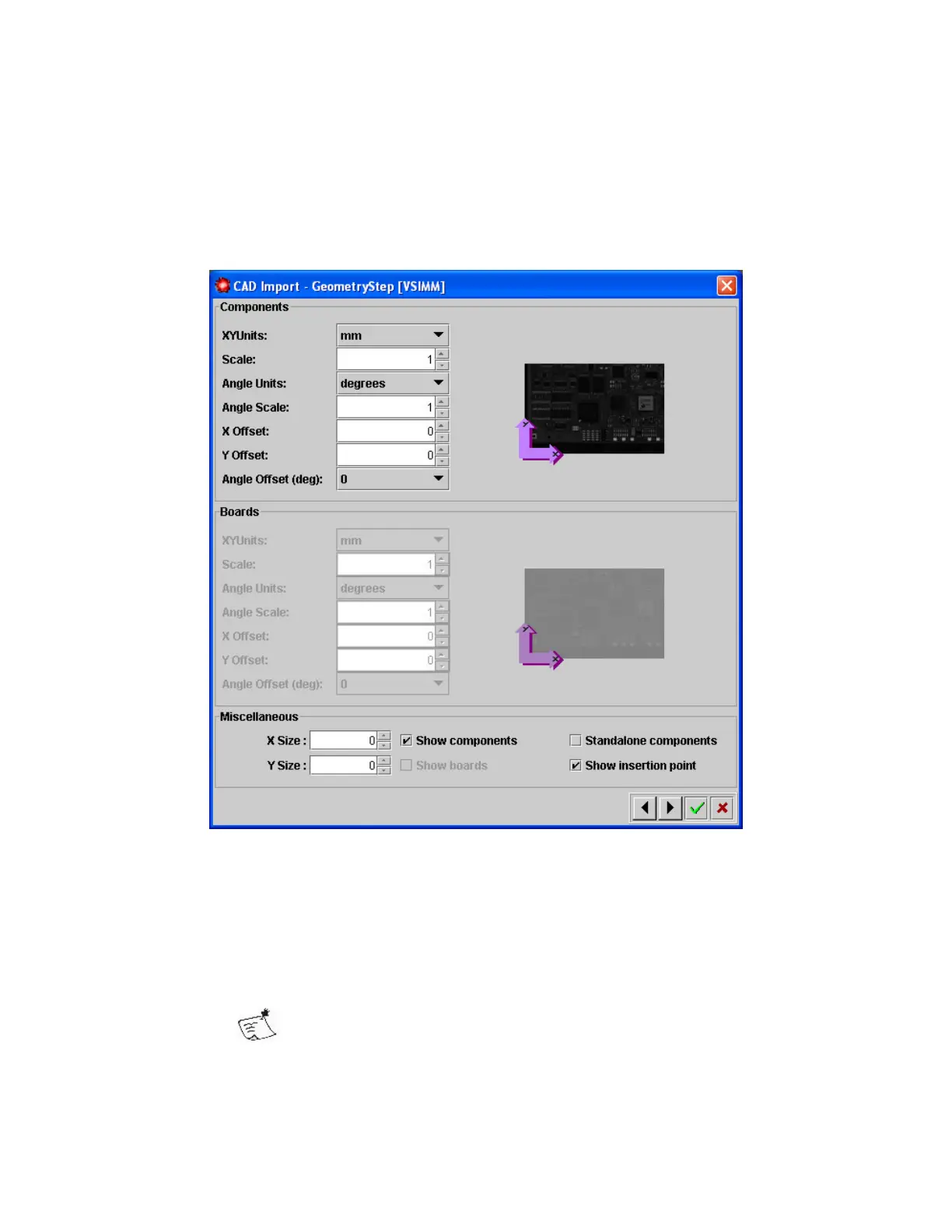
Now the format of the CAD data is defined. The component locations will be
added to the recipe.
Verify the orientation of the components with respect to the background
image.
Within the Geometry dialog the following can be specified
• Units for the co-ordinate data (select inch or mm from the drop down list)
o Scale for the selected unit (e.g. 1.0, 0.1, 0.01)
• Units for the orientation data (select from degrees or radians)
o Scale for the selected unit, for example 90 when CAD contains
orientations 1, 2, 3, 4.
Setting the angle scale negatively (for example -1) should be
used when orientation data is Counter Clockwise



 To Next Page