82 Symbion™ Programmer Guide © Orbotech 2005
Draft - Confidential
Configure a Macro
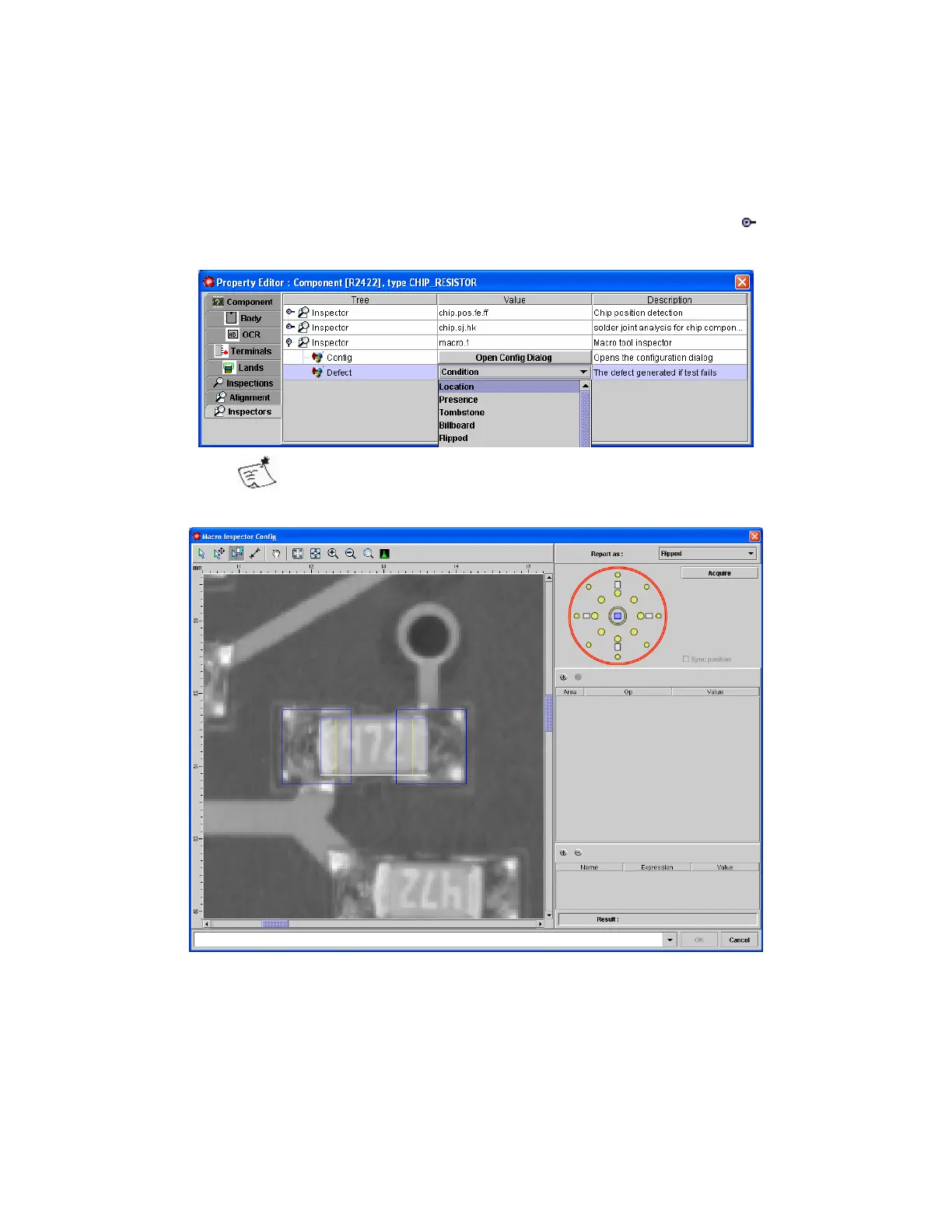
To configure a macro inspector on a component;
• In the Inspectors tab, click on the inspector and open it by clicking on
• Select the Defect to be reported when the test fails
Only Inspections supported by the Inspection Type of the
component are available.
• Click the Open Config Dialog button



 To Next Page