KSCAN
SPECIFICATION FUNCTION
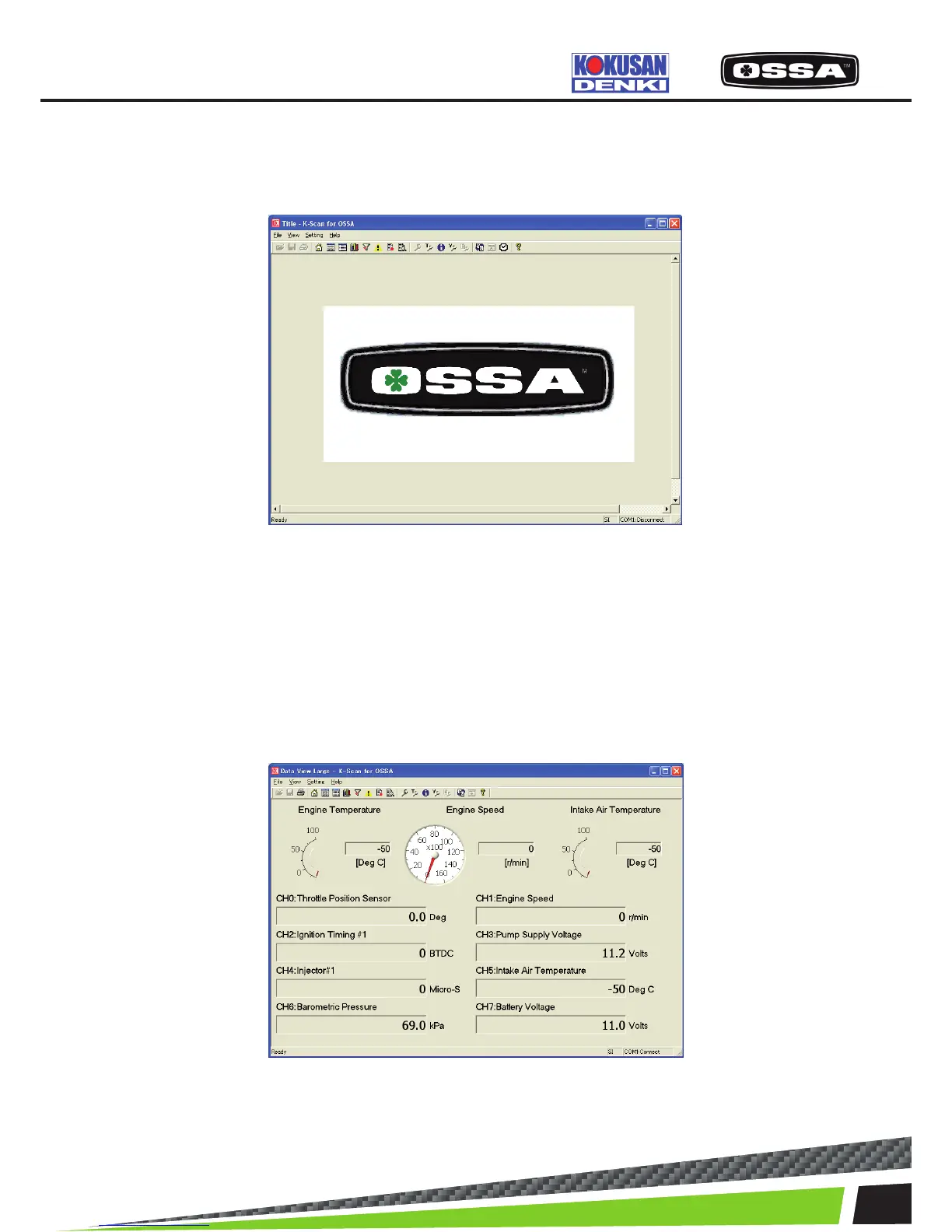
Title View
This is the start screen of the application.
Figure 2 Title View Screen
Data View Large
This screen is to display sensor values of 8 Data Items and 3 xed Data Items. 3 xed Data Items, En-
gine Temperature, Engine Speed and Intake Air Temperature, are displayed by meters and values. You
can select 8 Data Items using Select Data Items Dialog that is shown by clicking View Setting menu,
or toolbar button. If a selected Data Item does exist on ECU, ‘No Item’ will be shown. The application
remembers selected Data Items and save it to the setting le when you exit application. Engine Speed
meter is updated by 0.1 seconds and other Data Items are update by 0.5 seconds.
Figure 3 Data View Large Screen



 To Next Page